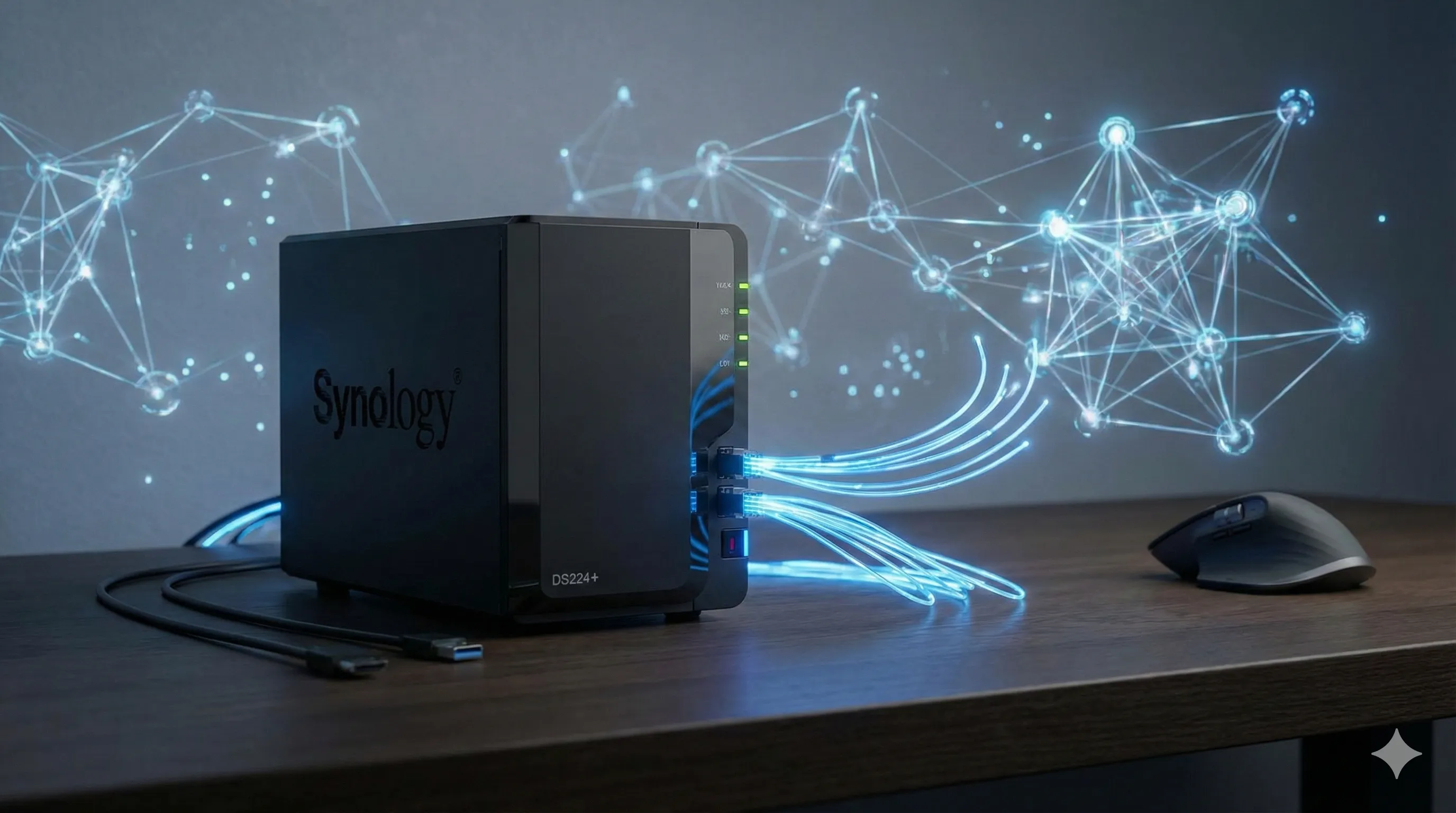
Key Takeaways: Why the DS224+ is the Ultimate AI Hub
As we navigate the complexity of 2026, the Synology DS224+ transcends the definition of a simple storage device. It is a sovereign engine for your digital life.
- The Core: Intel Celeron J4125 4-core CPU—verified stability for intensive multitasking and AI-driven background tasks.
- Expansion: Support for 6GB RAM is the "Golden Ticket" for running local AI agents and Docker-based data analysis tools.
- The Shield: Btrfs file system with immutable snapshots—your data is immune to silent corruption and ransomware.
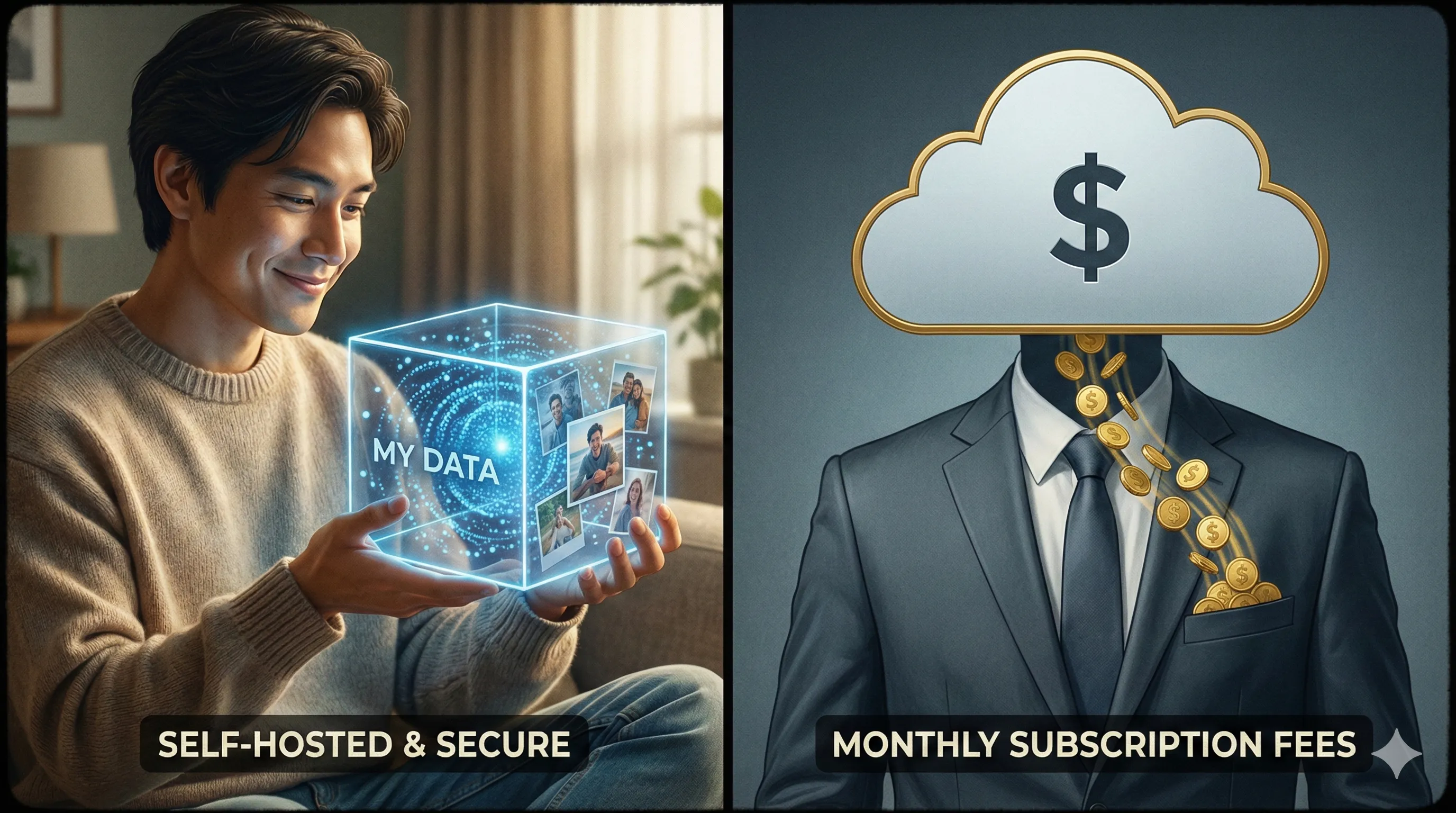
- Independence: 100% ownership of your AI training data, creative assets, and personal memories with zero monthly rent.
In an age where your personal data is the currency used to train global AI models, privacy is power.
The DS224+ allows you to build a personal "Creative Fortress" that performs inference locally, stores terabytes of high-res generative art, and keeps your private life off-limits to corporate scrapers.
This guide covers everything from unboxing to mastering your local AI cloud.
Honest Verdict: Who Should Buy and Who Should Skip?
| The Champion | The Use Case | The Skeptic |
|---|---|---|
| AI Artists | Storing 50,000+ RAW Stable Diffusion outputs and managing iterative prompts locally. | Hardware Agnostics: If you don't mind monthly fees and trust third-party security implicitly. |
| Small Studios | Collaborative file syncing across 3-5 users with 2Gbps speeds via Link Aggregation. | Enterprise Seekers: If you need 10GbE or more than 2 drive bays, look at the DS923+. |
| Self-Hosters | Deploying 24/7 automation bots, private LLM APIs, and home-lab development environments. | Extreme Minimalists: If your total digital life fits on a 128GB thumb drive. |
1. The Hardware Symphony: Built for Endurance
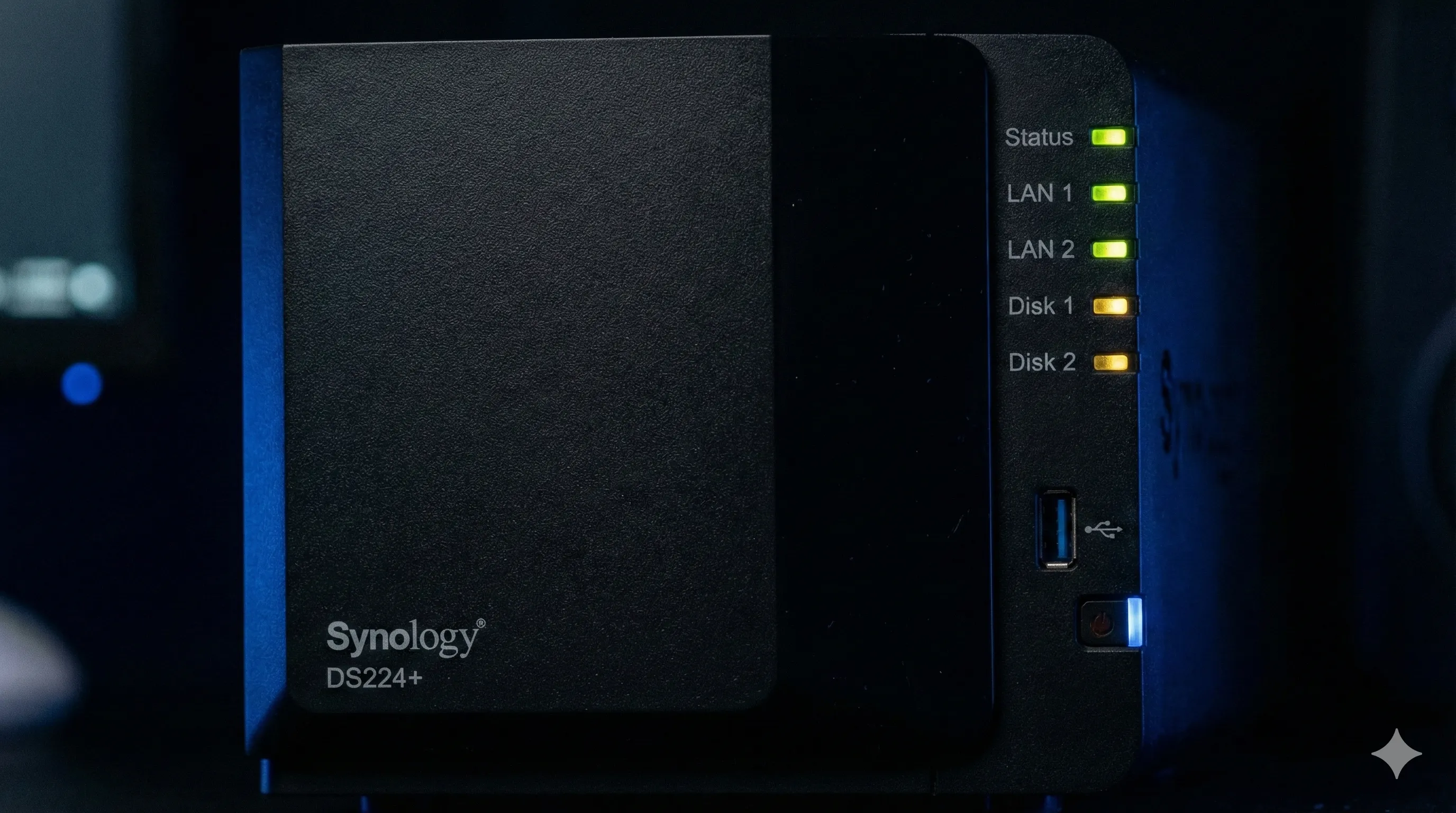
The DS224+ is engineered as an **Edge Computing Node**.
Its hardware isn't just about speed; it’s about the synergy between energy efficiency and continuous uptime.
| Component | Specification | Why it matters for AI |
|---|---|---|
| Processor | Intel Celeron J4125 (4-core, 2.7GHz) | Prevents bottlenecking when multiple Docker containers are syncing AI data. |
| Memory | 6GB Expandable (DDR4) | Allows hosting Local LLMs (quantized) and vector databases for RAG workflows. |
| File System | Btrfs Self-Healing | Critical for AI artists—protects massive image datasets from "Bit Rot" over time. |
| Networking | Dual 1GbE (Link Aggregation) | Smooths out the transfer of 50GB model weights between your PC and the NAS. |
While 2GB RAM is the "official" base, you should treat it as 6GB.
Adding a 4GB RAM module is a 5-minute task that doubles the NAS's IQ for multitasking.
2. Mastering Your Private Cloud: A Step-by-Step Guide
Using a Synology NAS is designed to be intuitive, but for AI workloads, a systematic setup is key to performance.
Step 1: Physical Setup & Disk Management
Insert two identical NAS-grade drives (WD Red Plus or Seagate IronWolf recommended).
During the first boot, choose **SHR (Synology Hybrid RAID)**. This ensures if one drive fails, your data remains perfectly safe.
Step 2: Activating the AI Brain (Container Manager)
Go to the Package Center and install **Container Manager**.
This is Synology's specialized Docker interface. It allows you to download "Images" of AI tools and run them as isolated "Containers."
Step 3: Private AI Deployment
Launch your first local tool. Whether it's a Jupyter notebook for Python scripting or a local LLM API, the setup is code-minimal:
# Deploying a Local-AI API instance
docker run -p 8080:8080 --name my-private-ai localai/localai:latest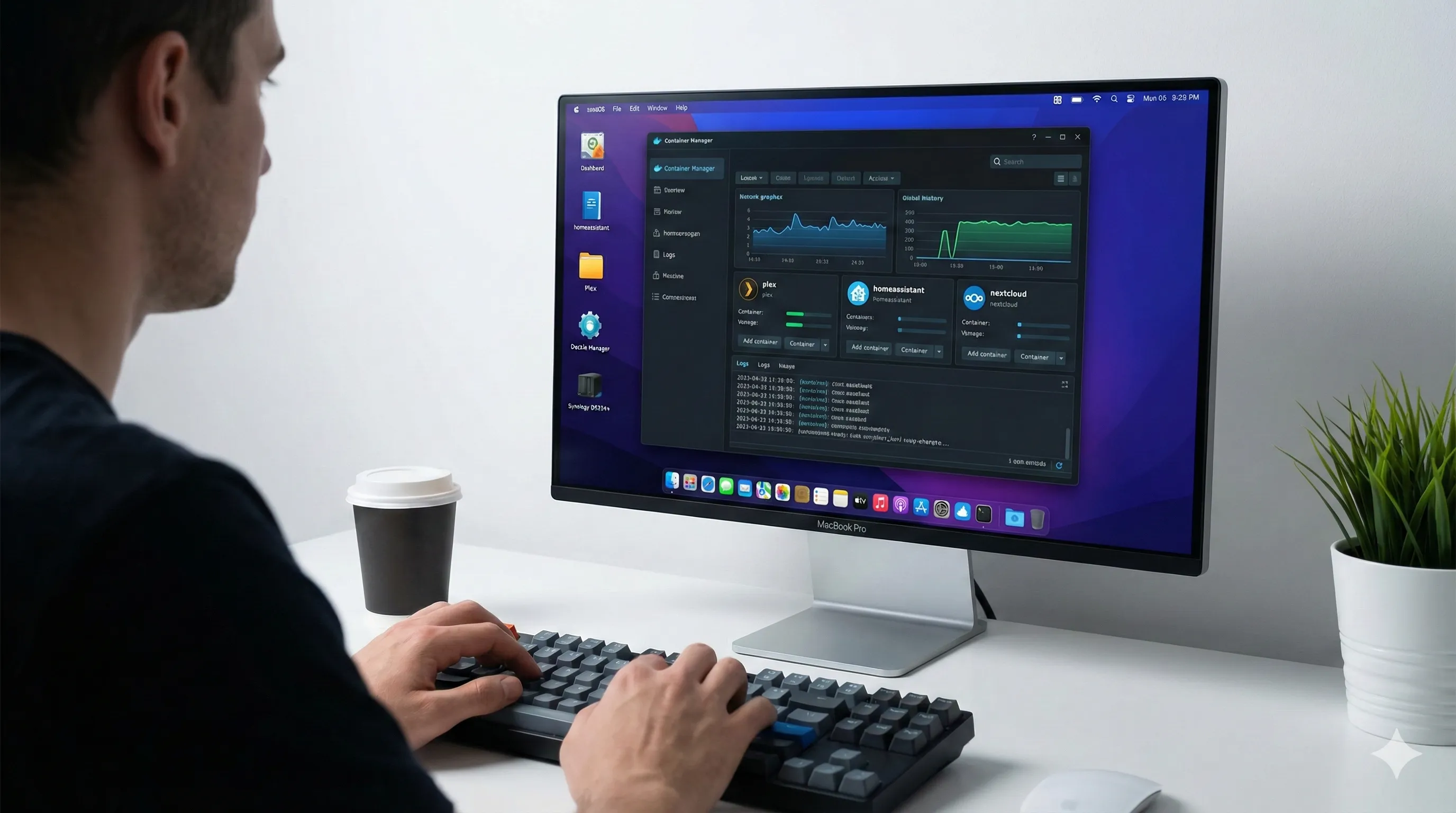
3. Precautions: The "Golden Rules" of NAS Ownership
A NAS is a powerful tool, but like any server, it requires specific guardrails to ensure longevity.
- UPS is Mandatory: A sudden power outage can corrupt your entire Btrfs volume. Always use a small Uninterruptible Power Supply (UPS) that can communicate with Synology via USB for a "Safe Shutdown."
- Thermal Awareness: While silent, the DS224+ needs airflow. Never block the side logos or rear fan. Heat is the #1 killer of hard drives.
- The 3-2-1 Backup Rule: A NAS is not a backup by itself—it is your "Live Hub." Always have a 2nd copy of your most critical AI assets on a separate physical drive or an encrypted cloud glacier.
4. Troubleshooting: Fixing Common Issues
Even with the best software, you might encounter friction. Here is how the community solves the top 3 issues:
| Problem | The Likely Cause | The Solution |
|---|---|---|
| Slow Transfer Speeds | Old CAT5 cables or Wi-Fi interference. | Use CAT6 cables and ensure Link Aggregation is active in the DSM Control Panel. |
| Docker Containers Crash | Memory Exhaustion (RAM). | Upgrade to 6GB RAM and set "Memory Limits" for each individual container. |
| "NAS Not Found" | IP Address change due to DHCP. | Set a Static IP for your NAS in your router settings or use "Synology Assistant." |
5. Economic Reality: The ROI of Ownership
Let's crunch the 2026 numbers.
Renting 2TB of cloud space from Google or Apple will cost you roughly $400 over 3 years.
For $650, you get **8TB of redundant space** that you own forever. By year 5, your storage cost is effectively zero, while the cloud companies will likely have doubled their prices.
🏆 The Essential Purchase

🛍️ Synology 2-Bay DiskStation DS224+ (Diskless)
The world's most trusted 2-bay NAS for creators. Perfectly balanced for AI asset management, Docker workloads, and absolute data privacy.
👉 View Latest Price on AmazonFinal Verdict: A Personal Fortress in an AI-Driven World
The Synology DiskStation DS224+ is more than a network drive—it is a declaration of independence. In an age where your personal data is being harvested to train the very models you use, having a local, Btrfs-protected server is the ultimate competitive advantage.
It is stable, scalable, and the smartest investment you can make for your digital career in 2026.
🔗 Recommended for Deep Learners
The Definitive Google Photos Guide for 2026: Master Your Memories
Key Takeaways for Modern Google Photos ManagementProactive Curation & AI Integration: Google Photos in 2026 is no longer just a backup service.It emphasizes intelligent organization through Live Albums, Locked Folders, and powerful multimodal search.Seamle
tech.dragon-story.com
AI's Great Wall of Speed: Why Chinese Teams Are Dominating the AI Deployment Race in 2026
Key Takeaways: China's AI Deployment VelocityChinese development teams consistently launch AI products and localized versions faster than their Western counterparts, driven by cultural, structural, and regulatory factors.This rapid deployment, often follow
tech.dragon-story.com


