- ChatGPT (Jan 2026, GPT-5 powered) transforms task management from static lists to dynamic, context-aware planning. It actively suggests schedules and adapts to changes.
- The ChatGPT Pro+ tier, with its GPT-5 access, 1M+ token context, and native integrations, is essential for professional, complex project management.
- Use the 'Atomic Task' prompt template to break down large goals into small, actionable tasks, ensuring no single task exceeds 8 hours of effort.
- Combat AI 'hallucination' by grounding prompts with data, using 'Red Team' challenges, and performing incremental verification of generated plans.
- Seamlessly integrate ChatGPT with tools like Asana and Notion via native features or custom API scripts for automated task creation and dynamic workflow adjustments.
The Definitive Guide to ChatGPT for Task Management (2026 Edition)
Welcome to the future of productivity, where ChatGPT (Jan 2026 Release), powered by the advanced GPT-5 Cognitive Architecture, fundamentally reshapes how we approach task and project management.
This guide explores how this powerful AI can become your essential partner, moving beyond traditional tools to offer dynamic, context-aware assistance for managing your daily work and complex projects.
AI-Powered Productivity Leap (2026): Why ChatGPT Outpaces Traditional Planners
Traditional task managers like Todoist or Things 3 are largely static tools.
They require constant manual input, sorting, and prioritization, often reacting to your needs rather than anticipating them.
The 2026 iteration of ChatGPT introduces a new paradigm: dynamic, context-aware orchestration.
This AI doesn't just store tasks; it understands the full scope of your work to offer proactive, intelligent planning.
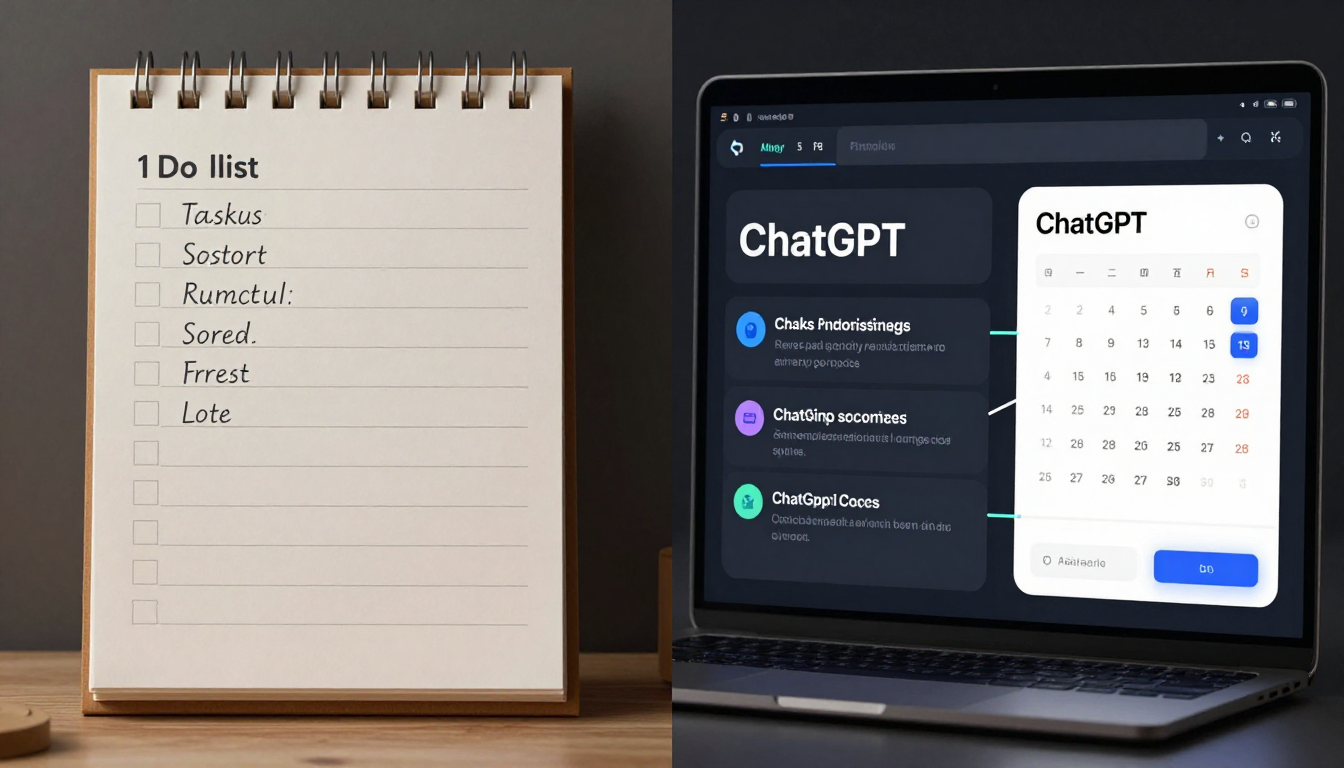
Here's how ChatGPT offers a significant advantage:
- Contextual Understanding:
ChatGPT can process various inputs—emails, meeting transcripts, project briefs—to automatically identify action items, deadlines, and dependencies without you manually typing them in. - Proactive Planning:
Instead of you dictating tasks, the AI analyzes your calendar and project goals to suggest an optimal daily plan.
For instance, it might say: "Based on tomorrow's 9 AM deadline for the 'Q4 Report' and your 3 hours of free time, I suggest blocking out 1 PM to 4 PM to finalize the presentation slides." - Dynamic Adaptation:
When an urgent task emerges, traditional planners demand manual reshuffling.
ChatGPT can instantly propose a revised schedule, highlighting trade-offs and potential conflicts, allowing you to react quickly and intelligently. - Cognitive Load Reduction:
The mental effort typically spent on organizing, prioritizing, and breaking down tasks is offloaded to the AI.
This frees up your human cognition for creative problem-solving and deep work, providing a substantial efficiency gain.
ChatGPT Pro+ vs. Free for Task Management: Is the Investment Worth It in 2026?
By 2026, OpenAI has refined its tiers, offering distinct experiences for casual users and professionals.
The 'Pro' tier has evolved into 'Pro+', a subscription designed for deep workflow integration and robust task management.
Here's a comparison to help you decide if Pro+ aligns with your needs:
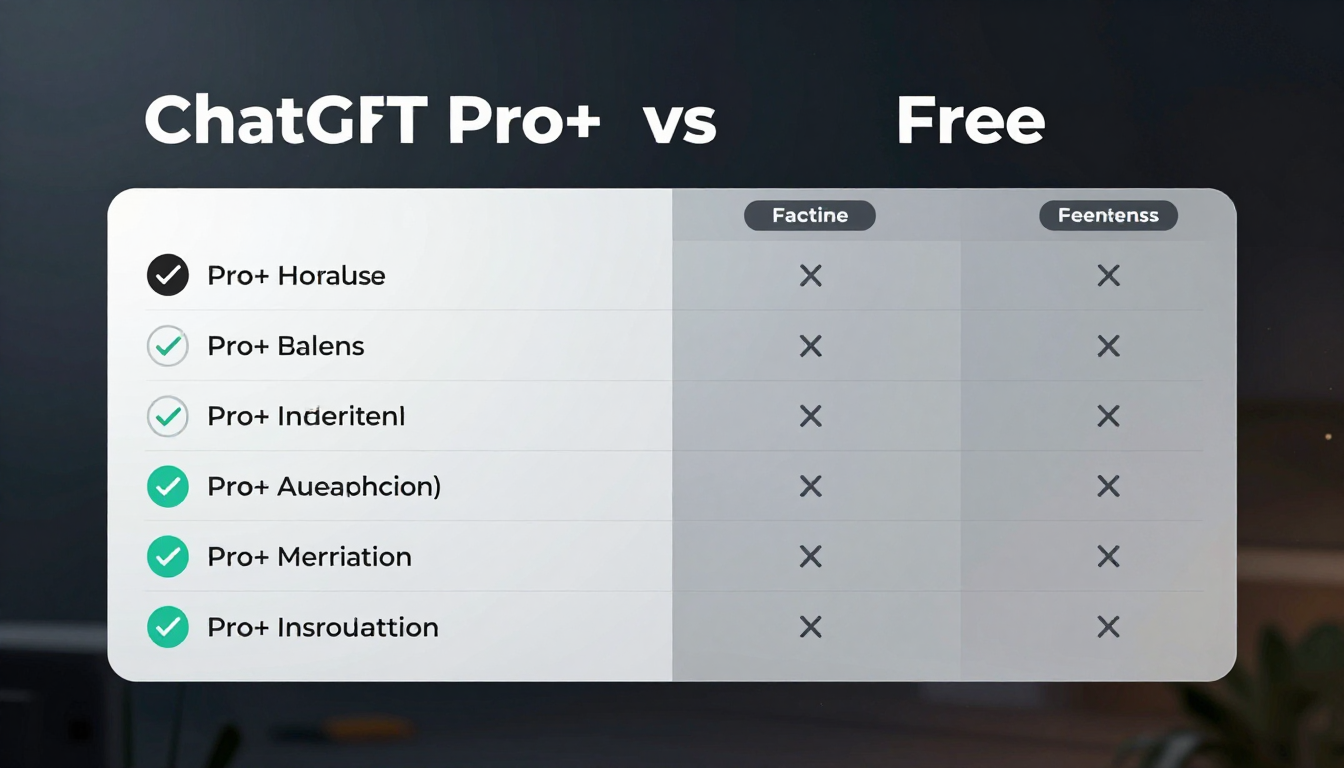
| Feature | ChatGPT Free | ChatGPT Pro+ |
|---|---|---|
| Price | $0 | $25/month (projected) |
| Core Model Access | GPT-4.5-Turbo (Highly optimized) | Priority Access to GPT-5 Cognitive Architecture |
| Usage Limits | Rate-limited, lower message caps | 5x higher usage caps, priority access during peak times |
| Context Window | 128k tokens | 1 million+ tokens (retains context from entire project docs) |
| Integrations | Basic access to public plugins & Zapier | Advanced, low-latency API access; Native integrations with Asana, Notion, etc. |
| Key Feature for PM | Excellent for ad-hoc task breakdown & ideas | Proactive Agent Mode: Can monitor connected apps and suggest actions. |
| Data Privacy | Standard consumer privacy policy | Enterprise-grade data controls, option for local/on-device processing. |
| Pros | - No cost - Powerful for basic tasks |
- Unlocks true automation - Handles complex, multi-document projects - Secure for sensitive data |
| Cons | - Can't handle complex project context - Slower |
- Subscription cost |
For serious task management and professional use, the Pro+ investment is unequivocally worth it in 2026.
The ability to have an AI agent that understands the full context of your work and integrates natively with your tool stack is a non-negotiable advantage for maximizing productivity.
The 'Atomic Task' Prompt: Mastering Granular Planning with ChatGPT
Large, vague goals like "Launch new website" are often ineffective for daily planning.
The key to effective project management is breaking these down into small, actionable 'atomic tasks'.
ChatGPT excels at this with a structured prompt, ensuring tasks are manageable and clear.
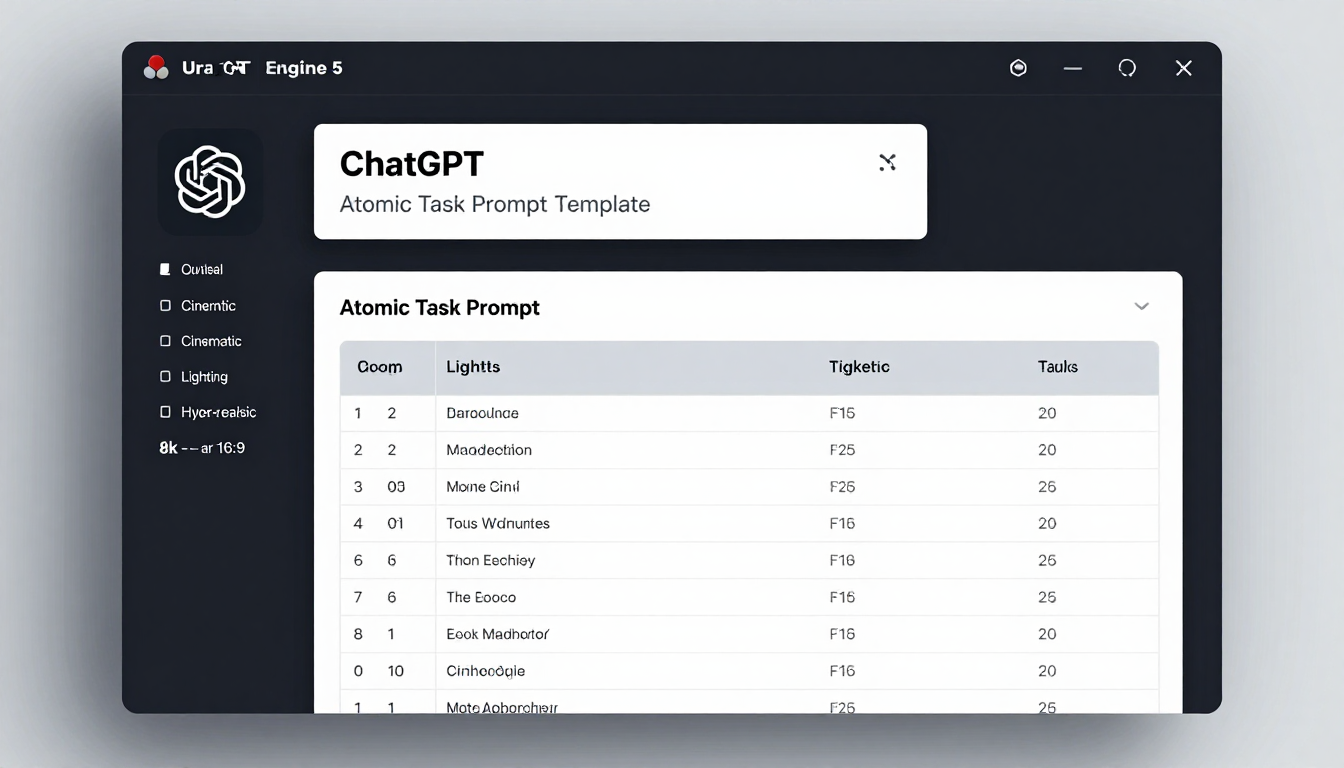
Here’s a step-by-step tutorial to use this powerful method:
- Define the High-Level Goal:
Clearly state the overall project you want to achieve. - Provide Context & Constraints:
Supply ChatGPT with any relevant documents, team members involved, or deadlines. - Use the Structured Prompt:
Copy and paste the specialized template below. - Refine the Output:
Ask ChatGPT to re-format, add specific details, or adjust effort estimates as needed.
The Atomic Task Prompt Template:
Act as an expert project manager. My goal is to [Your Project Goal, e.g., 'Launch a new marketing website'].

Here are the constraints and context:
- Deadline: [e.g., March 31st, 2026]
- Team Members & Roles: [e.g., 'Sara (Designer), Tom (Developer), Me (Content)']
- Key Requirements Document: [Paste key requirements or a summary here]

Your task is to break this project down into a list of atomic tasks. For each task, provide the following in a Markdown table format:
- Task ID: A unique identifier (e.g., WEB-01).
- Task Name: A short, clear description.
- Assignee: The team member responsible.
- Dependencies: The Task ID(s) that must be completed first.
- Estimated Effort (Hours): Your best estimate of hours required.

Please ensure no task is estimated at more than 8 hours. If it is, break it down further.
Defeating 'AI Hallucination': Verifying ChatGPT's Task Recommendations & Timelines
While GPT-5 represents a significant leap in accuracy, it's still possible for AI to 'hallucinate' or be overly optimistic in its task recommendations.
Integrating these verification strategies ensures your AI-generated plans are grounded in reality and align with your actual resources.
Here are some strategies to keep your AI-generated plans realistic:
- Grounding with Data:
Always include your constraints directly in the prompt.
Instead of simply asking "How long will this take?", ask "Given that our developer Tom is only available 10 hours a week, create a realistic timeline." - The 'Red Team' Prompt:
After ChatGPT generates a plan, use a follow-up prompt to critically challenge its assumptions.
For example: "Now, act as a skeptical project auditor. What are the 3 biggest risks or hidden assumptions in the plan you just gave me? Where is it most likely to fail?" - Sanity Check Timelines:
For effort estimates, ask the AI to justify its reasoning.
Prompt it with: "Explain why you estimated 8 hours for 'WEB-07: API Integration'. What specific sub-tasks are included in that estimate?" - Incremental Verification:
Avoid generating a 6-month plan and trusting it blindly.
Instead, generate a detailed plan for the next 1-2 weeks.
Execute those tasks, see how the estimates hold up, and then use that real-world data to inform your next planning session with the AI.
Seamless Workflow: Integrating ChatGPT with Notion, ClickUp, and Asana (2026 API Deep Dive)
By 2026, the distinction between ChatGPT and your favorite project management tool has significantly blurred.
This is thanks to mature APIs and robust native integrations.
Here's how to integrate ChatGPT into your existing workflow.
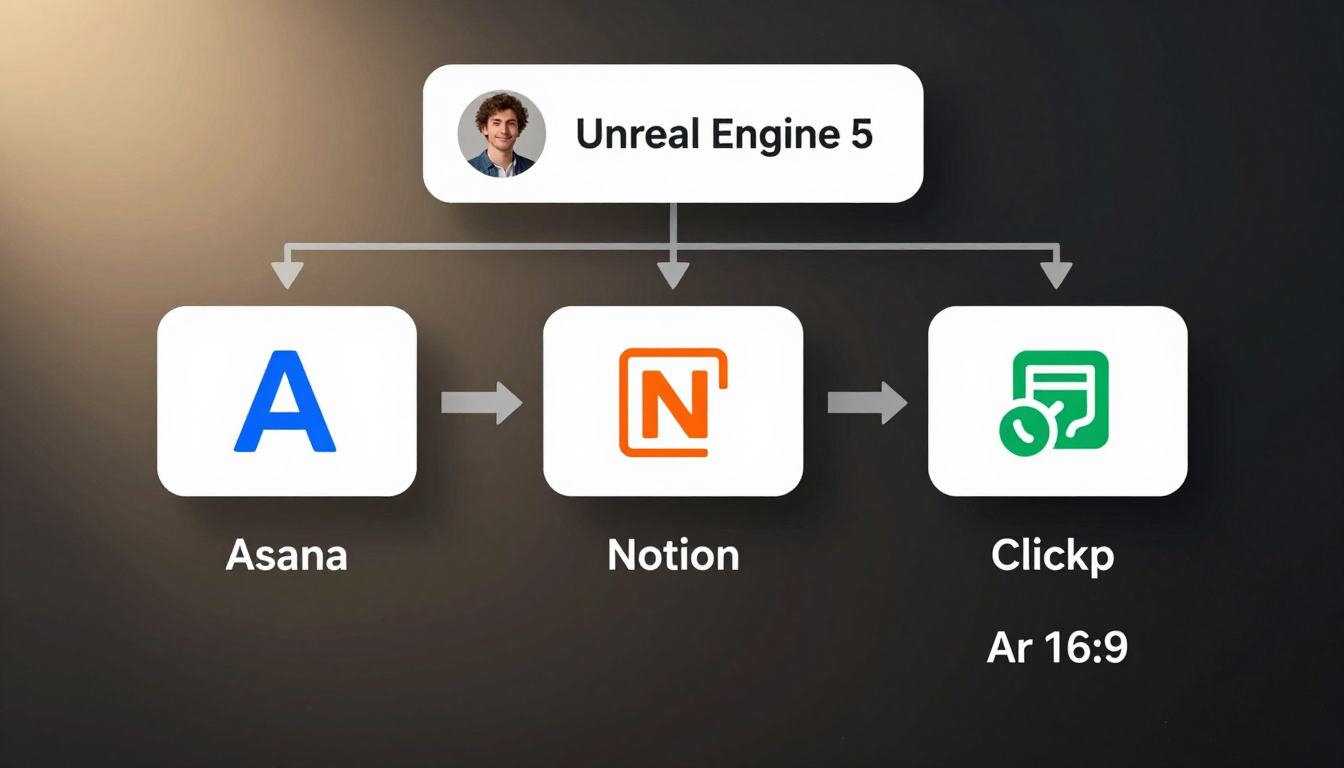
1. Native Integrations (The Easy Way)
Most major project management tools now offer a direct 'ChatGPT Pro+' integration.
This typically appears as an "AI Assistant" button or option within the tool's user interface, simplifying task creation.
- UI Path (Example in Asana):
Navigate to your desired project within Asana.
Click on `Add Task`, then select the '✨ AI Assistant' icon.
Type in a request like 'Draft tasks for launching a new podcast', and the AI will generate and populate tasks directly within Asana.
2. API Integration (The Powerful Way)
For custom, highly automated workflows, you can leverage the OpenAI API in conjunction with the APIs of your PM tools like Notion or ClickUp.
This approach allows you to build scripts that can, for example, monitor an email inbox, send new requests to ChatGPT for parsing, and then automatically create detailed tasks in ClickUp.
Hypothetical Python Code Snippet (2026):
This script takes a high-level user request, gets a structured task list from GPT-5, and then programmatically creates those tasks in Asana.
# Assumes 'openai' and 'asana_client' libraries are installed and configured
import openai
import asana_client
import json

# --- 1. Get structured tasks from ChatGPT --- #
user_request = "I need to prepare for the Q2 investor meeting. It's next Friday. I need to create the deck, gather the metrics, and schedule a rehearsal."

response = openai.chat.completions.create(
  model="gpt-5-pro",
  response_format={ "type": "json_object" }, # GPT-5 includes native JSON mode
  messages=[
    {"role": "system", "content": "You are a project manager. Convert user requests into a JSON list of tasks with 'name' and 'due_date'."},
    {"role": "user", "content": user_request}
  ]
)

tasks_to_create = json.loads(response.choices[0].message.content)
# tasks_to_create is now a Python list of dicts:
# [{'name': 'Create Q2 investor deck', 'due_date': '...'}, ...]

# --- 2. Create tasks in Asana --- #
asana = asana_client.Client.access_token('YOUR_ASANA_TOKEN')
project_gid = 'YOUR_PROJECT_ID'

for task in tasks_to_create:
    asana.tasks.create_in_workspace(
        'YOUR_WORKSPACE_ID',
        {
            'name': task['name'],
            'due_on': task['due_date'],
            'projects': [project_gid]
        }
    )
    print(f"Created task: {task['name']}")
Real-Time Prioritization: Using ChatGPT for Dynamic Schedule Adjustments
Crisis management is a core strength of an AI planning partner.
When unexpected changes or urgent tasks arise, you can feed the entire context to ChatGPT for an instant, informed recommendation on how to adjust your schedule.

Here's an example prompt for dynamic schedule adjustments during a crisis:
"Here is my current task list and schedule for today: [Paste your schedule/tasks].

A new P0 emergency just came in from our CEO: 'The login page is down, and we need an emergency fix deployed ASAP.'

I have 4 hours left in my workday. Please generate a new, revised schedule for me. Explicitly state which of my original tasks need to be postponed, who I need to notify about the delays, and provide a short, professional message I can send them."
Ethical AI in Planning: Data Privacy, Bias, and Over-Reliance
The integration of AI into planning introduces critical ethical considerations that users must actively be aware of in 2026.
Responsible AI use requires understanding these aspects.

- Data Privacy:
Every task, project detail, and company note entered into a cloud-based AI is a potential data risk.
With ChatGPT Pro+, enterprise-level agreements are available, guaranteeing data isn't used for training.
Additionally, the rise of powerful local models on devices offers a secure alternative for highly sensitive planning. - Algorithmic Bias:
The AI's training data might subtly bias it towards certain productivity methodologies (e.g., Agile, GTD).
This can influence your planning style.
It's crucial to critically assess if the AI's suggestions truly align with your team's way of working, rather than passively accepting its proposed structure. - Over-Reliance:
The biggest risk is the potential atrophy of our own planning and critical thinking skills.
Relying on AI for all prioritization and problem-solving can reduce our resilience when operating without it.
The most effective approach is to use AI as a co-pilot: let it generate the first draft of a plan, but always apply your human judgment and expertise as the final filter.
From Voice Memo to Task List: ChatGPT's Role in Mobile-First Productivity
Mobile productivity in 2026 emphasizes frictionless idea capture.
The ChatGPT mobile app has become a central hub for converting fleeting thoughts into actionable plans with minimal effort.
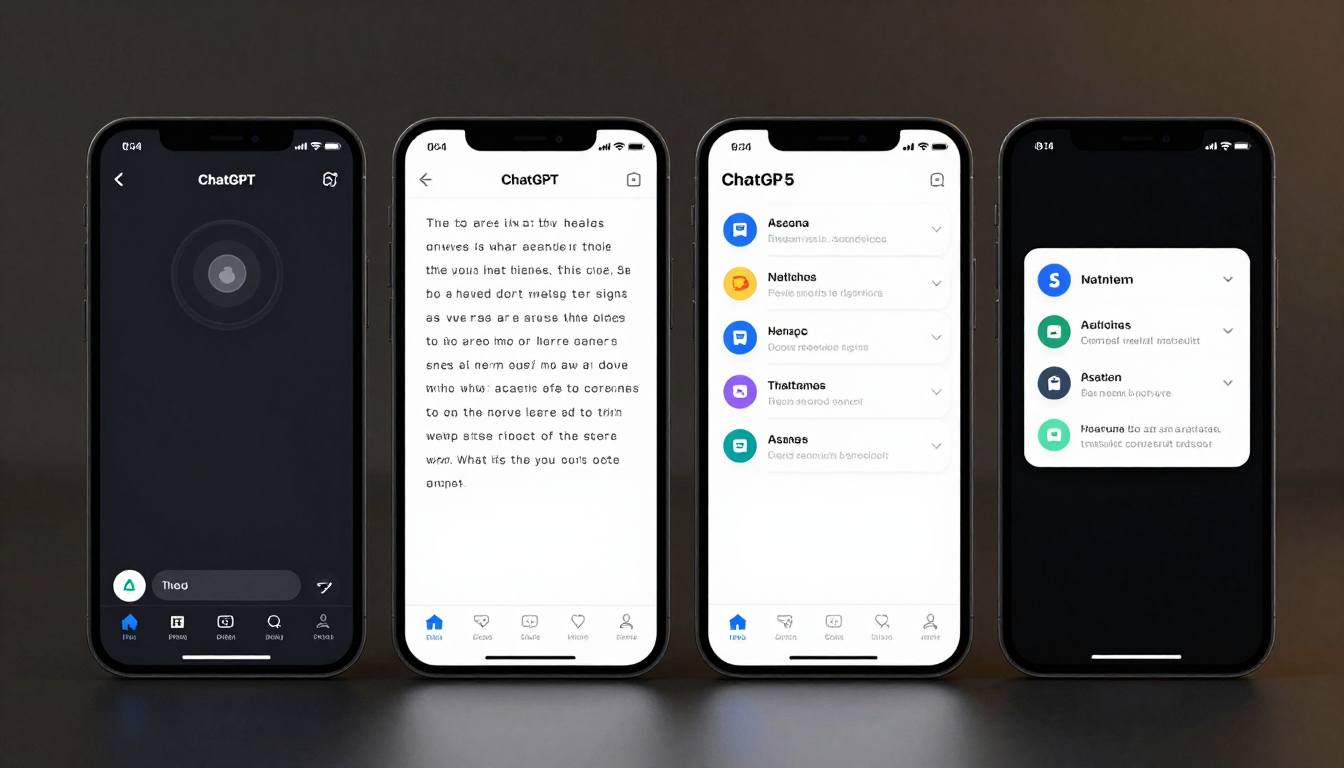
Here’s an advanced workflow demonstrating voice memo integration:
- Capture:
Open the ChatGPT app on your phone and activate the voice input function. - Transcribe & Understand:
Speak naturally, for example: "Hey ChatGPT, take a note. I need to follow up with Sarah about the Q3 budget by end of day tomorrow, and I also have to remember to pick up the dry cleaning on the way home tonight." - Automatic Parsing:
The GPT-5 model's advanced natural language understanding automatically identifies distinct tasks, entities (Sarah), and associated deadlines. - Action & Integration:
Through pre-configured integrations, the app automatically performs the necessary actions:
- It adds a task "Follow up with Sarah re: Q3 budget" to your Asana or Todoist, setting the due date for tomorrow.
- It creates a reminder "Pick up dry cleaning" in your phone's default reminders app, intelligently setting a location-based trigger for when you leave the office.
This entire flow happens in seconds, transforming a spoken thought into an organized, actionable item without requiring manual typing or navigating multiple apps.


