Key Takeaways for Faceless Content Creators
- ElevenLabs v3 streamlines AI voice creation with instant cloning, a user-friendly web UI, and robust API, offering superior multilingual support and ease of use.
- Open-source options like RVC v3 and Coqui XTTS v4 provide unparalleled customization, fine-tuning capabilities, and full ownership, but demand significant technical expertise and hardware investment.
- Cost-effectiveness varies by usage: ElevenLabs is more economical for up to 2-3 hours of audio per month, while open-source can be cheaper long-term for very high volume.
- Ethical use and transparency are crucial. Always secure explicit consent for voice cloning and disclose AI voice usage to maintain audience trust and comply with evolving legal standards.
- Workflow integration allows for efficient content production, from direct imports into video editors to advanced API-driven automation for large-scale projects.

The landscape of faceless content channels in 2026 thrives on efficient and authentic audio narration.
Achieving high-quality, emotionally resonant voices at scale, within budget, and with creative control is a primary challenge for creators today.
This guide explores two leading approaches to AI voice technology: the polished, user-friendly ElevenLabs v3 platform and the powerful, customizable world of open-source voice cloning models like RVC v3 and Coqui TTS.
ElevenLabs Quick Start Guide: From Account to Your First Clone & API Integration
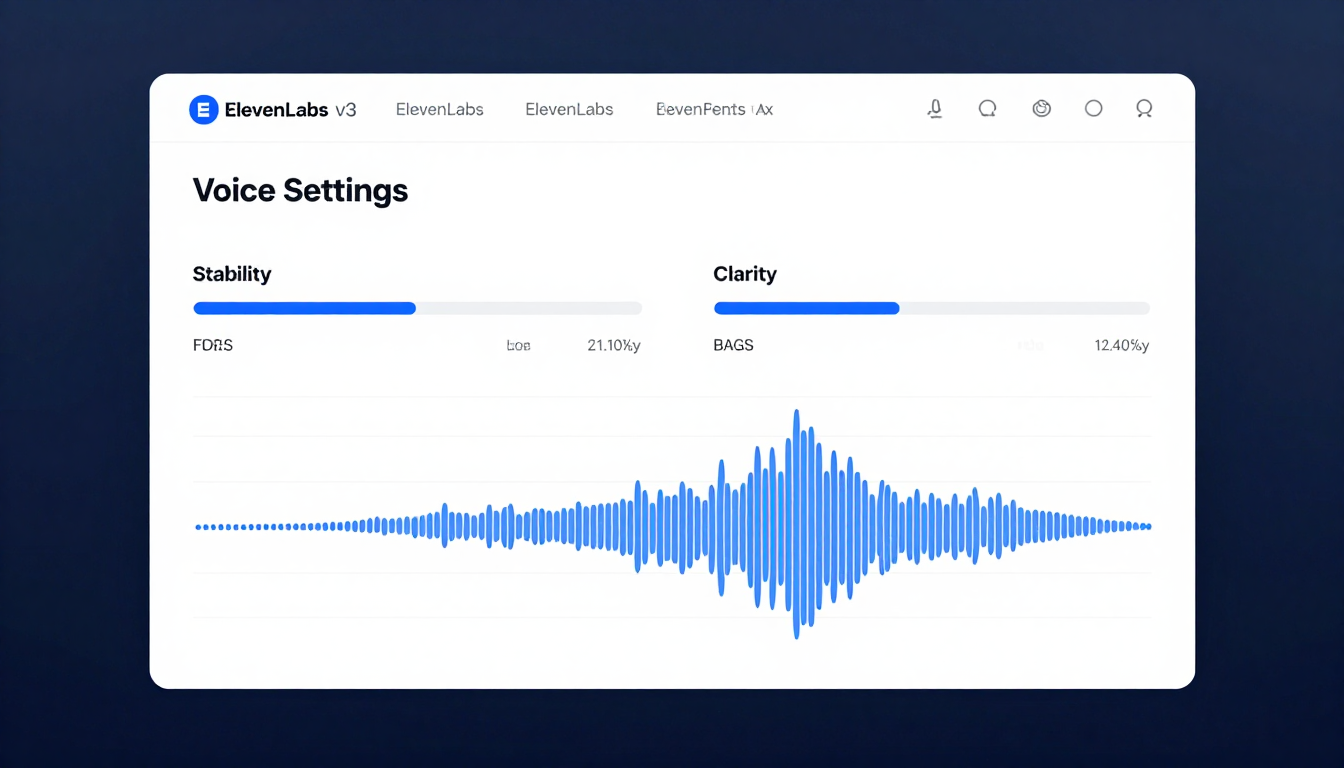
By 2026, the ElevenLabs v3 platform has refined its user experience for rapid onboarding and intuitive control.
Here’s how to get started:
Step 1: Account Setup
- Navigate to the ElevenLabs website.
- Click "Sign Up" and choose an authentication method (Google, GitHub, or email).
- Select a subscription tier.
The "Creator" tier is often a good starting point, providing ample character credits and access to Professional Voice Cloning (PVC).
Step 2: Your First Clone (Instant Voice Cloning)
- From the dashboard, navigate to VoiceLab > Add Generative or Cloned Voice > Instant Voice Cloning.
- Give your voice a name (e.g., "My YouTube Narrator").
- Upload 1-5 minutes of clean, high-quality audio of the target voice.
Ensure there is no background noise or music. - Confirm you have the rights to clone this voice.
- Click "Add Voice".
The model trains and becomes ready for use in under a minute.
Step 3: Generating Speech
- Go to the Speech Synthesis panel.
- Select your newly cloned voice from the dropdown menu.
- In the "Voice Settings" panel, adjust the sliders for Stability (emotional range) and Clarity + Similarity Enhancement.
- Enter your script in the text box and click "Generate".
Step 4: API Key Generation and Basic Usage
For more advanced integrations, the ElevenLabs API is powerful.
- Click on your profile icon in the top-right corner and select Profile + API Key.
- Copy your API key.
- Use the following Python snippet to integrate it into a simple application, noting the updated
v3endpoint and refined parameters.
# Assumes 'elevenlabs' library is installed: pip install elevenlabs==3.0.0
# This is a hypothetical future version of the library for Jan 2026
import elevenlabs

elevenlabs.set_api_key("YOUR_API_KEY_HERE")

audio = elevenlabs.generate(
    text="Hello, this is a test of the 2026 ElevenLabs API v3.",
    voice="My YouTube Narrator", # Use the name of your cloned voice
    model="eleven_multilingual_v4_pro",
    style_prompt="An engaging and clear narration for an educational video.", # New feature for nuanced control
    latency=2 # Latency optimization level
)

elevenlabs.save(audio, "output_audio.mp3")

print("Audio file generated successfully.")
Open-Source Voice Cloning: Prerequisites & Environment Setup (e.g., Coqui TTS, RVC)
Open-source voice cloning provides extensive control but requires more technical setup.
While tools have evolved to simplify this by 2026, the fundamental requirements remain.
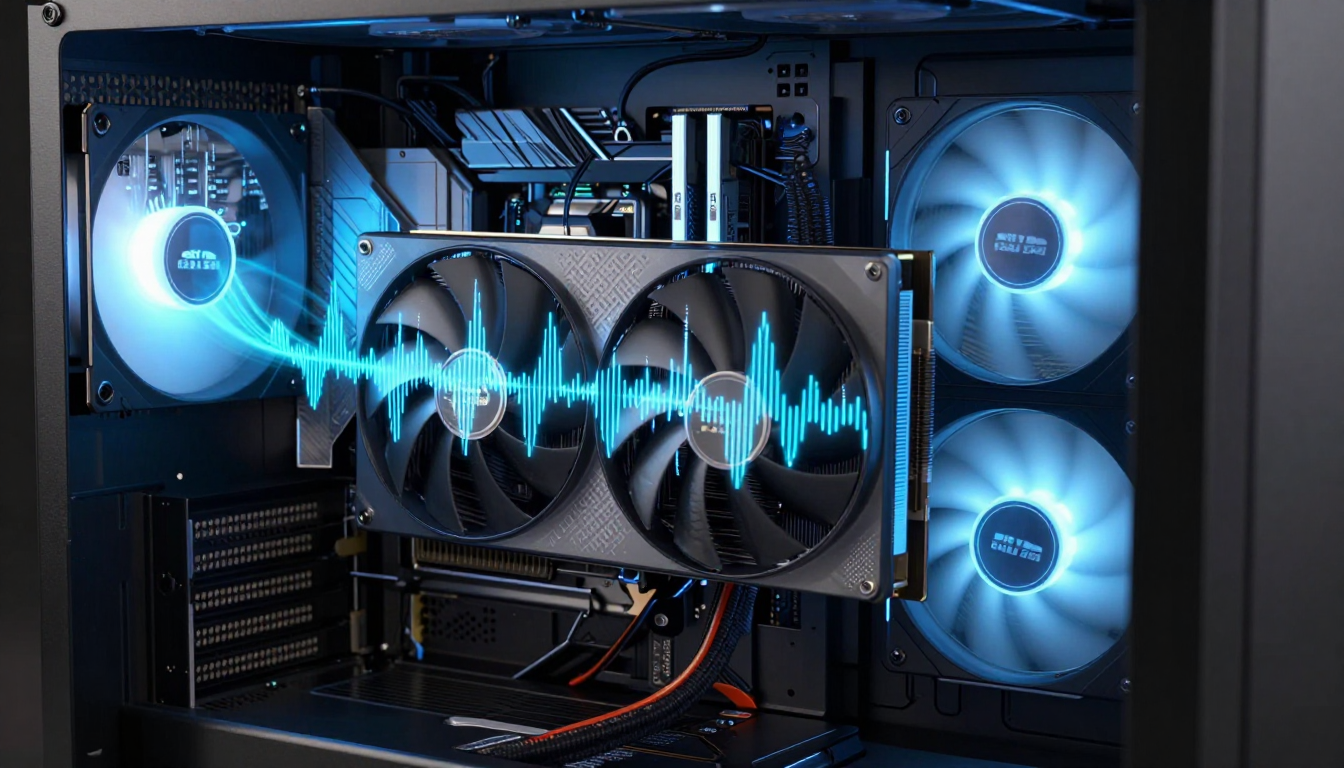
Hardware Prerequisites:
- GPU: NVIDIA RTX 4070 (12GB VRAM) or higher is recommended for efficient training.
Inference can run on less powerful cards, but training is VRAM-intensive.
- CPU: A modern 8-core CPU (e.g., AMD Ryzen 7, Intel i7).
- RAM: 32GB minimum.
- Storage: 100GB+ of fast SSD storage for datasets, models, and environments.
Software & Environment Setup (using Conda):
This process ensures a clean and manageable environment for your projects.
- Install NVIDIA Drivers & CUDA Toolkit: Ensure you have the latest NVIDIA drivers and the corresponding CUDA Toolkit v13.0 or newer.
- Install Miniconda: A lightweight version of Anaconda for managing Python environments.
You can find installation instructions on the Miniconda documentation page.
- Create a Virtual Environment: This isolates your project dependencies.
conda create -n voiceclone python=3.11 -y
conda activate voiceclone
- Install Core Libraries (PyTorch & RVC v3): These are essential for voice cloning operations.
# Install PyTorch with CUDA support
pip install torch torchvision torchaudio --index-url https://download.pytorch.org/whl/cu130

# Install the latest RVC v3 package (hypothetical name for Jan 2026)
pip install rvc-voice-conversion-v3

# For Coqui TTS (XTTS v4 model)
pip install TTS==0.25.0 # Hypothetical future version
You can find more detailed instructions and the latest versions on the Coqui TTS GitHub and RVC Project GitHub pages.
- Prepare Your Dataset:
- Collect at least 15-30 minutes of high-quality, clean, and consistently spoken audio.
- Split the audio into 5-15 second clips using a tool like Audacity or an automated script.
- Place all clips in a single folder (e.g.,
my_dataset).
Your environment is now ready for training a custom model or running inference with pre-trained ones.
Performance & Quality Showdown: Voice Fidelity, Emotional Nuance, and Multilingual Capabilities
Understanding the strengths of each platform is key to making an informed decision.
Here’s a direct comparison of their performance aspects:

| Feature | ElevenLabs v3 Platform |
Open Source (RVC v3 / Coqui XTTS v4) |
Winner |
|---|---|---|---|
| Voice Fidelity | 9.5/10: Nearly indistinguishable from human speech. | 9/10: Excellent, but can have minor digital artifacts. | ElevenLabs (by a hair) |
| Emotional Nuance |
8.5/10: Excellent control via sliders and style prompts. | 9/10: Superior when fine-tuned on expressive datasets. | Open Source (with effort) |
| Cloning with < 1 Min Audio |
9/10: Instant Voice Cloning is remarkably effective. | 6/10: Requires more data for high-quality results. | ElevenLabs |
| Multilingual Support |
10/10: Seamless, automatic language detection across 50+ languages. | 7.5/10: Requires specific multilingual models and datasets. | ElevenLabs |
| Ease of Use | 10/10: Web UI and simple API. | 5/10: Requires technical expertise and setup. | ElevenLabs |
| Latency (Real-time) |
8/10: Optimized API offers low-latency modes. | 6/10: Highly dependent on local hardware. | ElevenLabs |
The Cost Equation: ElevenLabs Subscription Tiers vs. Open-Source Infrastructure & GPU Costs
The financial commitment for AI voice solutions varies significantly between managed services and local setups.

ElevenLabs (Monthly Subscription - Projected 2026 Pricing):
ElevenLabs offers predictable, tier-based pricing.
- Free Tier: ~$0/mo.
Limited characters, 3 custom voices.
- Creator Tier: ~$30/mo.
Approximately 200,000 characters/mo, Professional Voice Cloning.
- Pro Tier: ~$130/mo.
Approximately 1,000,000 characters/mo.
- Enterprise: Custom pricing.
Pros: Predictable monthly cost, no hardware maintenance.
Cons: Ongoing expense, usage limits.
Open Source (One-Time & Ongoing Costs):
Open source involves upfront investment and variable operational costs.
- Upfront Hardware Cost:
- NVIDIA RTX 4070: ~$700
- Total PC Build: ~$1,500 - $2,500
- Cloud GPU Alternative (e.g., Vast.ai, RunPod):
- Training (10 hours on RTX 4090): ~$5 - $10
- Inference (per hour): ~$0.30 - $0.70
- Ongoing Costs:
- Electricity: Varies, but a powerful GPU under load can add $15-$40/month to your bill if used heavily.
Pros: No character limits, full ownership and control, potentially cheaper in the long run for very high volume.
Cons: High initial investment, technical maintenance, electricity costs.
Verdict:
For creators producing up to 2-3 hours of audio per month, ElevenLabs is often more cost-effective.
For power users generating over 10 hours of audio monthly, the investment in an open-source setup can break even within a year.
Advanced Customization & Control: Fine-Tuning, Prompt Engineering, and Speaker Diarization
Beyond basic generation, both paths offer advanced features for shaping your AI voices.
ElevenLabs:
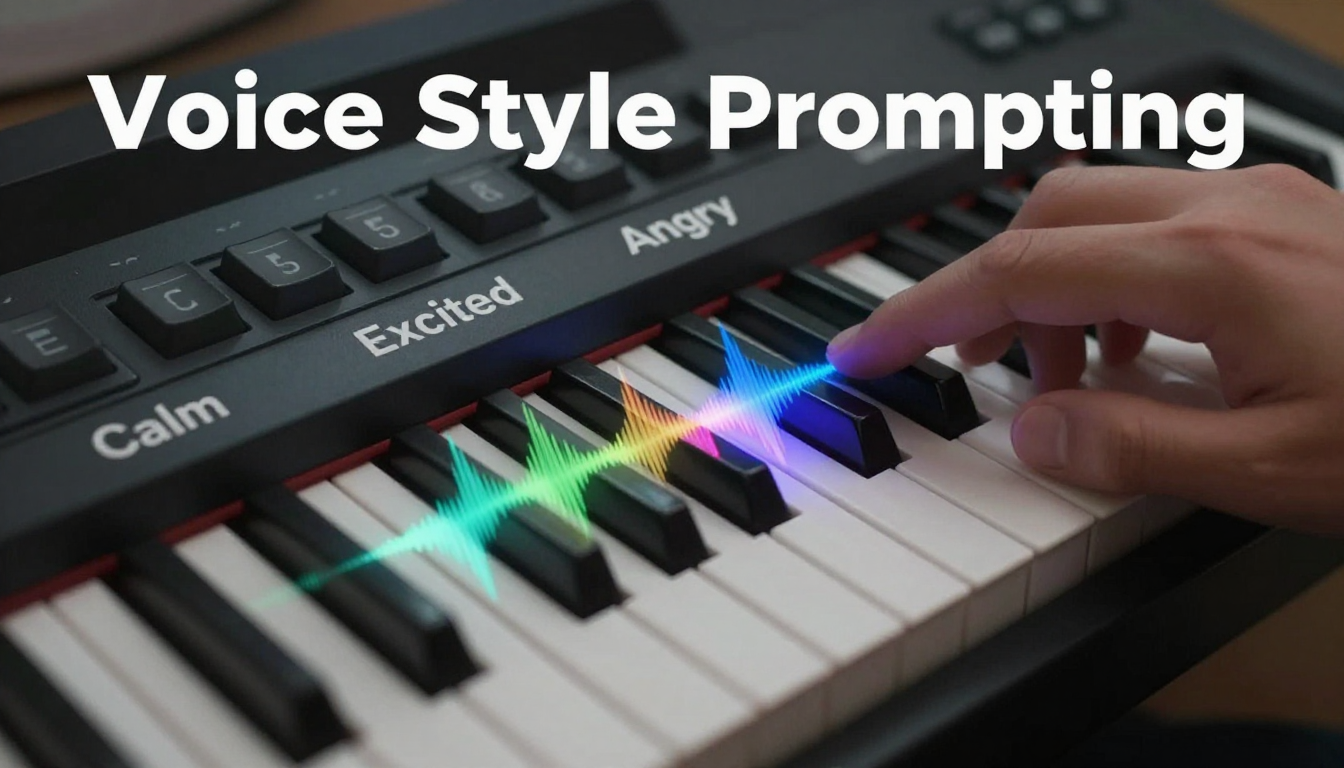
- Prompt Engineering:
Thestyle_promptAPI parameter (new in v3) lets you guide the AI's performance with natural language.
For example, "A calm, reassuring tone like a meditation guide."
- Voice Settings:
The Stability and Clarity sliders remain primary methods for fine-tuning output directly in the UI.
- Speaker Diarization:
The platform now automatically detects multiple speakers in uploaded audio for cloning.
This allows creating a 'voice cast' from a single file, a significant 2026 upgrade.
Open Source:
- Fine-Tuning:
This is a core strength of open-source.
You can take a powerful pre-trained model like Coqui XTTS v4 and fine-tune it on your specific dataset, allowing for unparalleled realism and capturing unique vocal characteristics.
- Model Merging (RVC):
Advanced users can merge different trained models to combine their characteristics, creating entirely new, unique voices.
- Full Control:
Every parameter—from pitch range to training epochs—is configurable, giving you absolute control over the final voice.
This is complex but incredibly powerful.
Real-World Applications for Faceless Content Creators: YouTube, Podcasts, Audiobooks
AI voice technology can significantly enhance various forms of faceless content creation.
- YouTube Automation:
Generate narration for explainer videos, top-10 lists, and documentary-style channels.
An open-source setup allows for unlimited script generation, while ElevenLabs provides speed and consistency.
- Podcasts:
Use a cloned voice as a co-host, generate dynamic ad reads in your own voice, or produce entire narrative podcasts with a single consistent narrator.
- Audiobooks:
Feed an entire manuscript into an API script to generate an audiobook.
ElevenLabs' Pro tier is suitable for a single book, while an open-source solution is ideal for prolific authors or publishers.
- Short-Form Content (TikTok/Reels):
Use the low-latency ElevenLabs API to quickly generate voiceovers for daily videos, ensuring a consistent channel 'voice'.
Troubleshooting Common Issues: API Rate Limits, Voice Drift, and Environment Configuration Errors
Encountering problems is part of working with any advanced technology.
Here are common issues and their solutions.
ElevenLabs:
- Issue: 429 'Too Many Requests' Error: Your script is hitting the API limit.
Implement exponential backoff in your code to automatically retry after a delay.
- Issue: Inconsistent Voice Output (Voice Drift):
The voice sounds different between generations.
Try slightly increasing the 'Stability' setting.
If using the API, ensure you are using the same generation parameters in every call.
Using the newstyle_promptfeature can also help lock in a consistent delivery.
Open Source:
- Issue: CUDA / PyTorch Version Mismatch:
This is a very common setup error.
Always create a clean virtual environment and install the exact PyTorch version specified in the model's documentation for your CUDA version.
# Example checks
nvcc --version # Check your CUDA version
python -c "import torch; print(torch.cuda.is_available())" # Check if PyTorch sees CUDA
- Issue: 'Metallic' or Robotic Sounding Voice:
This typically means the model is undertrained or the dataset quality is poor.
Increase the number of training epochs and ensure your source audio is clean and free of reverb.
- Issue: Installation Conflicts:
Use a dependency manager like Conda or Docker to isolate your project and prevent system-wide package conflicts.
Ethical Considerations & Legal Landscape: Deepfakes, Copyright, and Responsible AI Usage
By 2026, the legal and ethical landscape for AI voice has matured, though it remains complex.
Responsible use is paramount.
- Consent is Non-Negotiable:
Cloning a voice without explicit, documented permission is a severe ethical and potential legal breach.
Major platforms like ElevenLabs have strict policies requiring you to affirm you have the rights to any voice you upload.
- Copyright of an AI Voice:
The legal precedent is firming up: you cannot copyright the style of a voice, but the specific digital model you train may be considered your intellectual property.
The audio output is generally considered a derivative work.
Always consult with legal counsel regarding specific situations.
- Deepfake Misinformation:
The use of cloned voices for malicious purposes (e.g., faking a public figure's speech) is illegal in many jurisdictions under laws targeting fraud and defamation.
Many AI models, including those from ElevenLabs, are now being trained with invisible audio watermarking to trace the origin of generated content.
- Transparency:
Best practice for faceless channels is to disclose the use of AI-generated or AI-cloned voices in video descriptions or podcast show notes.
This builds trust with your audience and is becoming a standard expectation.
Workflow Integration: Incorporating AI Audio into Video Editing Suites & Content Management Systems
Seamless integration of AI-generated audio into your content pipeline can significantly boost efficiency.

Direct Integration (Premiere Pro / DaVinci Resolve):
A "voice-first" workflow can streamline video production.
- Scripting: Write your script in a text editor.
- Generation: Generate the full audio narration using your chosen tool (ElevenLabs web UI or a local Python script).
- Import: Import the final MP3 or WAV file directly into your video editor's media pool.
- Editing: Edit your video to the pacing of the narration, which is often called a "voice-first" approach and is highly efficient.
Automated Workflows (Advanced):
For large-scale or recurring content, automation is key.
- Zapier/Make.com:
Create automations where a new row in a Google Sheet (containing your script) triggers an API call to ElevenLabs.
This then saves the generated audio to a Dropbox or Google Drive folder, ready for your editor.
- Custom Scripts:
For high-volume content production, use Python scripts to read text from a Content Management System (CMS) like WordPress or a headless CMS.
Generate audio for each piece, and then upload it back to the CMS, associating it with the correct post.
This represents the pinnacle of automated faceless content creation.


