Key Takeaways: ChronoSync AI v4.0 'Odyssey'
- Comprehensive Data Integration:
ChronoSync AI v4.0 seamlessly syncs with wearables, EHRs, and genetic tests, building a robust health profile. - Personalized Longevity Blueprint:
Receive a clear Longevity Score, Biological Age Estimate, and identify key health risks with actionable, AI-driven interventions. - Dynamic Daily Coaching:
The platform offers real-time nutrition and exercise adjustments, adapting to your body's minute-by-minute data streams and readiness scores. - Advanced Customization:
Set biomarker-specific goals, integrate specialized tests, and even use a developer API for fine-tuned control over your health journey. - Privacy-First & Transparent:
User data is secured with end-to-end encryption and processed on-device using Federated Learning, ensuring raw health metrics remain private while providing clear rationales for all AI recommendations.

Mastering Your Health with ChronoSync AI v4.0 'Odyssey': A Feature Tutorial
As proactive health management becomes increasingly data-driven, tools like ChronoSync AI v4.0 'Odyssey' are no longer just for early adopters; they've become integral to a thoughtful health strategy.
This version, 'Odyssey,' represents a significant step forward, moving past simple tracking to offer an AI-first longevity coach that integrates deeply with your daily life.
In this guide, we’ll explore how to set up, personalize, and optimize ChronoSync AI to support your tangible health outcomes.
1. Setting Up Your AI Longevity Coach Platform
Getting ChronoSync AI up and running is designed to be straightforward, but focusing on accuracy here is crucial.
The quality of the AI's insights depends heavily on the data you feed it from day one.
Step 1: Account Creation & Profile
- Download the ChronoSync AI app from your device's app store.
- Create an account using a secure method, such as Passkey.
- Complete the initial health questionnaire, which gathers information on family history, lifestyle, and your primary health goals.
Step 2: Syncing Core Data Sources
This is often the most vital part of the setup, as it forms the foundation of your data profile.
Navigate through the app using these UI paths:
- Wearables (Oura, Whoop, Apple Watch, etc.):
- UI Path:
Dashboard > Settings (⚙️) > Data Sources > (+) Add New > Wearables - Select your device (e.g., 'Apple Watch Ultra 3').
- You will be redirected to an OAuth screen.
Tap 'Authorize' to grant ChronoSync permission to read metrics like HRV, RHR, SpO2, and Sleep Stages.
- UI Path:
- Electronic Health Records (EHR):
- UI Path:
Dashboard > Settings (⚙️) > Data Sources > (+) Add New > Medical Records (EHR) - Select 'Connect via HealthConnect API'.
- Search for your provider (e.g., 'Kaiser Permanente', 'Mount Sinai') and log in using your patient portal credentials.
- This step syncs your historical lab results, diagnoses, and prescriptions, offering a rich historical context for the AI.
- UI Path:
Step 3: Configuring Privacy Settings
Your data, your control.
- UI Path:
Dashboard > Settings (⚙️) > Privacy & Security - Data Anonymization:
Choose your comfort level.
'Full Anonymization for Research' contributes your data to the global model without personal identifiers, supporting broader health research. - Third-Party Integrations:
By default, all third-party data sharing is disabled.
You must explicitly enable it for each connected app, ensuring you control who sees your data.
2. First Steps: Understanding Your Personalized Longevity Blueprint
After you've synced your data, the AI needs about 15-30 minutes to analyze everything and generate your initial Longevity Blueprint.
Consider this your health baseline, a snapshot of your current state.

- Longevity Score (LS):
This is a composite score from 0-1000.
It represents your current overall healthspan potential relative to an optimal state, combining all your data points into a holistic metric. - Biological Age Estimate (BAE):
An estimate of your cellular age.
This is based on epigenetic markers (if provided) and key biomarkers like hs-CRP and HbA1c. - Key Risk Factors:
The AI will highlight your top 3 areas for improvement, giving you clear focus.
Metabolic Health Risk: High (8/10)- Often linked to inconsistent glucose levels from CGM data.Cardiovascular Strain: Moderate (6/10)- Can be linked to chronically low HRV and high RHR.Sleep Quality: Poor (4/10)- Frequently tied to insufficient REM and Deep sleep stages.
- Actionable Interventions:
Immediately, the AI provides 3-5 initial, high-impact recommendations.
For instance: "Your Blueprint indicates poor mitochondrial function.
Intervention: Begin with 20 minutes of Zone 2 cardio, 3 times per week, to improve your HRV baseline."
3. Daily Integration: AI Coaching for Nutrition and Exercise
This is where ChronoSync AI shifts from an analytical tool to an active, daily companion, integrating seamlessly into your routines.
Practical Scenario: Nutrition
The AI can offer precise, context-aware advice.
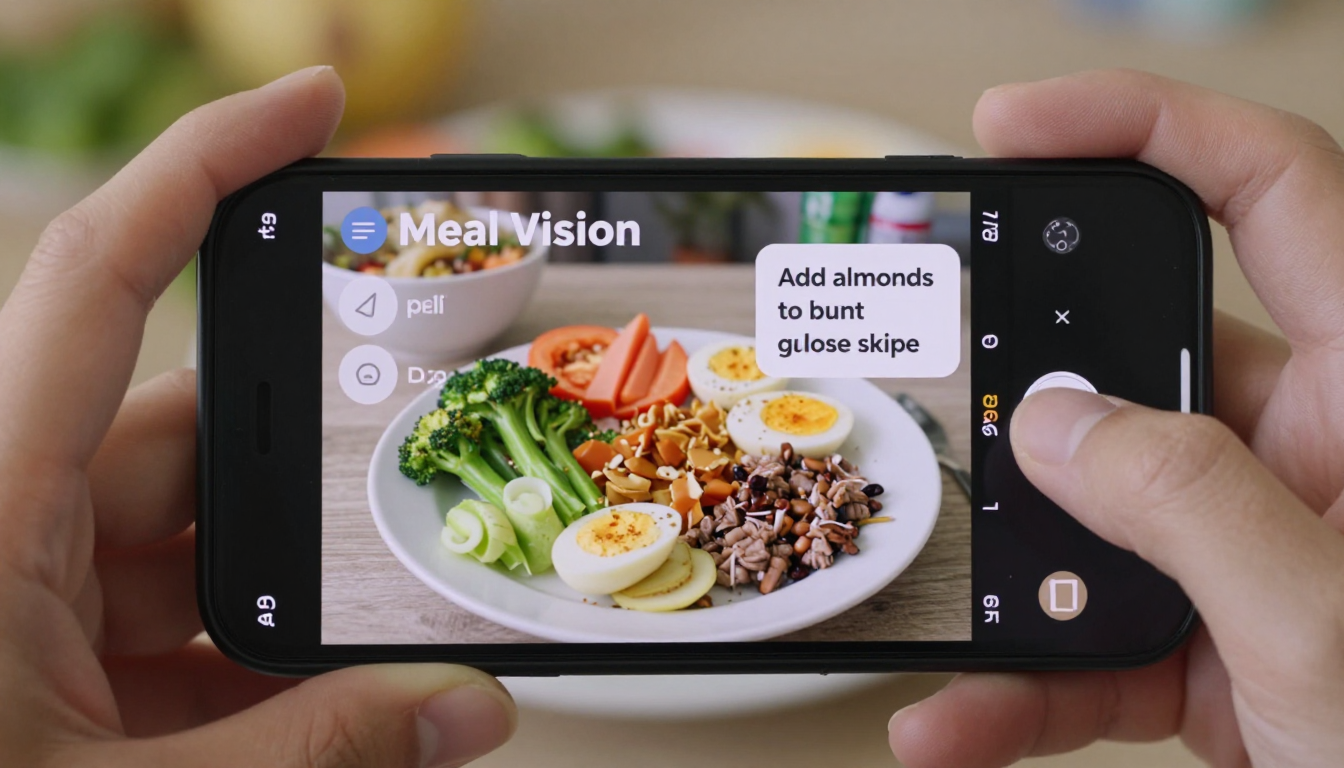
- Action:
You are about to eat lunch.
Open the ChronoSync app and use the 'Meal Vision' feature to take a picture of your food. - AI Analysis & Response:
"Analysis: Chicken breast, white rice, broccoli.
This meal has a good protein profile but a high glycemic index from the rice.
Based on your low sleep score last night, your glucose sensitivity is likely reduced.
Recommendation: Add a tablespoon of olive oil or a handful of almonds to blunt the glucose spike."
Practical Scenario: Exercise
The AI adjusts recommendations based on your real-time physiological state.
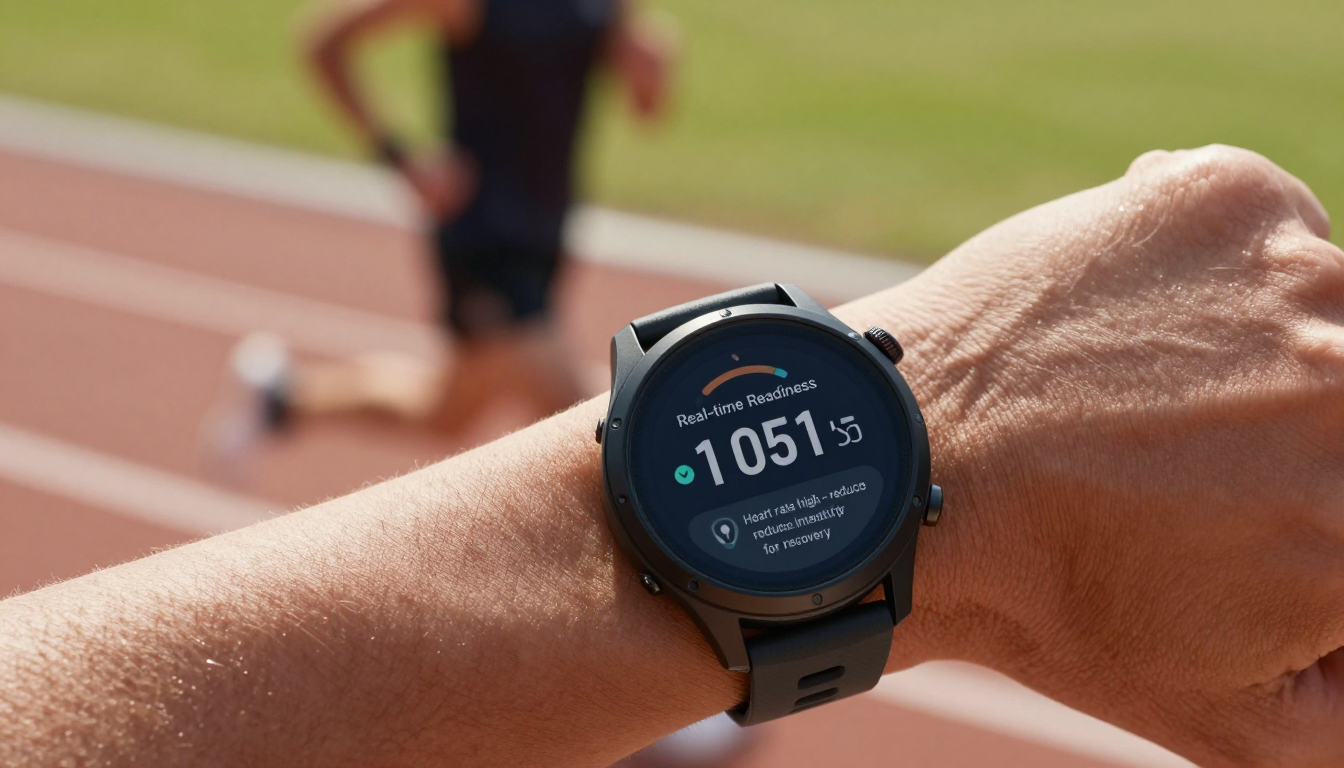
- Morning Briefing:
You receive a push notification:
"Good morning.
Your Readiness Score is 92 (HRV: 85ms, RHR: 48bpm).
This is an optimal day for a high-intensity workout to improve your VO2 max.
Suggested Workout: 10-minute warmup, followed by 5x3 minute sprint intervals." - Real-time Adjustment:
If you start your workout and your heart rate unexpectedly exceeds the safe projected zone for too long, the AI can send a real-time alert to your watch:
"Heart rate is unexpectedly high.
Consider reducing intensity for the next interval to prioritize recovery."
4. Optimizing Your Journey: Advanced Customization & Goal Setting
For those who want to target specific outcomes, ChronoSync AI offers powerful customization options.
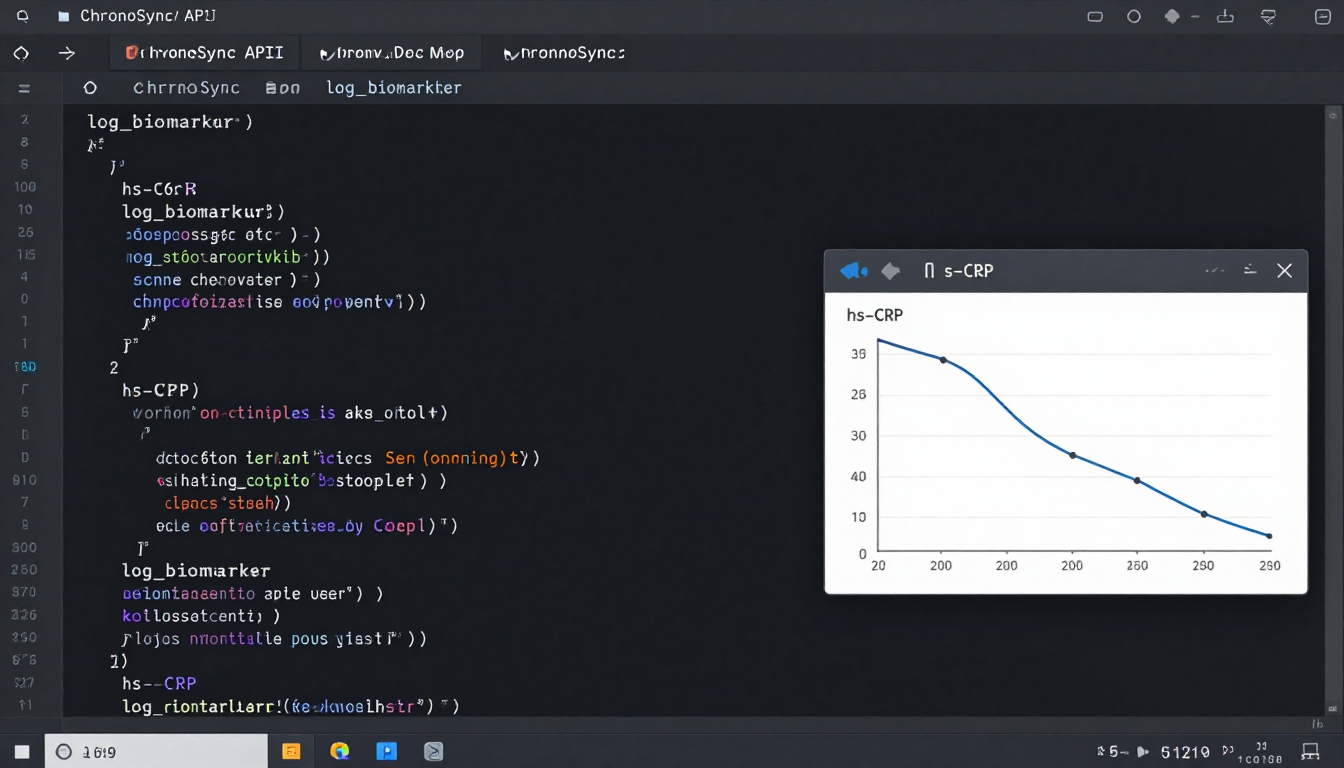
Setting Custom Goals:
- UI Path:
Dashboard > Goals > (+) New Custom Goal > Track a Biomarker - Example:
Selecths-CRP(C-reactive protein).
Set a Target Value of< 1.0 mg/L.
Set a Timeframe of3 Months.
The AI will now re-prioritize all its recommendations (nutrition, supplements, lifestyle) to focus on reducing systemic inflammation to meet this goal.
Integrating Specialized Data Sources:
- Connect your '23andMe' or 'Nebula Genomics' account to factor in genetic predispositions.
- Upload raw data from a DUTCH test (hormone panel) or a GI-MAP (gut microbiome) test for hyper-personalized supplement and diet recommendations.
API for Power Users:
Advanced users can use the ChronoSync API to push data from unsupported devices or custom scripts, extending the platform's capabilities.
import requests
import json
import time

API_ENDPOINT = "https://api.chronosync.ai/v4/log_biomarker"
API_KEY = "YOUR_SECRET_API_KEY"

payload = {
    "marker": "blood_ketones",
    "value": 1.2,
    "unit": "mmol/L",
    "timestamp": int(time.time())
}

headers = {
    "Authorization": f"Bearer {API_KEY}",
    "Content-Type": "application/json"
}

response = requests.post(API_ENDPOINT, data=json.dumps(payload), headers=headers)
print(response.json())
5. Navigating Data Discrepancies: Troubleshooting AI Longevity Insights
Data integrity is crucial for reliable insights.
Even with advanced AI, you might encounter situations that require your input.
Here's how to handle common issues and ensure the AI works best for you.
- Issue:
Inconsistent readings between two devices (e.g., watch says RHR is 55, chest strap says 51).
- Solution: Prioritize data sources.
UI Path:Settings > Data Sources > Edit Priorities.
Drag your most accurate device (e.g., 'Polar H10 Chest Strap') to the top for heart rate metrics.
The AI will use this as the 'source of truth'.
- Solution: Prioritize data sources.
- Issue:
The AI gives a recommendation that contradicts how you feel (e.g., suggests a hard workout when you feel exhausted).
- Solution: While powerful, the AI's algorithms can't always account for every subjective feeling.
Use the context log. Tap the recommendation and select 'Log Context'.
Add a note like 'High mental stress from work project'.
The AI's reinforcement learning model will weigh subjective feedback and adjust future readiness scores.
- Solution: While powerful, the AI's algorithms can't always account for every subjective feeling.
- Issue:
An API integration (like MyFitnessPal) constantly disconnects.
- Solution: Re-authenticate the connection.
UI Path:Settings > Data Sources > MyFitnessPal > Re-authenticate.
If the problem persists, check the official status page.
For the latest information, always refer to the ChronoSync AI System Status.
- Solution: Re-authenticate the connection.
6. Seamless Health Ecosystem: Integrating AI Coaches with Third-Party Apps
ChronoSync AI is designed to act as a central hub for your entire health and wellness technology stack, not just another silo.

- Smart Home Integration:
- Example:
Connect to Apple HomeKit or Google Home.
If your body temperature reading during sleep is high, ChronoSync can automatically trigger your smart thermostat to lower the room temperature by 2 degrees.
- Example:
- Mental Wellness Apps:
- Example:
Integrate with Calm or Headspace.
If ChronoSync detects a high stress score (low HRV) for more than 2 hours during the workday, it can send a prompt to your phone: "Stress levels are elevated.
Would you like to start a 5-minute guided breathing session in Calm?"
- Example:
- Medical Provider Portals:
- Example:
With explicit permission, ChronoSync can flag concerning trends for your doctor.
If your blood pressure readings trend upwards for two consecutive weeks, it can generate a summary report and queue a draft message in your MyChart portal to your physician.
- Example:
7. Ethical AI & Data Privacy: Building Trust with Your Digital Longevity Coach
Sharing personal health data requires a foundation of trust.
ChronoSync AI is built with privacy and security at its core.

- Data Security:
All your data is end-to-end encrypted with AES-256 encryption, both in transit and at rest, protecting it from unauthorized access. - Privacy by Design:
ChronoSync employs Federated Learning.
The core AI model is sent to your device, and it trains on your data locally.
Only anonymized, aggregated model updates are sent back to the central server, ensuring your raw health data never leaves your phone. - Algorithmic Transparency:
For any recommendation, you can ask the AI, 'Why did you suggest this?'
It will provide a simple causal chain.
Example: "I recommended reducing sodium intake because your blood pressure has trended 5% higher on days following high-sodium meals logged in the past 30 days."
For a detailed overview of how your data is handled, refer to the official ChronoSync AI Privacy Policy & Ethics.
8. Mastering the AI Coach Interface: Dashboards, Reports & Interactive Dialogues
Navigating ChronoSync AI's interface effectively helps you get the most out of your digital coach.
- The Main Dashboard:
This serves as your command center.
It features customizable widgets for your most important metrics: a real-time Longevity Score, a Readiness gauge, and cards for the top 3 AI-suggested actions for the day. - Generating Reports:
Need to share your progress or review specific trends?
- UI Path:
Profile > Reports > Generate New Report - You can create detailed PDF reports for specific needs, such as a '3-Month Sleep Performance Review' or a 'Biomarker Trend Analysis' to share with a healthcare provider.
- UI Path:
- Interactive Dialogue (ChronoAI Chat): T
reat the AI as a conversational coach, asking questions directly.
- User: "What's the single most important thing I can do to improve my deep sleep?"
- AI: "Your data shows a strong correlation between evening workouts (after 7 PM) and a 20% reduction in deep sleep.
The most impactful change would be to shift your workouts to the morning or midday."
9. Real-World Impact: Case Studies of AI-Coached Longevity Success
These hypothetical scenarios illustrate how ChronoSync AI can translate into tangible health improvements, based on aggregated, anonymized user data.
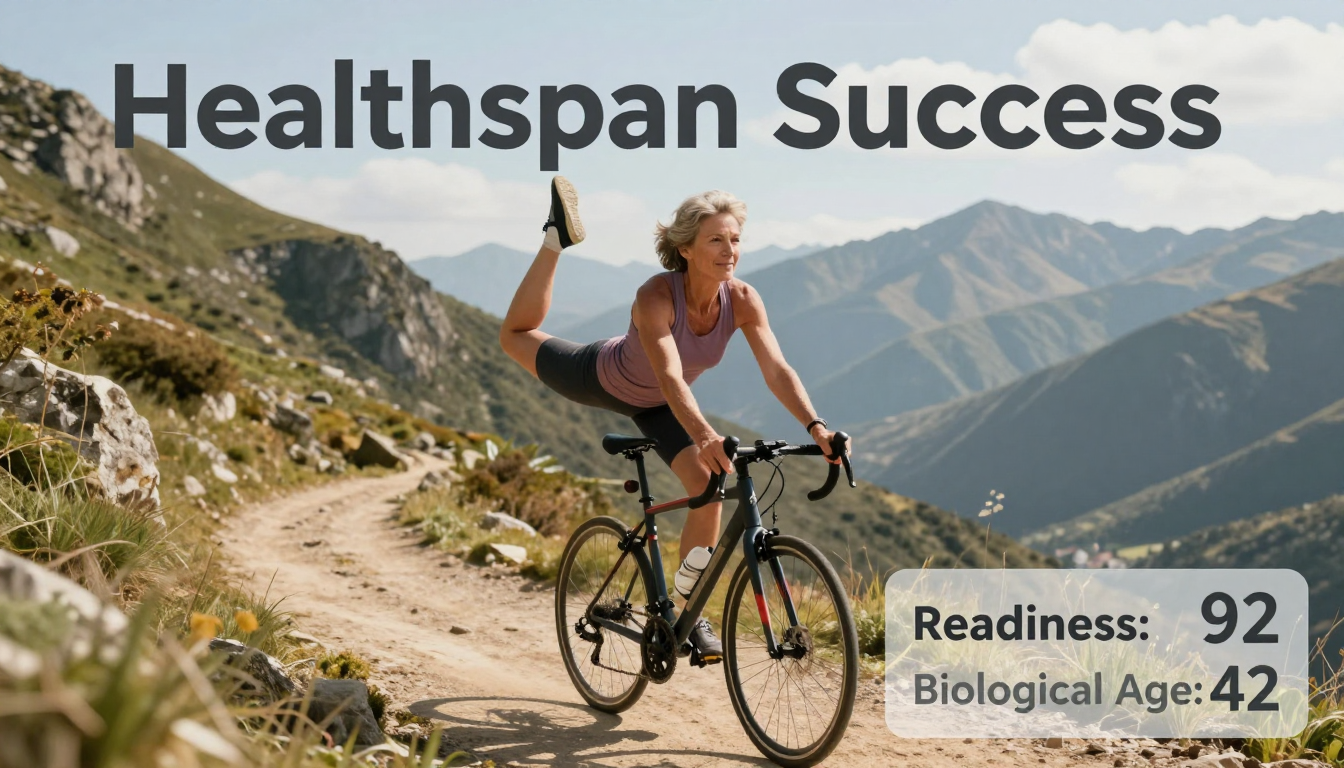
- Case Study 1: Reversing Pre-diabetes.
A 45-year-old user, 'Mark,' synced his CGM and lab results showing an HbA1c of 6.1%.
The AI designed a low-glycemic meal plan, prompted 10-minute post-meal walks, and recommended specific supplements like berberine.
After 6 months, Mark's AI-guided actions resulted in a new HbA1c of 5.5%, moving him out of the pre-diabetic range. - Case Study 2: Optimizing Athletic Performance.
A 32-year-old cyclist, 'Sarah,' struggled with overtraining.
By following the AI's daily Readiness Score, she substituted high-intensity days with active recovery sessions when her HRV was low.
The AI also optimized her pre-workout meal timing.
Over a 4-month period, her FTP (Functional Threshold Power) increased by 8% while her average training volume decreased by 10%.
Official Resources
- Documentation: For in-depth guides and technical details,
visit [ https://www.econtechnologies.com/support/chronosync ] - Pricing: Explore subscription options and features at [ https://www.econtechnologies.com/product/chronosync/ ].


