🔑 Key Takeaways for the 2026 iPad Lineup:
- The iPad Pro (M5) is built for peak performance and professionals, featuring the Ultra Retina XDR display and Wi-Fi 7.
- The iPad Air (M3) offers a large screen and solid performance for most users, balancing features and cost.
- The iPad mini (A17 Pro) excels in portability and responsive intelligence for on-the-go tasks.
- M5-powered Apple Intelligence capabilities are significantly more robust on the Pro, especially for sustained, demanding AI workloads.
- Consider external storage for the iPad Air's 128GB base model to avoid storage limitations.
Definitive Guide: Choosing Your 2026 Apple iPad - Pro, Air, or Mini?
As we navigate the tech landscape of 2026, Apple's iPad lineup has matured into a finely segmented ecosystem, offering distinct choices for every type of user.
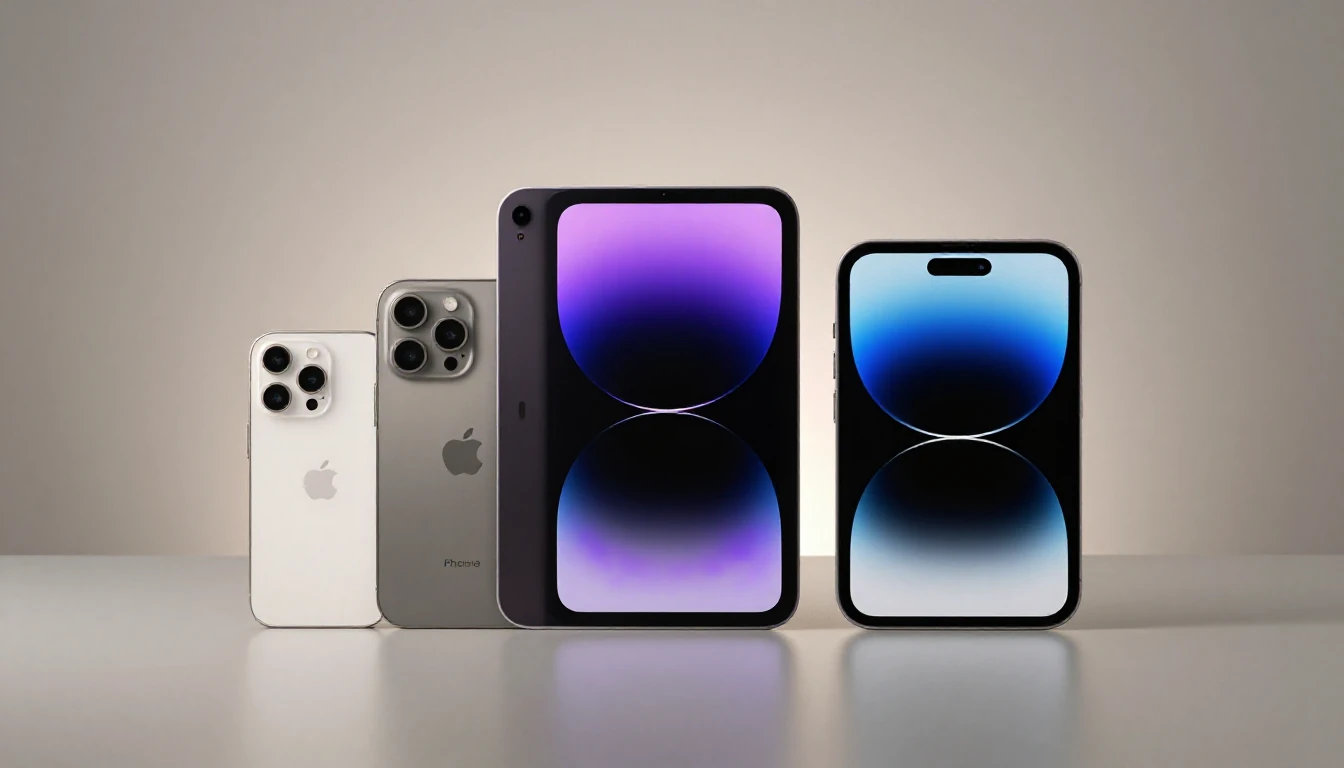
This definitive guide will help you dissect the 13-inch iPad Pro with the M5 chip, the versatile 13-inch iPad Air powered by the M3, and the ultra-portable iPad mini with the efficient A17 Pro.
We'll dive deep into performance, display technology, and practical considerations to determine which tablet is the best fit for your specific needs in 2026.
⚖️ Honest Verdict: Who Should Buy This & Who Should Skip It
| Who Should Buy This | Who Should Skip This |
|---|---|
iPad Pro (M5):
|
iPad Pro (M5):
|
iPad Air (M3):
|
iPad Air (M3):
|
iPad mini (A17 Pro):
|
iPad mini (A17 Pro):
|
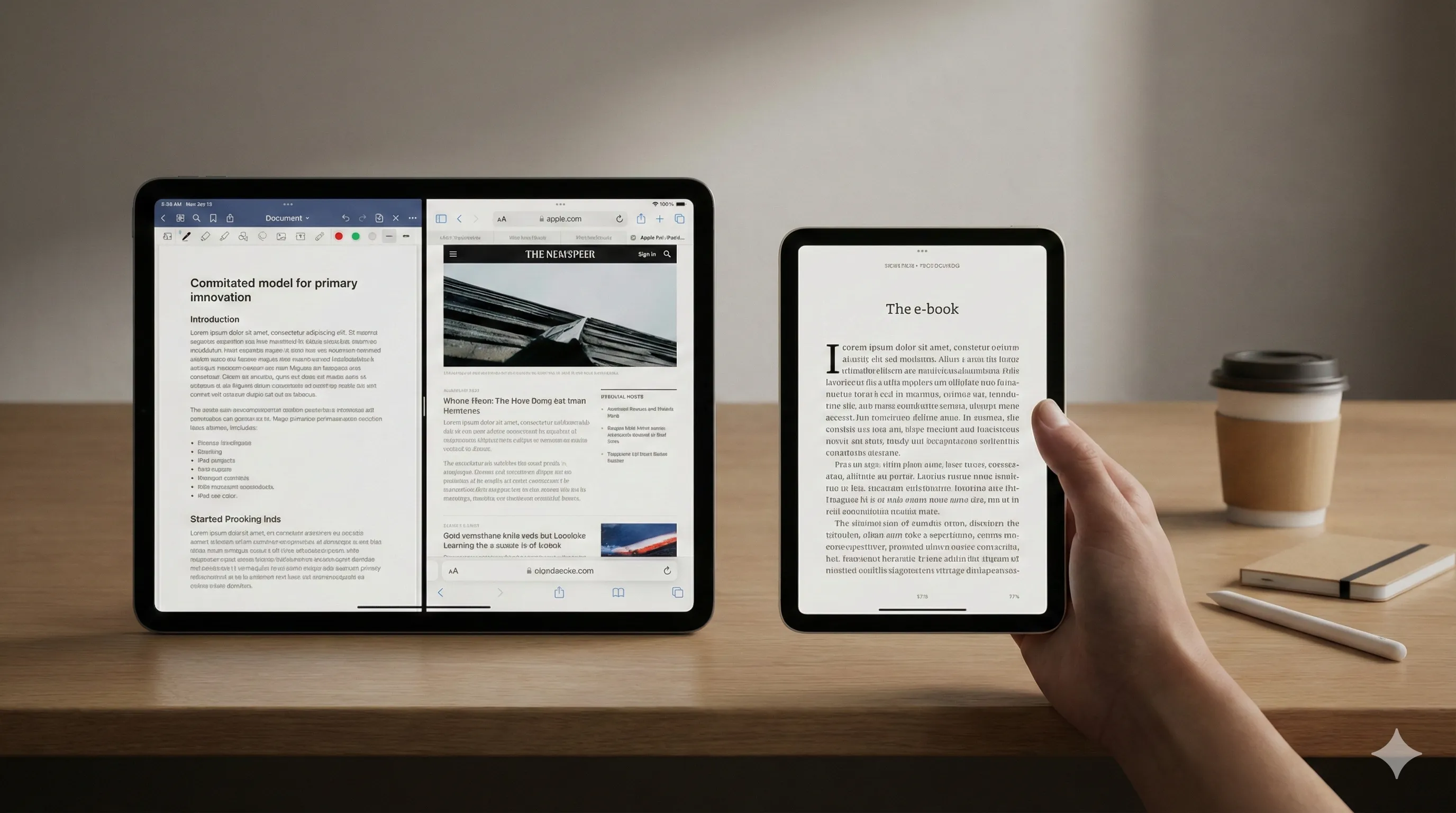
Here's a quick overview of how the 2026 iPad lineup stacks up:
| Feature | 13-inch iPad Pro (M5) | 13-inch iPad Air (M3) | 8.3-inch iPad mini (A17 Pro) |
|---|---|---|---|
| Processor | Apple M5 Chip | Apple M3 Chip | Apple A17 Pro Chip |
| Display | 13-inch Ultra Retina XDR (Tandem OLED) | 13-inch Liquid Retina (LED) | 8.3-inch Liquid Retina (LED) |
| Base Storage | 256GB | 128GB | 128GB |
| Connectivity | Wi-Fi 7 with Apple N1, Bluetooth 5.4 | Wi-Fi 6E, Bluetooth 5.3 | Wi-Fi 6E, Bluetooth 5.3 |
| Front Camera | Landscape 12MP Ultra Wide with Center Stage | Landscape 12MP Ultra Wide with Center Stage | Landscape 12MP Ultra Wide with Center Stage |
| Rear Camera | 12MP Wide, LiDAR Scanner, Adaptive True Tone flash | 12MP Wide | 12MP Wide |
| Biometrics | Face ID | Touch ID (in Top Button) | Touch ID (in Top Button) |
| Key Differentiator | Ultimate performance, best display, future-proof IO | Large screen value, solid performance | Ultimate portability, efficient power |
1. Performance Benchmarks & Apple Intelligence Integration
The core of your iPad experience will always be its silicon.
Projected 2026 iPad models are anticipated to feature chips tailored for their intended audience, with significant implications for Apple Intelligence (AI) workloads.
iPad Pro (M5): The AI Powerhouse
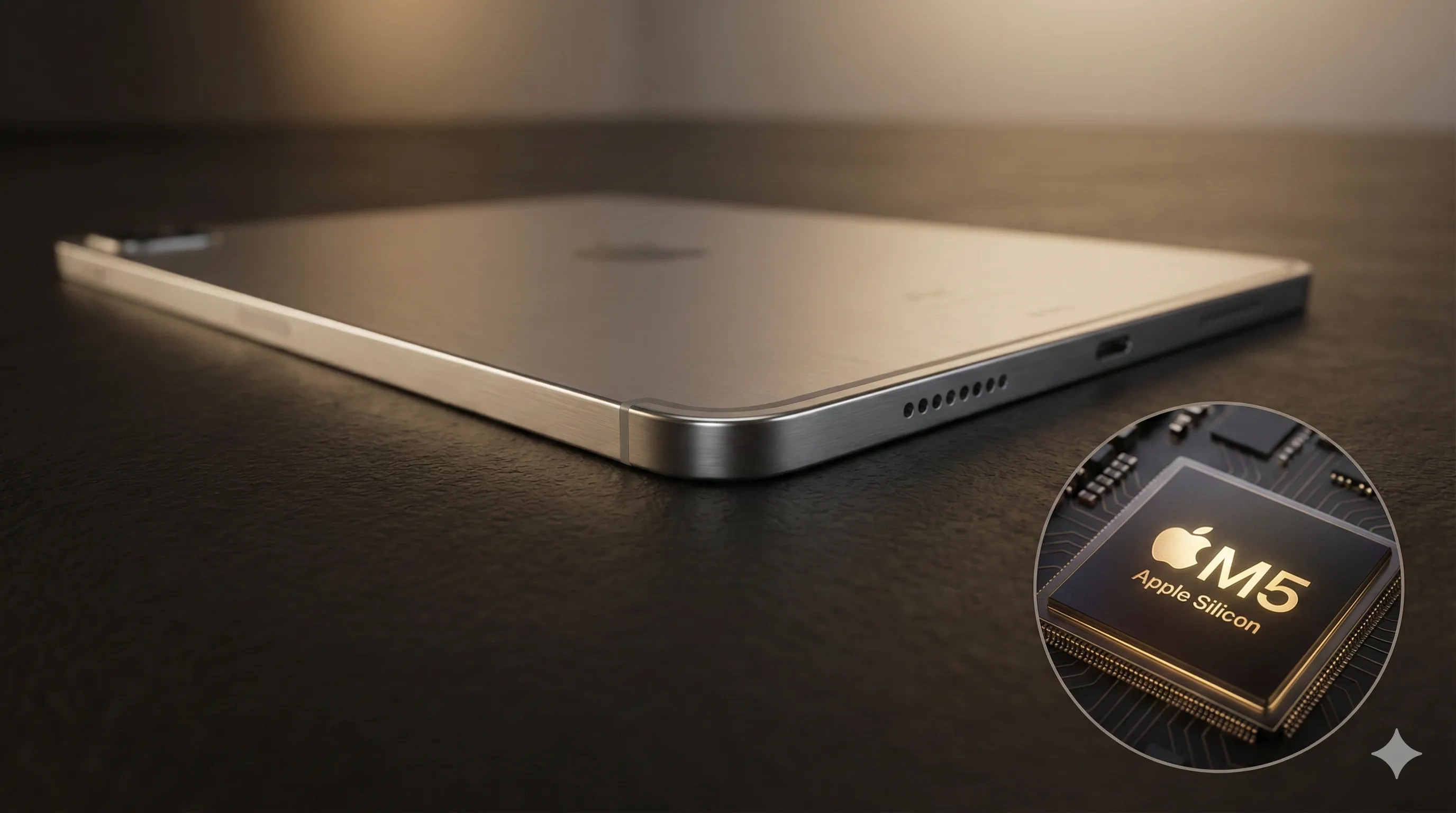
If released in 2026, the M5 chip is projected to represent the pinnacle of Apple Silicon.
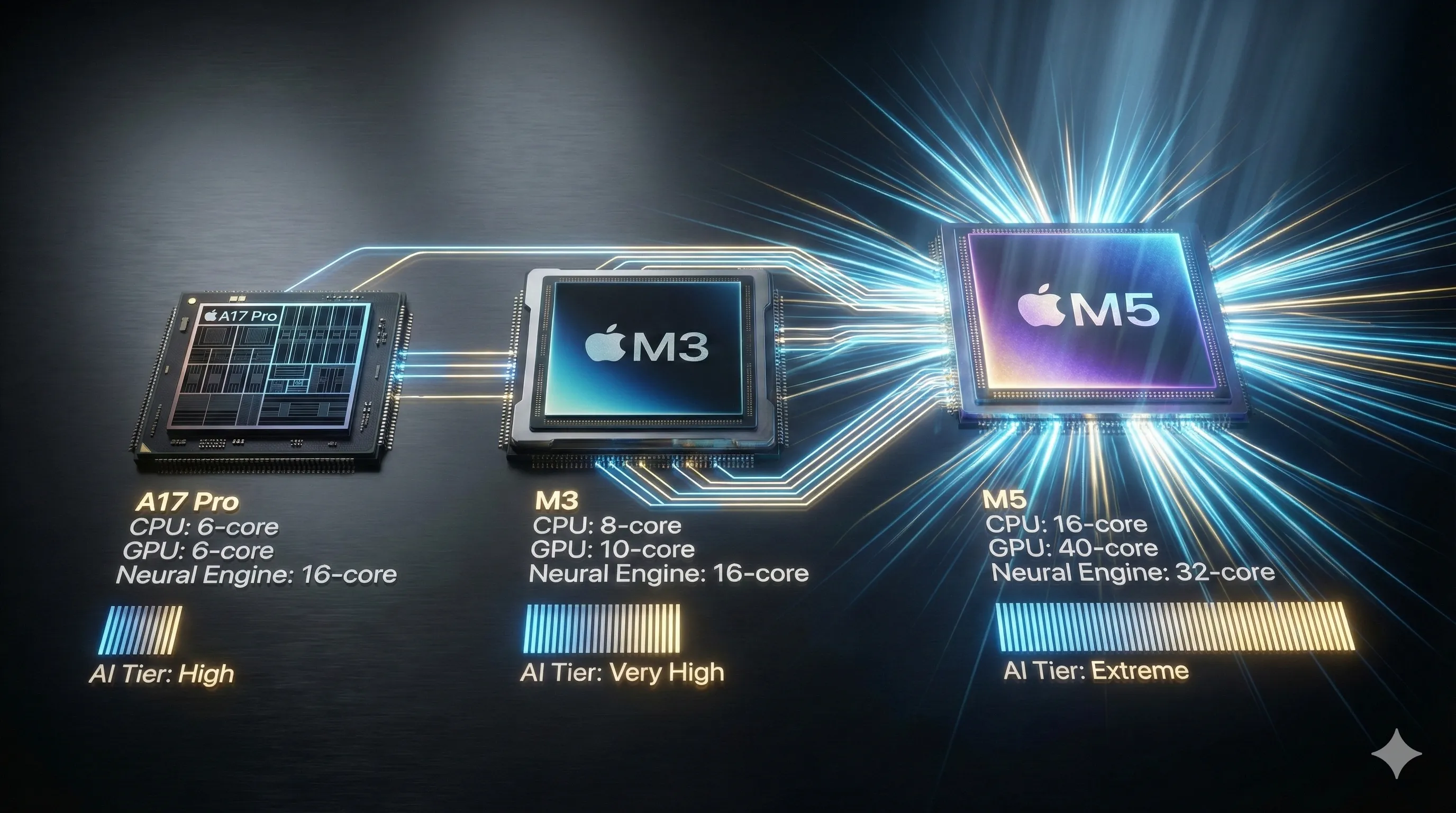
Industry speculation suggests it could be built on a refined 2nm process, potentially featuring a 12-core CPU and an 18-core GPU, and delivering roughly 30% more multi-core performance than the M3.
Its next-generation 24-core Neural Engine is also rumored to be designed for sustained, complex AI tasks.
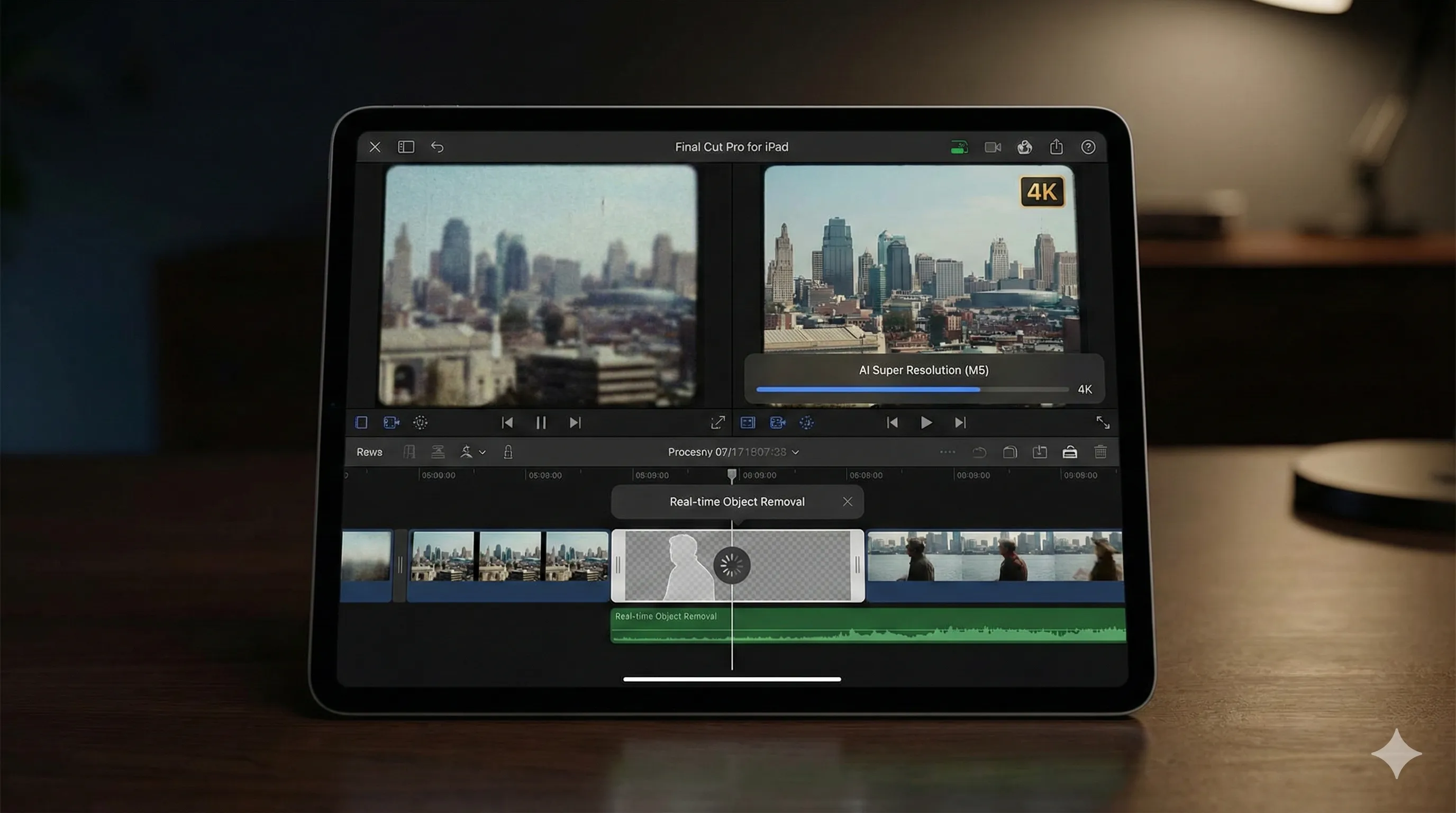
This would translate to capabilities such as real-time generative video editing, complex code compilation directly on-device, and instantaneous processing of system-wide AI features without a hint of lag.
For developers training models or creative professionals using AI-driven filters and rendering tools, an M5-equipped iPad Pro would be non-negotiable for stability and speed, assuming these projected specifications.
iPad Air (M3): The Intelligent All-Rounder
The M3 chip, which debuted in late 2023, is a formidable processor and is expected to remain so if featured in 2026 iPad models.
Its 8-core CPU, 10-core GPU, and 16-core Neural Engine are more than capable of handling all of Apple Intelligence's core features, from advanced writing tools to generative photo editing, should it be integrated.
Should a more powerful M5 chip be introduced, the M3 would likely differ in processing speed for high-intensity tasks.
Consequently, a complex video render with AI upscaling might take noticeably longer on an M3-equipped device, and multitasking with several heavy apps could see occasional slowdowns compared to a Pro model featuring a hypothetical M5 chip.
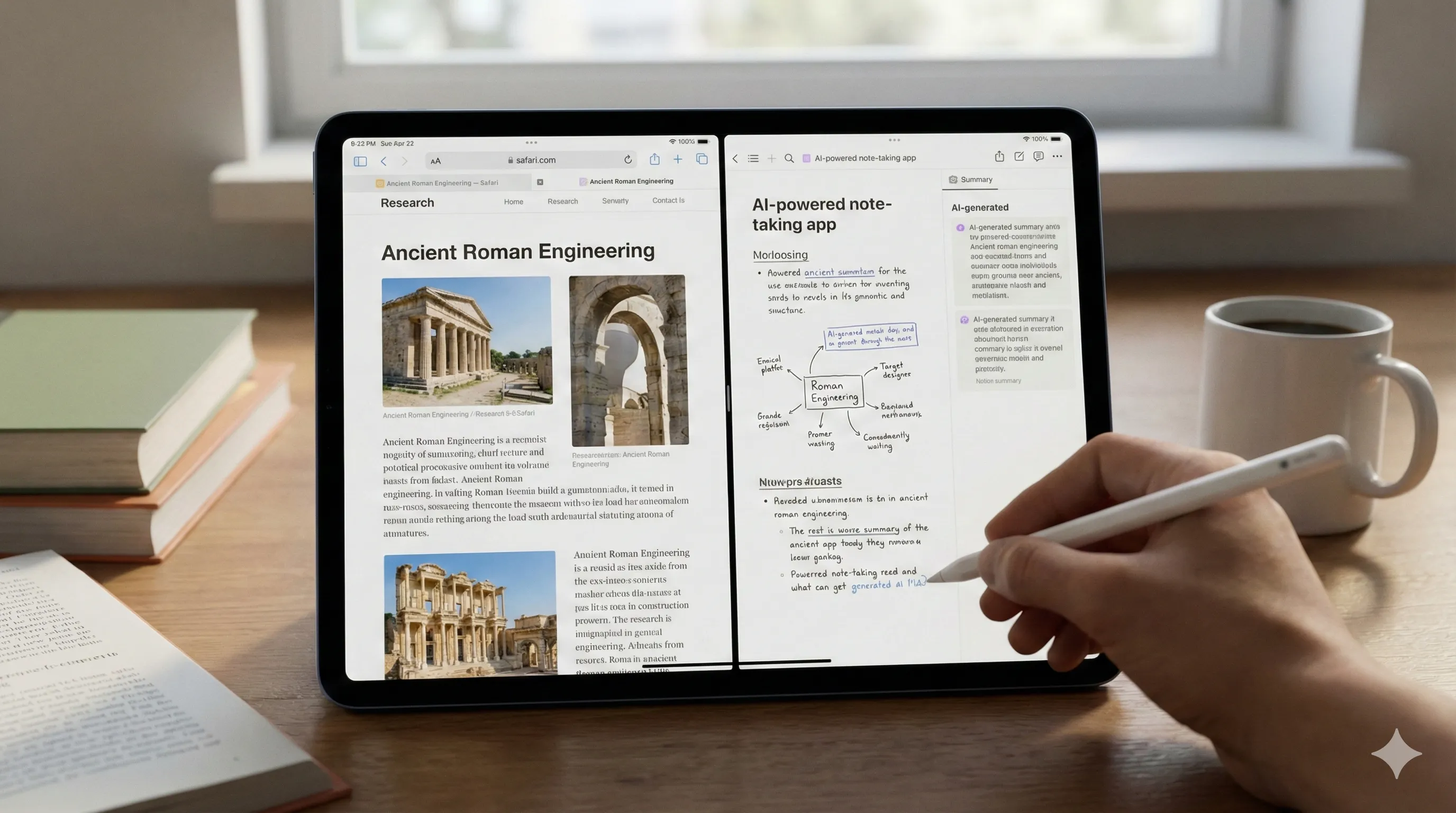
It is thus anticipated to offer a perfect balance for students, professionals, and creatives who use AI tools but don't require the absolute bleeding edge of processing power that a future Pro model might offer.
iPad mini (A17 Pro): The Efficient Performer
The A17 Pro is an incredibly capable mobile chip, and if integrated into a 2026 iPad mini, it would offer substantial performance.
Its known specifications include a 6-core CPU and 6-core GPU, paired with a 16-core Neural Engine, which would offer snappy performance for everyday tasks and handle on-device AI features like transcription and contextual suggestions with ease.
However, it's architecturally an iPhone chip, meaning it has less memory bandwidth and fewer performance cores than its M-series siblings.
It excels at bursty workloads but may thermal throttle during extended, demanding tasks like 4K video editing or console-quality gaming sessions.
It would thus be built for responsive, portable intelligence, not workstation-level processing, so users should manage their expectations for sustained heavy loads.
2. Display Technology: Ultra Retina XDR vs. Liquid Retina
Your window into the iPad experience is the display, and the difference between the Pro's Ultra Retina XDR and the others is stark.
iPad Pro's Ultra Retina XDR: The Visual Benchmark
This is, simply put, the best display ever on a portable device.
Utilizing Tandem OLED technology, it achieves an incredible full-screen brightness of 1200 nits and a peak HDR brightness of 1800 nits.
The per-pixel control delivers perfect blacks and an infinite contrast ratio, making HDR content breathtakingly vivid.
ProMotion technology allows for an adaptive refresh rate from 10Hz to 120Hz, ensuring fluid scrolling and responsiveness for the Apple Pencil Pro while conserving battery.
For photographers, videographers, and anyone who demands color accuracy and dynamic range, this display provides crucial precision.

iPad Air & mini's Liquid Retina: Excellent for Everyday
The Liquid Retina displays on the Air and mini are excellent LED screens.
They boast P3 wide color, True Tone, and impressive brightness (600 nits for the Air, 500 for the mini).
Colors are vibrant, and text is sharp for daily use.
However, when placed next to the Pro, the difference is clear.
Blacks appear as dark grey, and they lack the sheer 'pop' and dynamic range of the OLED panel.
With a standard 60Hz refresh rate, scrolling and animations are not as fluid as on the Pro's ProMotion display.
These displays are more than suitable for media consumption, web browsing, and general productivity, but they lack the professional-grade precision of the XDR panel.

3. Form Factor & Ergonomics: Choosing Your Ideal iPad Size
13-inch iPad Pro & Air: Spacious & Productive
The 13-inch form factor provides a spacious canvas for creativity and productivity.
The Pro, being remarkably thin thanks to its OLED panel, feels dense and premium in the hand.
The Air is slightly thicker but still feels balanced and comfortable for extended use.
Paired with a Magic Keyboard, both models offer a near-laptop typing experience, making them efficient tools for writers, coders, and professionals.
For artists, the large surface area is a boon for drawing and detailed work, though some may find it unwieldy for long sessions without a desk or stand.

8.3-inch iPad mini: Ultimate Portability
The mini's defining feature is its portability.
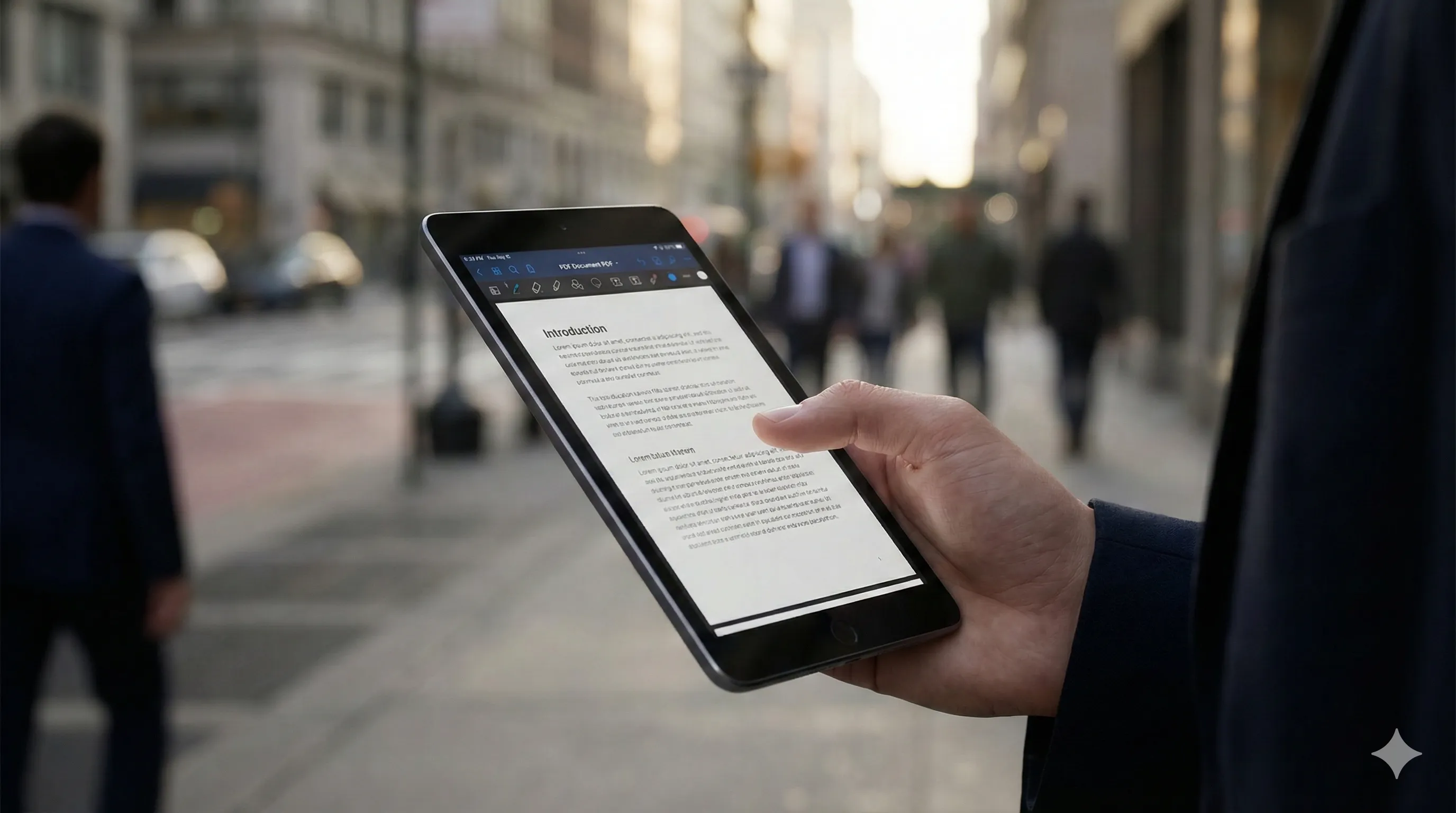
It's the ultimate one-handed device, perfect for reading, quick note-taking on the go, and as a digital field guide or pilot's kneeboard.
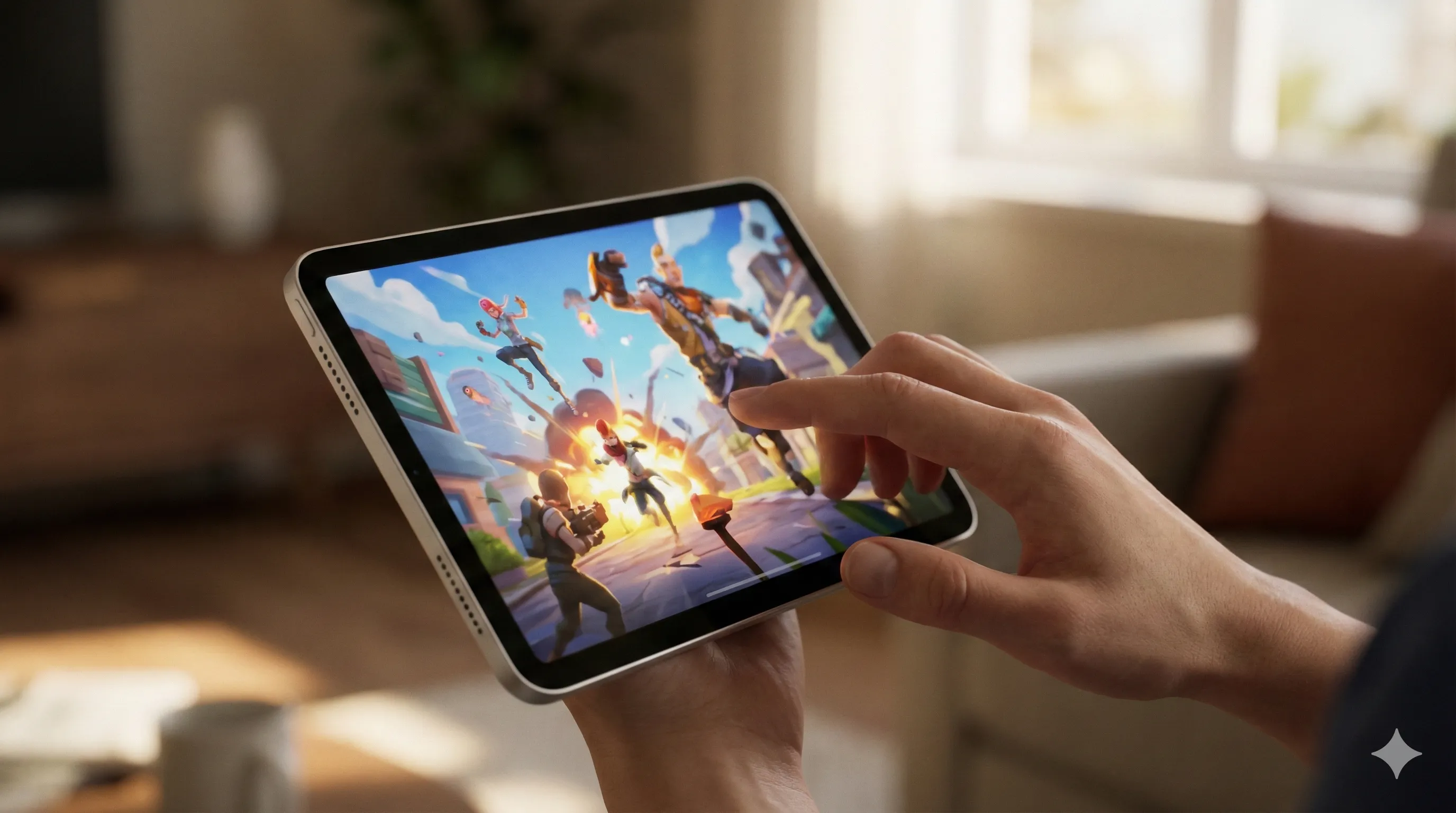
Its small size makes it a joy for casual gaming and media consumption anywhere – think airplanes, commutes, or lounging on the couch.
However, its compact nature is a trade-off.
The on-screen keyboard is cramped for extensive typing, and multitasking with Stage Manager feels constrained on the smaller display.
It's an ideal companion device or a primary tablet for those who prioritize portability above all else, understanding its limitations for heavy productivity.
4. Connectivity & Future-Proofing: Wi-Fi 7 vs. Wi-Fi 6E
iPad Pro (Wi-Fi 7): The Frontier of Wireless
The inclusion of Wi-Fi 7 on the iPad Pro is a significant step towards future-proofing your device.
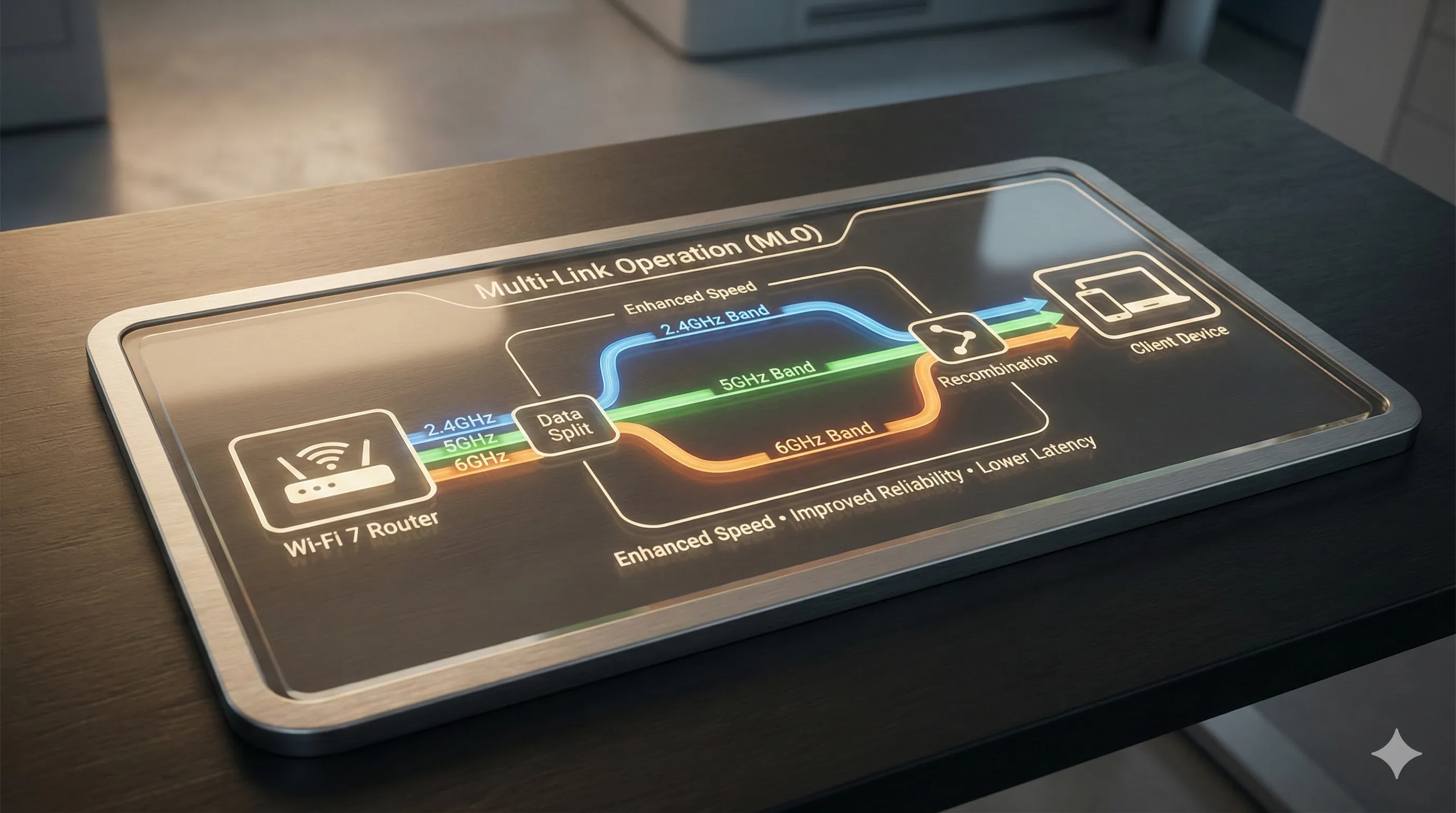
This standard offers Multi-Link Operation (MLO), allowing the iPad to connect to multiple bands (2.4GHz, 5GHz, 6GHz) simultaneously for higher throughput and dramatically lower latency.
Multi-Link Operation (MLO) intelligently manages this traffic, prioritizing latency-sensitive applications like cloud gaming, AR streams, and real-time collaboration.
To take full advantage, you need a Wi-Fi 7 router, but even on older networks, the advanced antenna design provides a more robust and stable connection.
This makes the Pro the definitive choice for users living on the technological frontier who demand the fastest, most reliable wireless.
iPad Air & mini (Wi-Fi 6E): Proven & Reliable
Wi-Fi 6E is the mature, high-performance wireless standard available today.
It provides access to the 6GHz band, which offers a fast, uncongested highway for data in supported environments.
For the vast majority of users in 2026, Wi-Fi 6E is more than fast enough for 4K streaming, large file downloads, and smooth video calls.
While it lacks the ultra-low latency and multi-link advantages of Wi-Fi 7, it is a reliable and powerful standard that will remain relevant and highly performant for years to come.
Don't feel pressured to get Wi-Fi 7 if your home network isn't ready.
5. Camera Systems & LiDAR: Professional Tools vs. Everyday Utility
iPad Pro: LiDAR for Advanced Applications
The Pro’s camera system is a specialized toolkit.
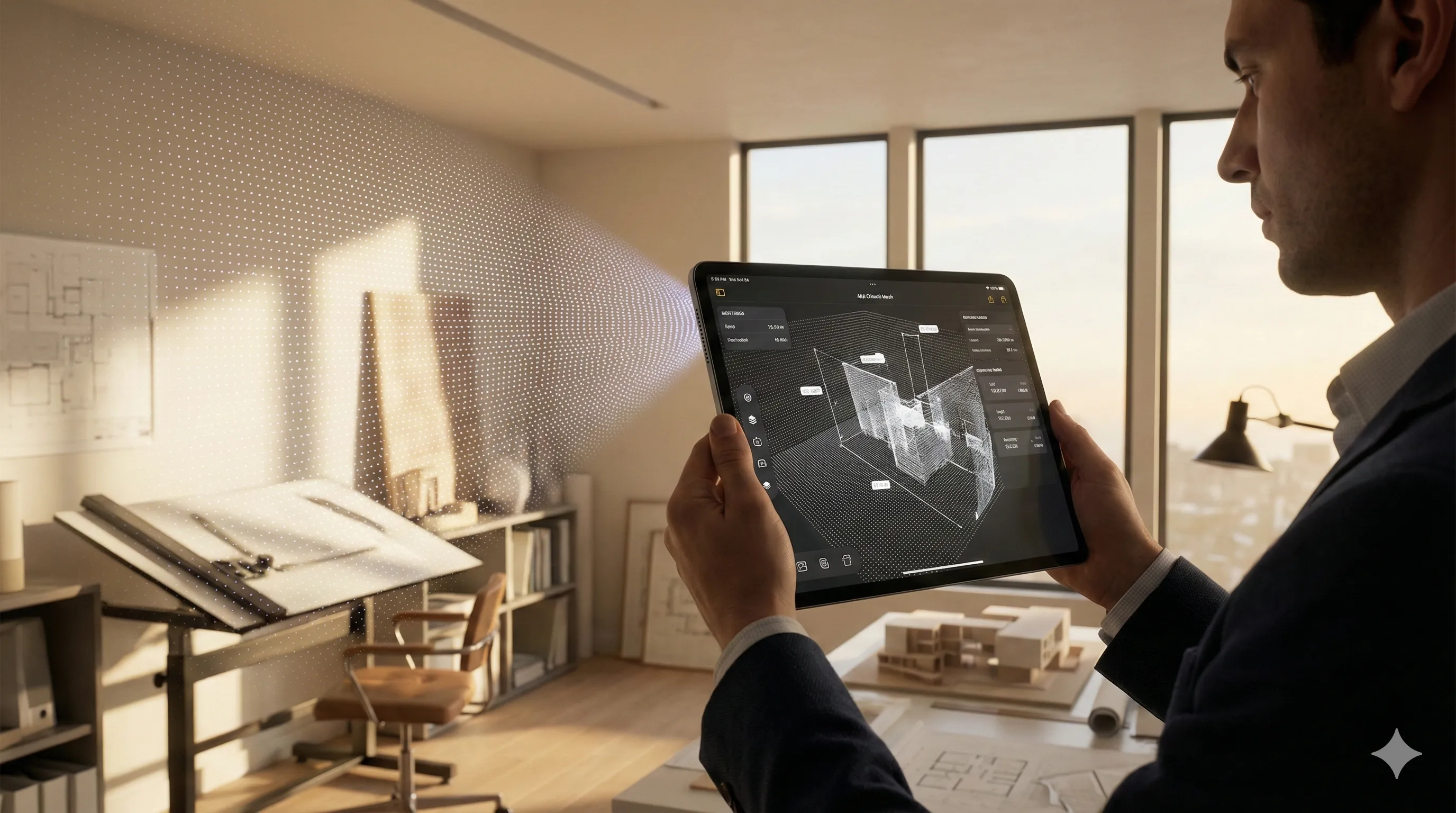
The 12MP rear camera is excellent, but its true power is unlocked by the integrated LiDAR Scanner.
This allows for instant, accurate 3D mesh scanning of rooms and objects, making it an invaluable tool for architects, interior designers, and AR developers creating spatial experiences.
It also enables phenomenal low-light autofocus, a practical benefit for photographers.
The repositioned Landscape 12MP front camera is a long-awaited improvement, perfectly centering you in the frame for video calls when docked in a keyboard, enhancing professional presentations and virtual meetings.
iPad Air & mini: Reliable for Daily Use
These models feature highly competent 12MP front and back cameras that are perfect for their intended uses.
They provide high-quality video conferencing with Center Stage, efficient document scanning, and the ability to capture excellent photos and videos in good lighting conditions.
They lack the LiDAR scanner, making them unsuitable for professional 3D scanning or advanced AR development, which is a clear and intentional point of differentiation by Apple.
For most users, these cameras are more than adequate for sharing life's moments and staying connected.
6. Security & User Experience: Face ID vs. Touch ID
iPad Pro (Face ID): Seamless & Modern
Integrated into the bezel, Face ID offers a seamless, hands-free authentication experience.
You simply look at your iPad, and it unlocks, authenticating apps and purchases.
It feels futuristic and is deeply integrated into iPadOS for password autofill and Apple Pay.
It's arguably the more convenient and secure method, working reliably in any orientation, which is a significant user experience boost.
iPad Air & mini (Touch ID): Proven & Tactile
By embedding Touch ID into the top button, Apple provides a fast, reliable, and secure alternative.
It's preferred by some users who appreciate the tactile confirmation of a fingerprint scan.
It's slightly less convenient when the iPad is docked in certain orientations or if your finger is wet, but it is a proven and beloved technology that works exceptionally well for daily use.
This method also keeps the bezels consistent for the display, which some users prefer aesthetically.
7. Ecosystem Optimization & Accessory Value
iPad Pro: The Full Workstation
To unlock its full potential, the iPad Pro demands pro accessories.
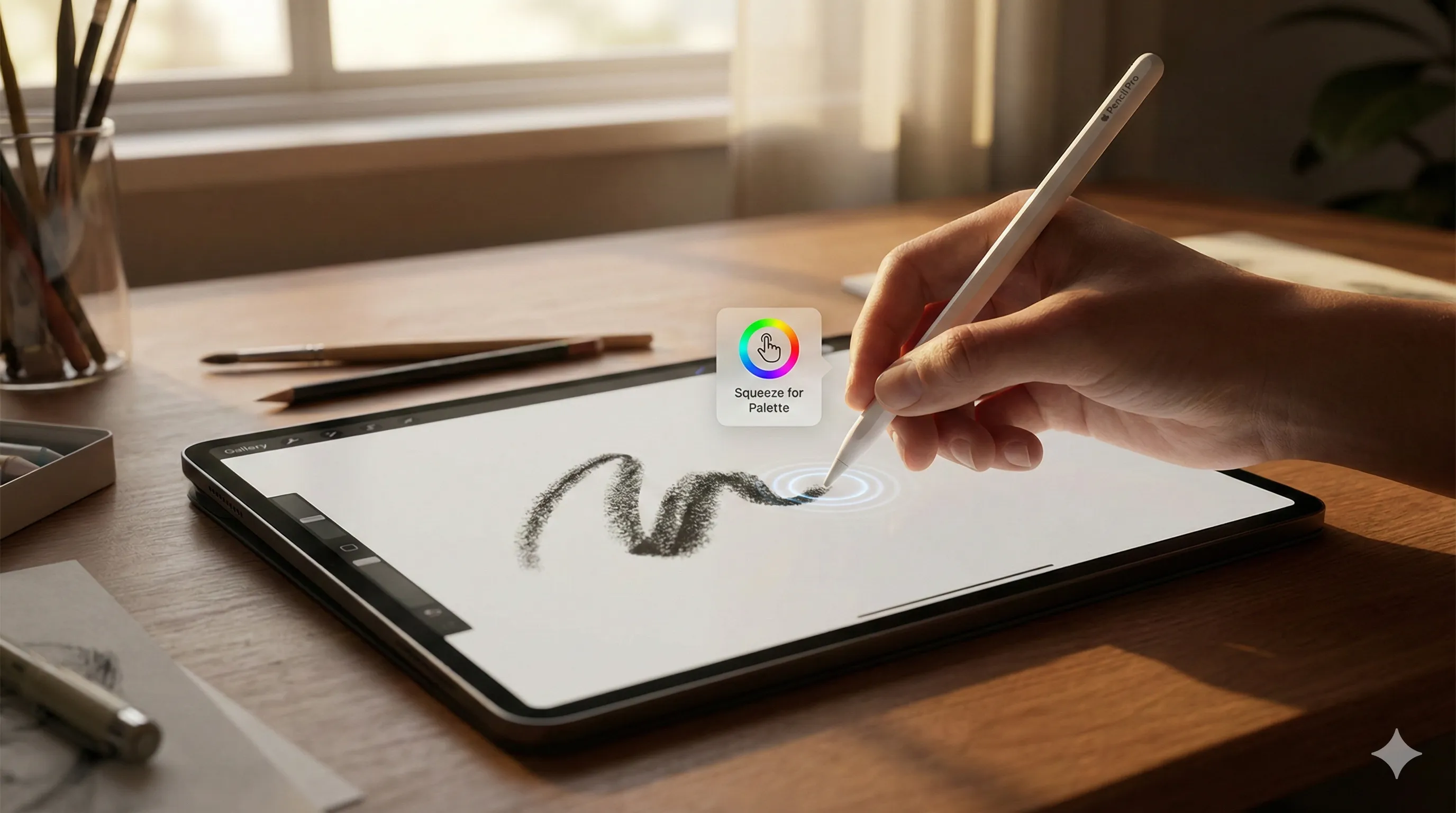
The Apple Pencil Pro (with haptic feedback and new gestures) and the redesigned Magic Keyboard (with a larger trackpad and function row) transform it into a modular creative workstation.
Integration with a Mac via Sidecar on its Ultra Retina XDR display is a best-in-class experience, offering precise color calibration across devices.
Investing in these peripherals is essential to maximize the Pro's capabilities.
iPad Air: Balanced Productivity
The iPad Air is compatible with the standard Magic Keyboard and the Apple Pencil (USB-C), offering excellent functionality at a more accessible price point.
It strikes a balance, providing a pro-like experience for typing and drawing without requiring the most expensive peripherals.
This makes it a pragmatic choice for students and general productivity users.

iPad mini: Companion Device
The iPad mini works best with the Apple Pencil (USB-C) for note-taking and sketching.
While a Smart Folio keyboard exists, its primary value is realized as a handheld device.
It functions excellently as a companion device, seamlessly complementing a MacBook or iMac rather than attempting to replace it as a primary computer.

8. Longevity & Value Retention: A 2028 Outlook
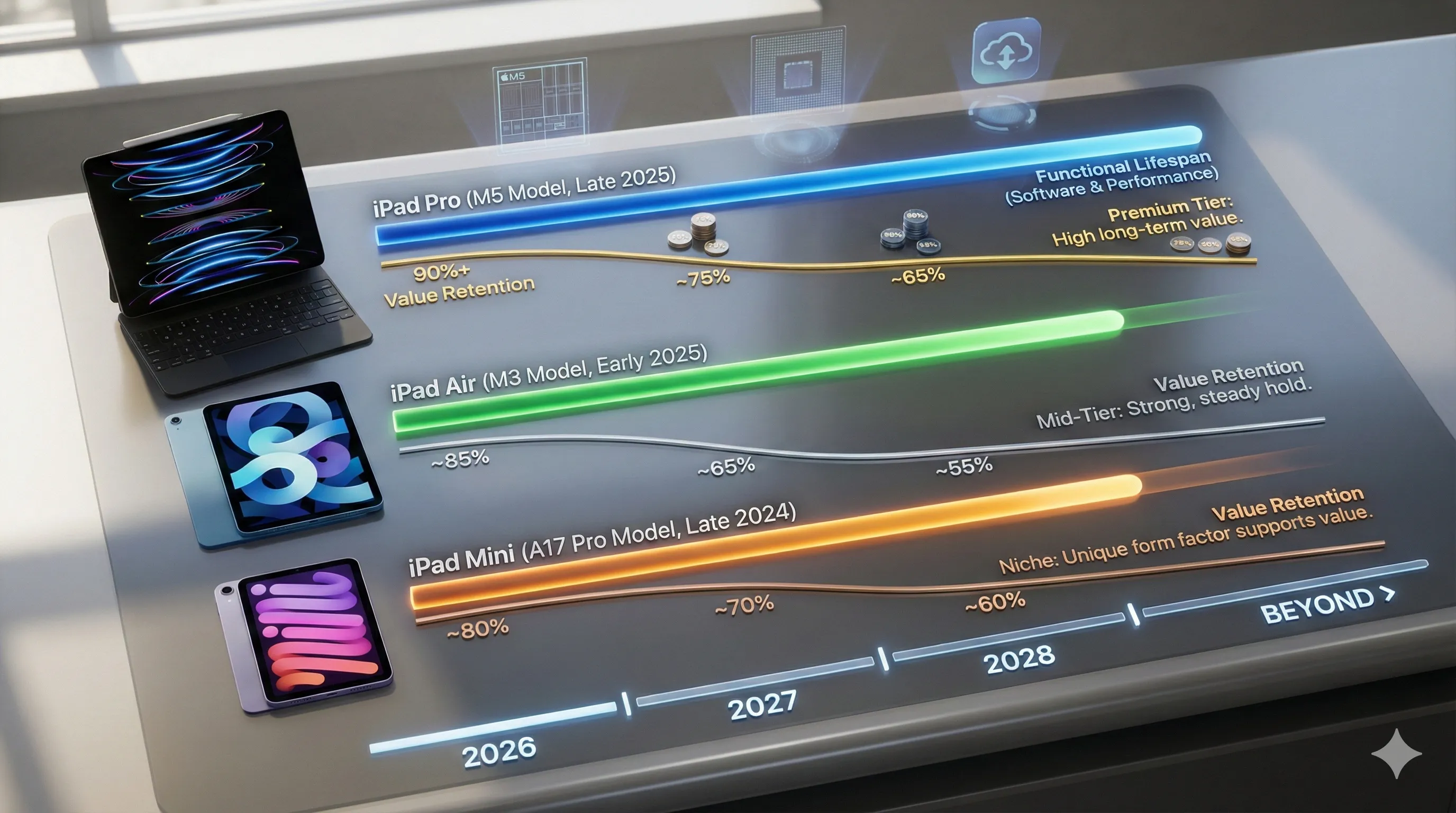
Looking ahead two years, the hierarchy of value and performance will likely remain clear.
iPad Pro (M5): Built for the Future
This device is built to last.
The M5 chip has significant performance headroom for years of demanding software and new Apple Intelligence features.
Wi-Fi 7 and the Ultra Retina XDR display will still feel cutting-edge in 2028, maintaining a premium user experience.
It will command the highest resale value due to its top-tier, future-proofed specifications, representing a sound long-term investment.
iPad Air (M3): Sustained Value
The M3 will still be a very capable chip in 2028, running the latest iPadOS smoothly and efficiently.
It will be a fantastic value, analogous to how the M1-powered devices from the early 2020s are performing reliably today.
Its value retention will be strong, representing the 'sweet spot' in the used market for those seeking high performance without the latest generation premium.
iPad mini (A17 Pro): Niche Appeal
The mini's performance will be the first to show its age, particularly with next-generation pro apps that demand M-series power.
However, for its core purpose—portability, reading, and media consumption—it will remain excellent and responsive.
Its unique, compact form factor will ensure it retains a dedicated following and decent value, especially among users who prioritize size above raw processing power.
9. Anticipated Challenges & Community Solutions
No device is perfect, and early community feedback has highlighted a few potential pain points that savvy users are already addressing.
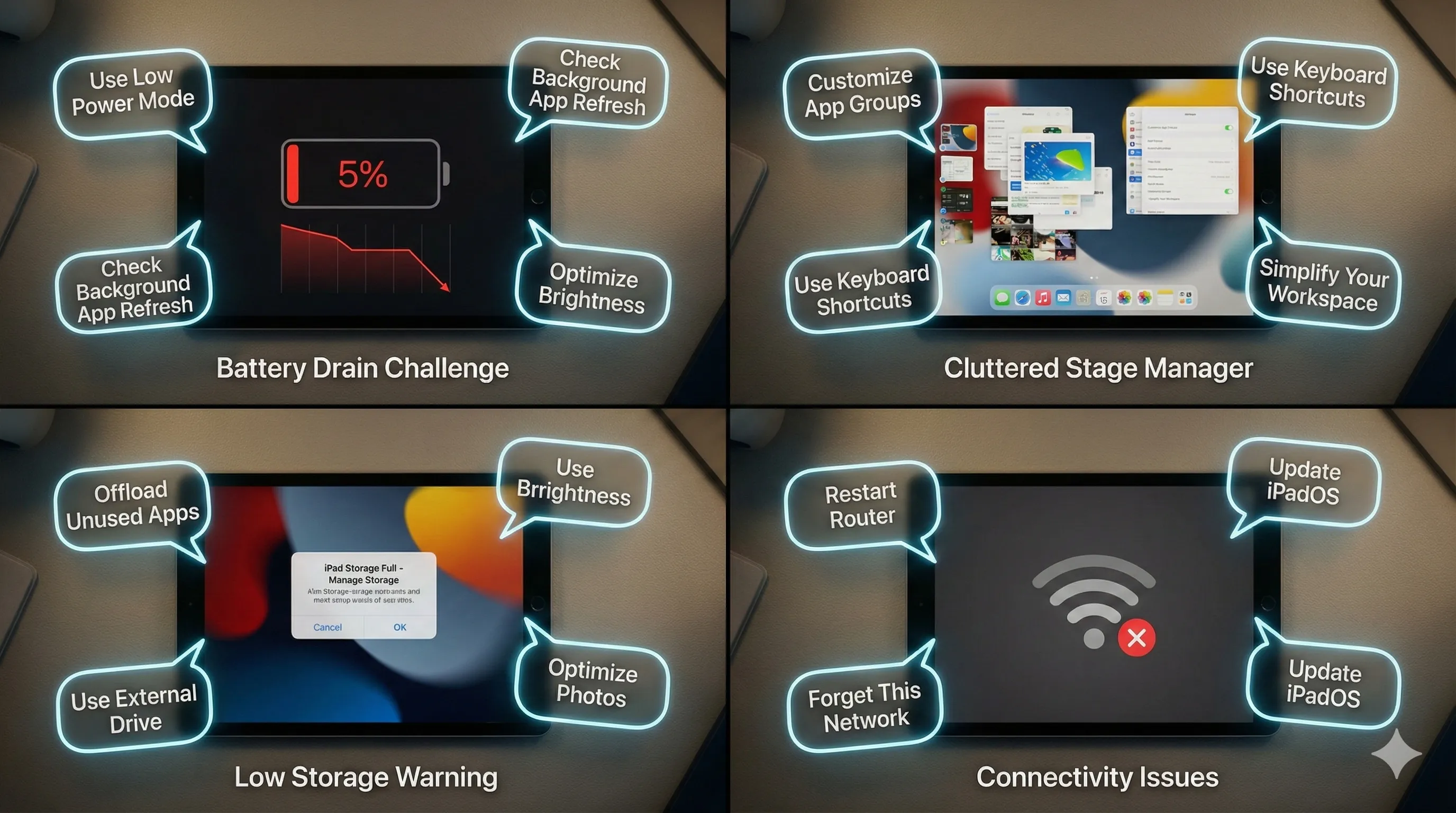
iPad Pro: Managing Battery Life
The sheer power of the M5 and the brightness of the XDR display can lead to faster battery depletion under heavy, sustained workloads like editing 8K video or running complex 3D renders.
This is less of an issue for bursty tasks, but something to be aware of for all-day heavy use.
Solution: The community has found that leveraging Low Power Mode during less intensive tasks and using optimized apps that efficiently utilize the M5's architecture can significantly extend battery life.
Having a good power bank or charger nearby for intense sessions is also a practical approach.
iPad Air: Storage Constraints
The 128GB base storage can feel restrictive for users with large photo libraries, extensive app collections, or those who frequently download media for offline viewing.
This is a common concern if you're coming from a device with more internal storage.
Solution: Embracing iCloud for photo and file storage is key to managing space on the device.
Additionally, investing in a fast external USB-C SSD is a popular and effective workaround for managing large project files or media libraries, offloading them when not actively in use.
iPad mini: Stage Manager Clutter
When using Stage Manager, the 8.3-inch display can feel crowded with more than two app windows.
While the feature is present, its utility for complex multitasking is naturally limited by the screen real estate.
Solution: Users are finding success by connecting the mini to an external display for serious multitasking sessions, effectively transforming it into a compact desktop experience, using the iPad's screen as a secondary touch-based control surface.
For on-device work, focusing on two-app split-screen rather than the more complex Stage Manager layout provides a more comfortable and manageable experience.
Ultimately, your choice in the 2026 Apple iPad lineup hinges on your specific priorities: unparalleled performance and display, balanced productivity with a large screen, or ultimate portability.
Each model is a powerful device, but understanding their distinct strengths and limitations, alongside available community solutions, will ensure you pick the definitive iPad for your needs.
Before making your final decision, remember to check the current price for the iPad Pro, iPad Air, and iPad mini on Amazon to ensure it aligns with your budget and expectations for a 2026 tablet.
🏆 Top Picks & Recommendations
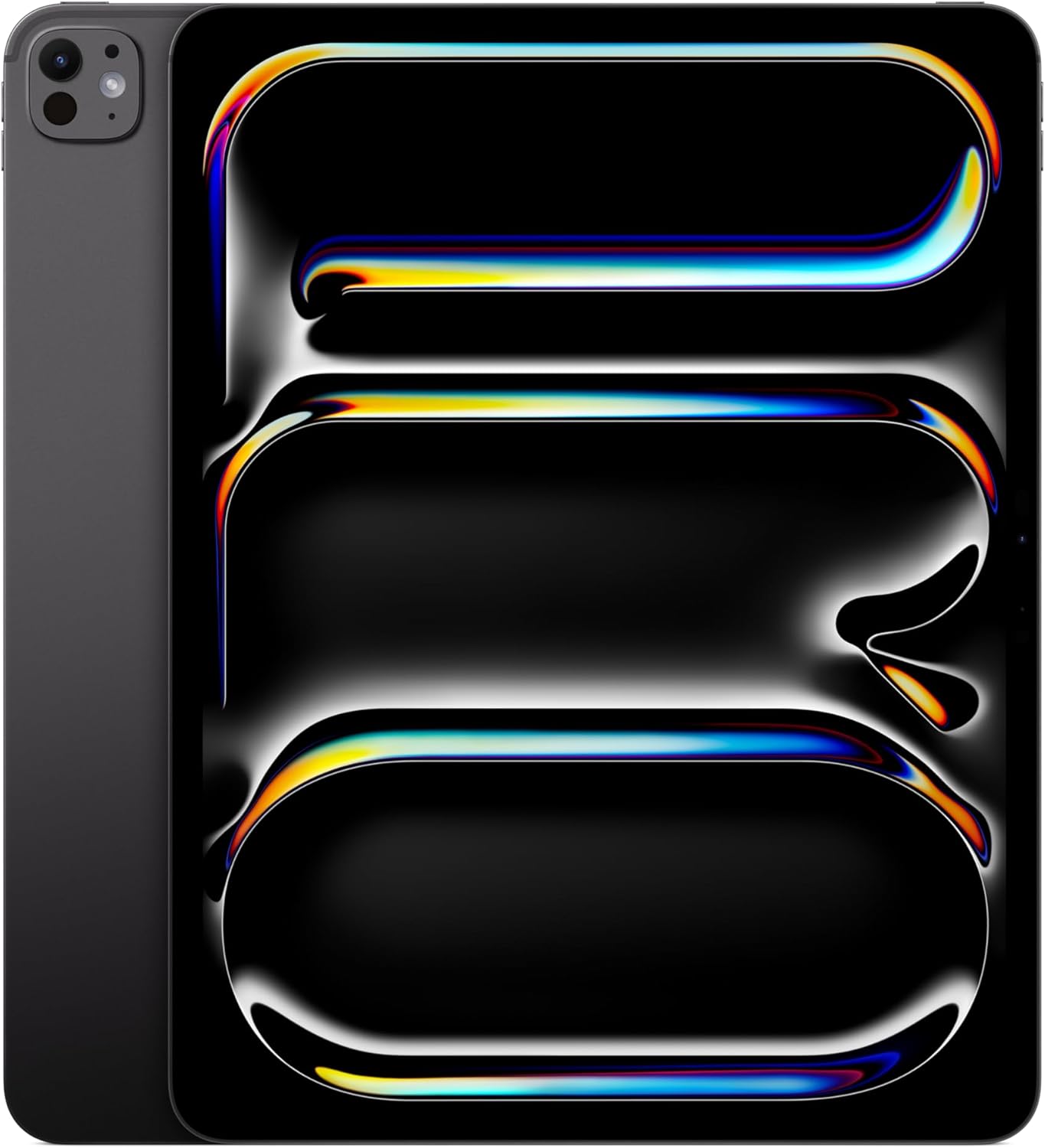
🛍️ Apple iPad Pro 13-inch (M5): Ultra Retina XDR Display, 256GB, Landscape 12MP Front Camera/12MP Back Camera, LiDAR Scanner, Wi-Fi 7 with Apple N1, Face ID, All-Day Battery Life — Space Black
Check the latest price and availability on Amazon.
👉 View on Amazon
🛍️ Apple iPad Air 13-inch with M3 chip Built for Apple Intelligence, Liquid Retina Display, 128GB, 12MP Front/Back Camera, Wi-Fi 6E, Touch ID, All-Day Battery Life — Purple
Check the latest price and availability on Amazon.
👉 View on Amazon
🛍️ Apple iPad mini (A17 Pro): Apple Intelligence, 8.3-inch Liquid Retina Display, 128GB, Wi-Fi 6E, 12MP Front/12MP Back Camera, Touch ID, All-Day Battery Life — Blue
Check the latest price and availability on Amazon.
👉 View on Amazon🔗 Recommended Posts
RTX 5060 Ti (2026) Showdown: ASUS vs. MSI vs. ZOTAC - The Ultimate Comparison
📜 Key Takeaways for the RTX 5060 Ti BattleASUS Dual OC: The undisputed versatility champion. It delivers nearly 97% of MSI’s performance in a much more compact frame, making it the most sensible choice for the majority of builds.MSI GAMING OC: The pre
tech.dragon-story.com
Apple Intelligence 2.0: The Definitive Guide to iOS 19.3's AI Revolution
Key Takeaways from Apple Intelligence 2.0 (iOS 19.3 Preview)Deeper Integration: Apple Intelligence 2.0 in iOS 19.3 goes beyond app-specific tools, offering system-wide AI capabilities through a new 'AI Context Layer' that understands and uses information a
tech.dragon-story.com
ElevenLabs vs. Open Source AI Voice (2026): The Definitive Guide for Faceless Channels
Key Takeaways for Faceless Content CreatorsElevenLabs v3 streamlines AI voice creation with instant cloning, a user-friendly web UI, and robust API, offering superior multilingual support and ease of use.Open-source options like RVC v3 and Coqui XTTS v4 pr
tech.dragon-story.com


