- Gemini Ultra 2.0 redefines complex reasoning with advanced causal inference and expanded context understanding, setting new benchmarks for AI performance.
- The updated `google-generativeai` SDK streamlines environment setup and enables seamless integration for both vision and native audio processing in multimodal applications.
- Proactive strategies like exponential backoff and quota management are essential for troubleshooting common API errors (429, 401/403) in production.
- Leverage Vertex AI for robust MLOps workflows, deploying, monitoring, and fine-tuning Gemini 2.0 models effectively within enterprise environments.
- Implement cost optimization techniques (right-sizing models, prompt engineering, caching) and utilize granular Responsible AI settings for safer, more efficient deployments.
Building modern AI applications requires powerful tools and a clear understanding of new capabilities.
Google's recent January 2026 updates, particularly the introduction of Gemini Ultra 2.0, establish new standards for complex reasoning and multimodal interaction.
This guide walks you through setting up your development environment, building production-ready multimodal apps, troubleshooting common issues, integrating with MLOps platforms like Vertex AI, optimizing costs, and leveraging responsible AI features.
Why Gemini Ultra 2.0 is the New Standard for Complex Reasoning
Gemini Ultra 2.0 stands out as the centerpiece of Google's latest AI advancements.
It moves beyond simple pattern recognition by exhibiting sophisticated, multi-step reasoning capabilities.
This enhanced intelligence comes from a refined Mixture-of-Experts (MoE) architecture and significant improvements in its training data and algorithms.
As a result, it excels at tasks demanding deep domain knowledge and logical deduction.
Key advancements include:
- Causal Reasoning:
The model can now infer cause-and-effect relationships from complex datasets with improved accuracy, which is vital for scientific research and financial analysis.
- Extended Context Understanding: With a significantly larger context window (up to 1 million tokens standard, 2 million tokens in preview access), it can process and synthesize information from extensive documents, large codebases, or even short videos.
- Advanced Agency: Gemini Ultra 2.0 demonstrates enhanced capabilities in tool use and function calling, allowing it to operate more autonomously within developer-defined constraints.
Comparison: Gemini Ultra 1.0 (2024) vs. Gemini Ultra 2.0 (2026)
| Feature | Gemini Ultra 1.0 (Released Dec 2023) | Gemini Ultra 2.0 (Released Jan 2026) |
|---|---|---|
| Primary Strength | High-level multimodal understanding | Complex, multi-step logical and causal reasoning |
| Benchmark (MMLU) | ~90.0% | >92.5% (State-of-the-Art) |
| Benchmark (GPQA) | Strong Performance | Diamond-Level Performance, excels at graduate-level questions |
| Multimodality | Image, Audio (input), Text, Code | Native Video Understanding (frames + audio), improved audio |
| Context Window | 128k tokens | 1M tokens (standard), 2M tokens (preview access) |
| API Latency | Standard | Up to 30% lower p90 latency for comparable tasks |
| Responsible AI | Standard Safety Filters | Granular, configurable safety settings per API call |
This performance leap makes Gemini Ultra 2.0 suitable for demanding applications such as drug discovery, advanced code generation, automated system auditing, and interactive tutoring systems.
Setting Up Your Development Environment for New Google AI APIs
Getting started with the new APIs is straightforward with the updated `google-generativeai` SDK.
This SDK now fully supports Gemini Ultra 2.0 and its latest features.
Step 1: Update the SDK
Ensure you have the latest version of the Python client library.
It is always a good practice to use a virtual environment to manage your dependencies.
pip install --upgrade google-generativeaiStep 2: Configure Your API Key
Obtain your API key from the Google AI Studio dashboard.
For security and maintainability, it is best practice to set this key as an environment variable instead of hardcoding it directly into your application.
export GOOGLE_API_KEY='YOUR_API_KEY'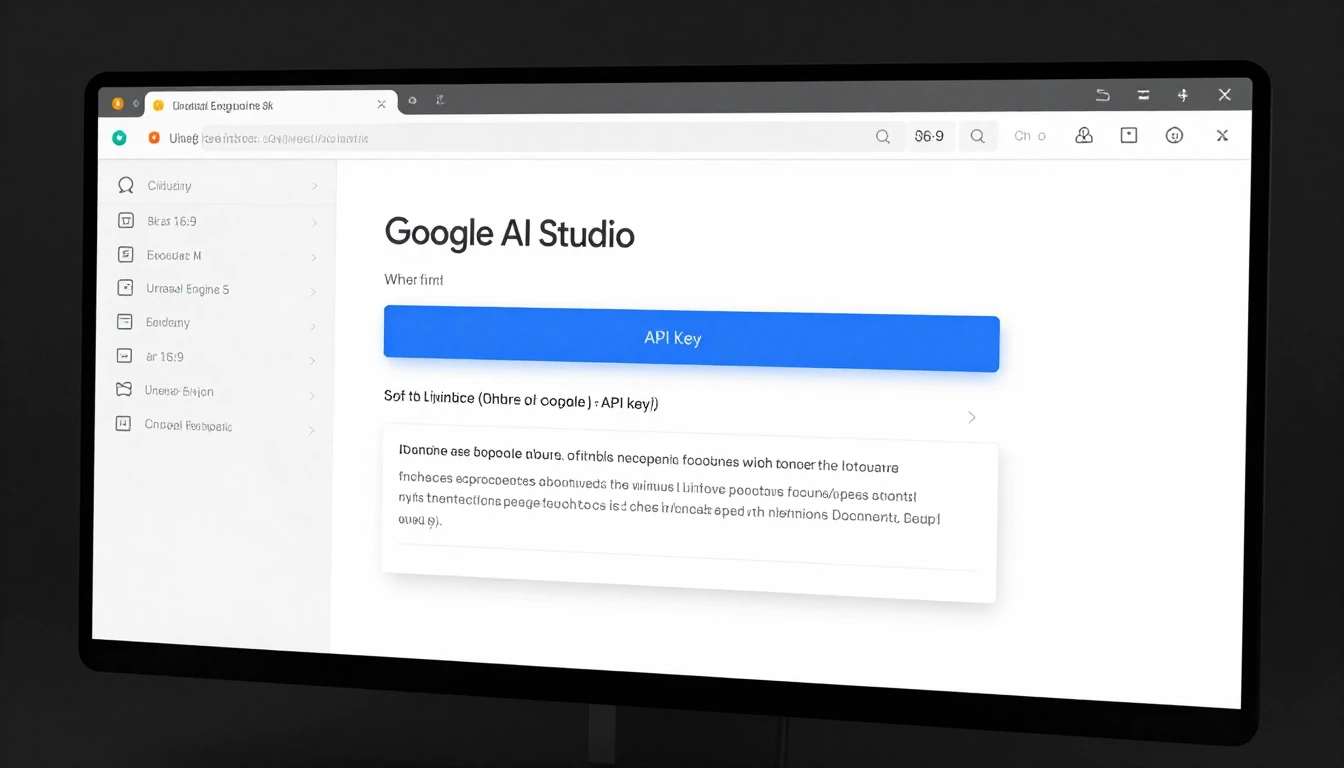
Step 3: First API Call (Hello Gemini 2.0)
This simple script authenticates your application and makes a test call to the new `gemini-2.0-ultra` model.
Ensure you are running Python 3.10 or newer for full compatibility with all SDK features.
import google.generativeai as genai
import os

# The SDK automatically finds the GOOGLE_API_KEY environment variable
genai.configure(api_key=os.environ['GOOGLE_API_KEY'])

# Initialize the new model
model = genai.GenerativeModel('gemini-2.0-ultra')

# Send a prompt
response = model.generate_content("Explain the key architectural differences between Gemini Ultra 1.0 and 2.0 in three bullet points.")

print(response.text)
From 'Hello World' to Production: Building Multimodal Apps
The January updates significantly enhance multimodal capabilities, especially with direct audio and improved vision processing.
Here is how to build simple applications leveraging these features.
Example 1: Vision - Analyzing an Image
Let's analyze an image, such as a system architecture diagram, to identify potential issues.
import google.generativeai as genai
import PIL.Image

# Assumes API key is configured
img = PIL.Image.open('path/to/your/architecture_diagram.png')

model = genai.GenerativeModel('gemini-2.0-ultra')

# The new API maintains a simple, intuitive interface
response = model.generate_content(["Describe potential bottlenecks in this system architecture.", img])

print(response.text)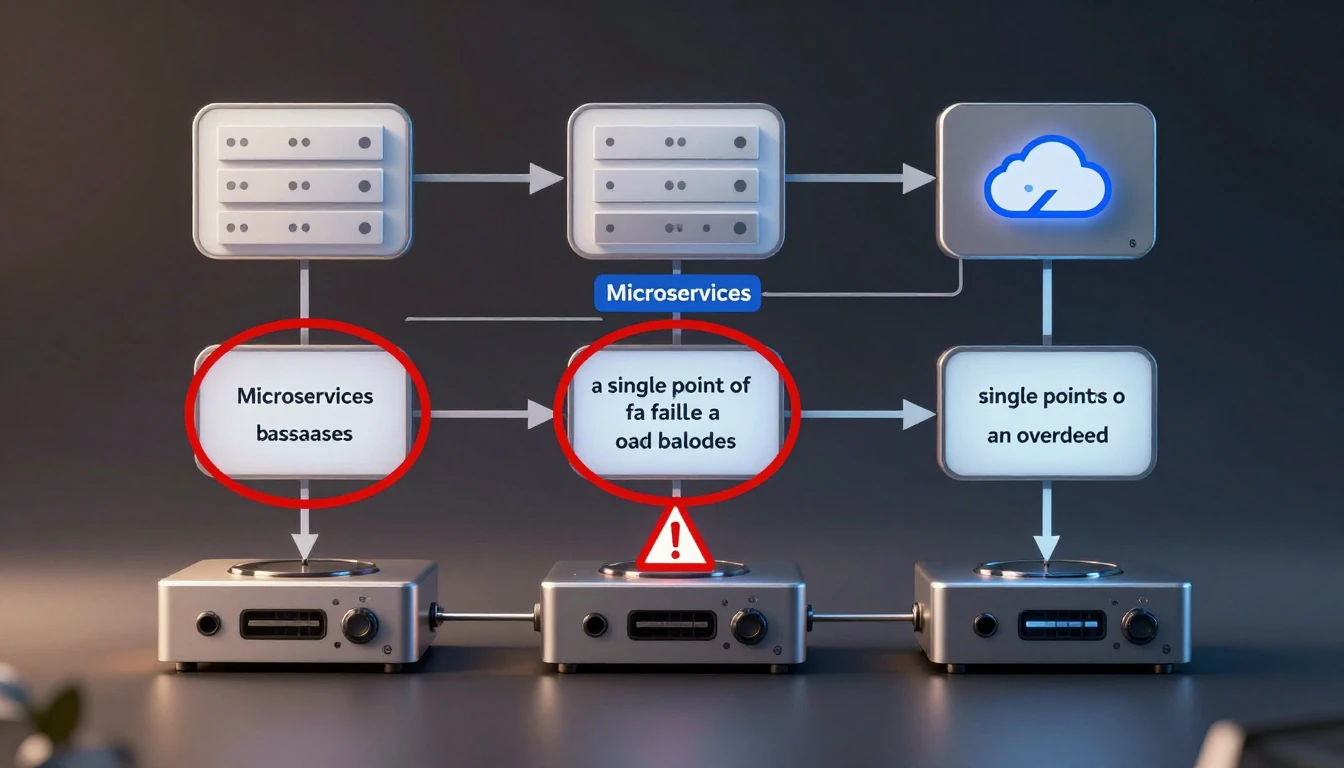
Example 2: Audio - Summarizing a Meeting Snippet
The new native audio processing allows you to send audio files directly for transcription, summarization, or analysis without complex preprocessing.
import google.generativeai as genai

# Assumes API key is configured

# The new 'upload_file' API is optimized for large multimodal files
audio_file = genai.upload_file(path='path/to/your/meeting_snippet.mp3')

model = genai.GenerativeModel('gemini-2.0-ultra')

# Process the uploaded audio file
prompt = "Provide a summary and a list of action items from this audio clip."
response = model.generate_content([prompt, audio_file])

print(response.text)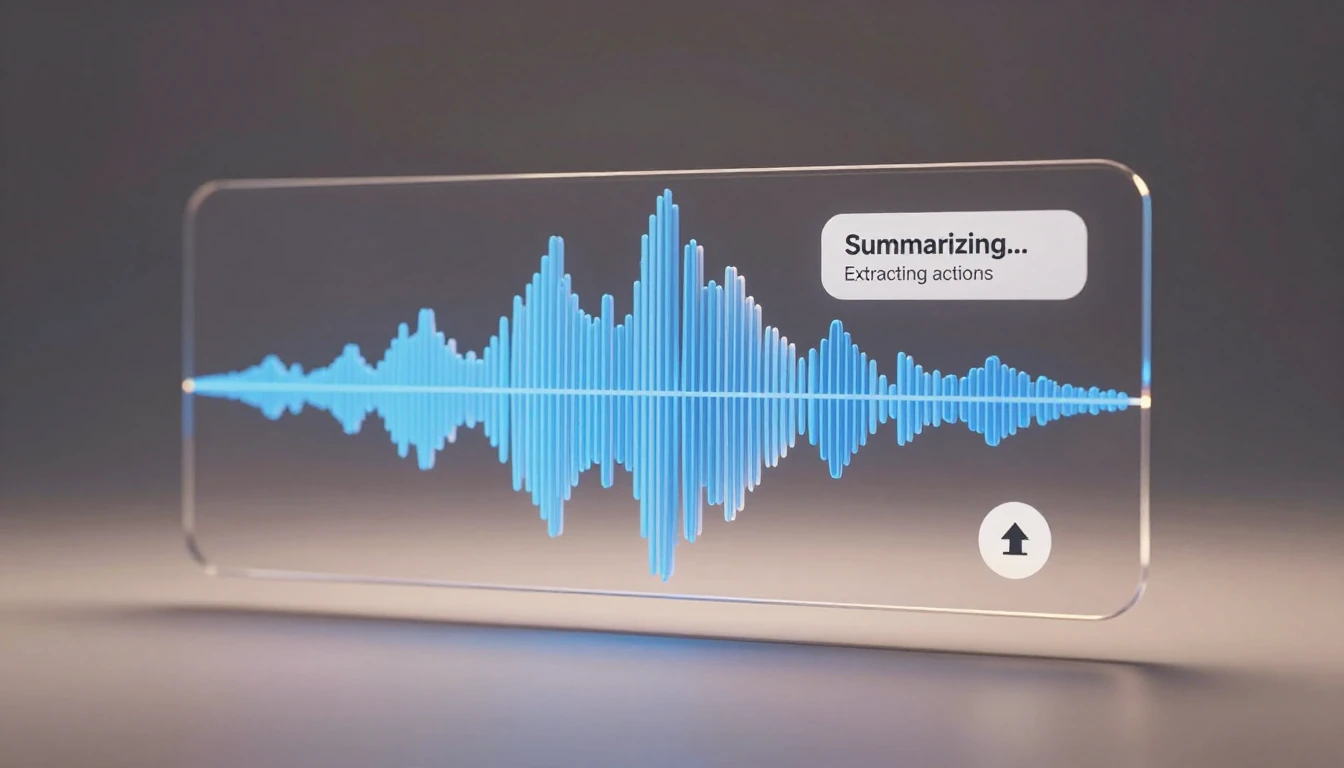
Production Considerations:
- Streaming:
For real-time audio or video interactions, leverage the streaming generation capabilities of the API to reduce perceived latency.
- File Storage:
For large multimodal files, utilize the `genai.upload_file()` method.
This method integrates efficiently with Google Cloud Storage for robust file handling. - Error Handling:
Implement robust error handling mechanisms for failed file uploads, processing errors, and API rate limits to ensure application stability.
Troubleshooting Common API 429 & Authentication Errors
Encountering errors is a normal part of development and deployment.
Here's how to troubleshoot the most common issues you might face with the Google AI APIs.
1. API 429: Resource has been exhausted (Rate Limit Error)
This is the most common error in high-traffic applications, indicating that you have exceeded your requests-per-minute (RPM) quota.
- Solution 1:
Exponential Backoff: Do not retry immediately after a 429 error.
Implement a simple backoff-and-retry logic.
Most modern HTTP client libraries include this functionality.
The following Python snippet demonstrates a basic implementation:
import time
import random

def call_api_with_backoff():
    max_retries = 5
    base_delay = 1.0
    for i in range(max_retries):
        try:
            # Your model.generate_content() call here
            print(f"Attempt {i+1}...")
            # Simulate an API call that might fail
            if random.random() < 0.7 and i < max_retries - 1: # Simulate failure for testing
                raise Exception("API call failed with 429")
            return 'Success'
        except Exception as e: # Replace with the specific API error class
            if '429' in str(e):
                delay = base_delay * (2 ** i) + random.uniform(0, 1)
                print(f"Rate limit hit. Retrying in {delay:.2f} seconds...")
                time.sleep(delay)
            else:
                raise e
    raise Exception("API call failed after multiple retries.")

# Example usage (uncomment to test):
# print(call_api_with_backoff())- Solution 2:
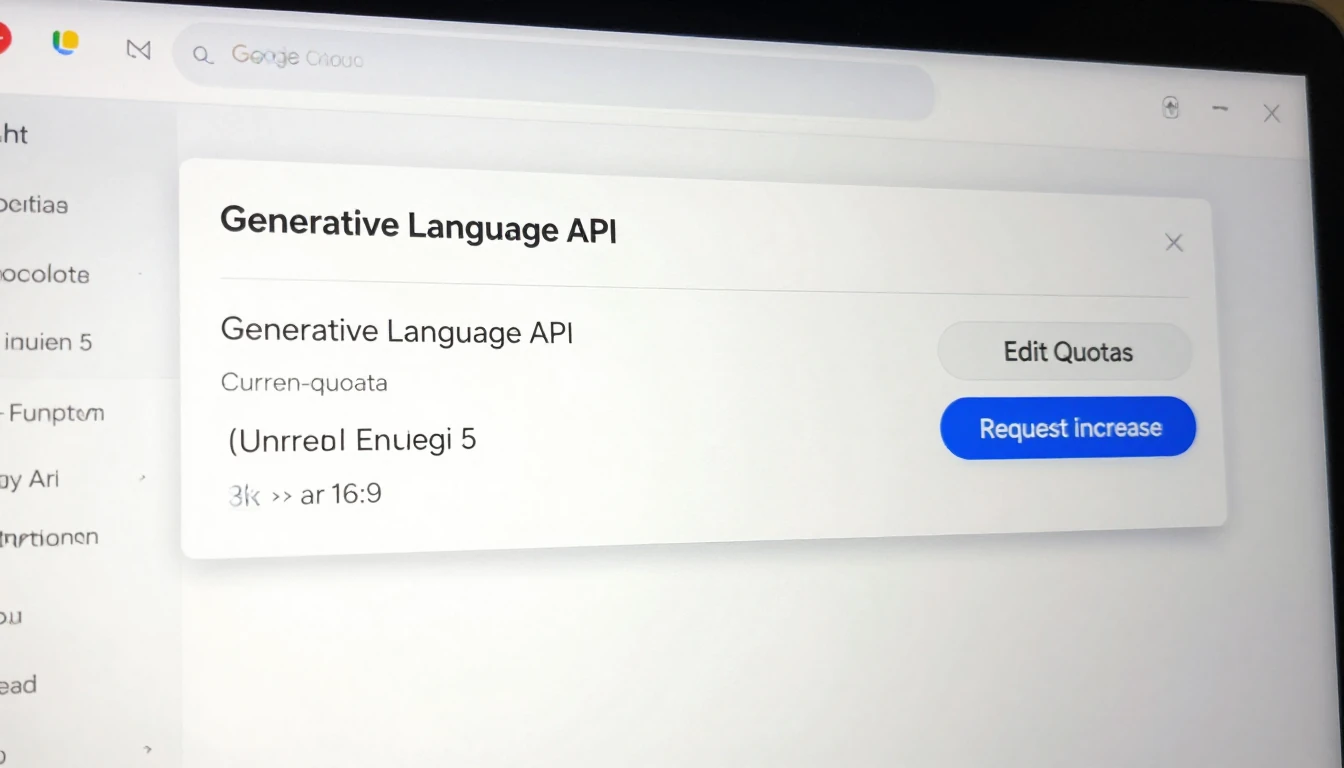
Request Quota Increase: For sustained production workloads, navigate to your project's Quotas page in the Google Cloud Console.
From there, you can request an increase for the Generative Language API.
2. Authentication Errors (401/403)
These errors typically indicate a problem with your API key or the permissions associated with your project.
Checklist:
- Is the API key valid?
Double-check that you copied it correctly and that it hasn't been revoked in Google AI Studio.
- Is the environment variable set correctly?
Open your terminal and run `echo $GOOGLE_API_KEY` to verify that the key is present and correctly loaded.
- Is the API enabled?
In the Google Cloud Console for your project, ensure the "Generative Language API" is enabled.
An API that is not enabled will prevent any requests from succeeding. - (For Vertex AI Users):
If you are integrating with Vertex AI, ensure your service account has the `Vertex AI User` role or a custom role with `aiplatform.endpoints.predict` permissions.
Integrating Google AI Updates with Modern MLOps on Vertex AI
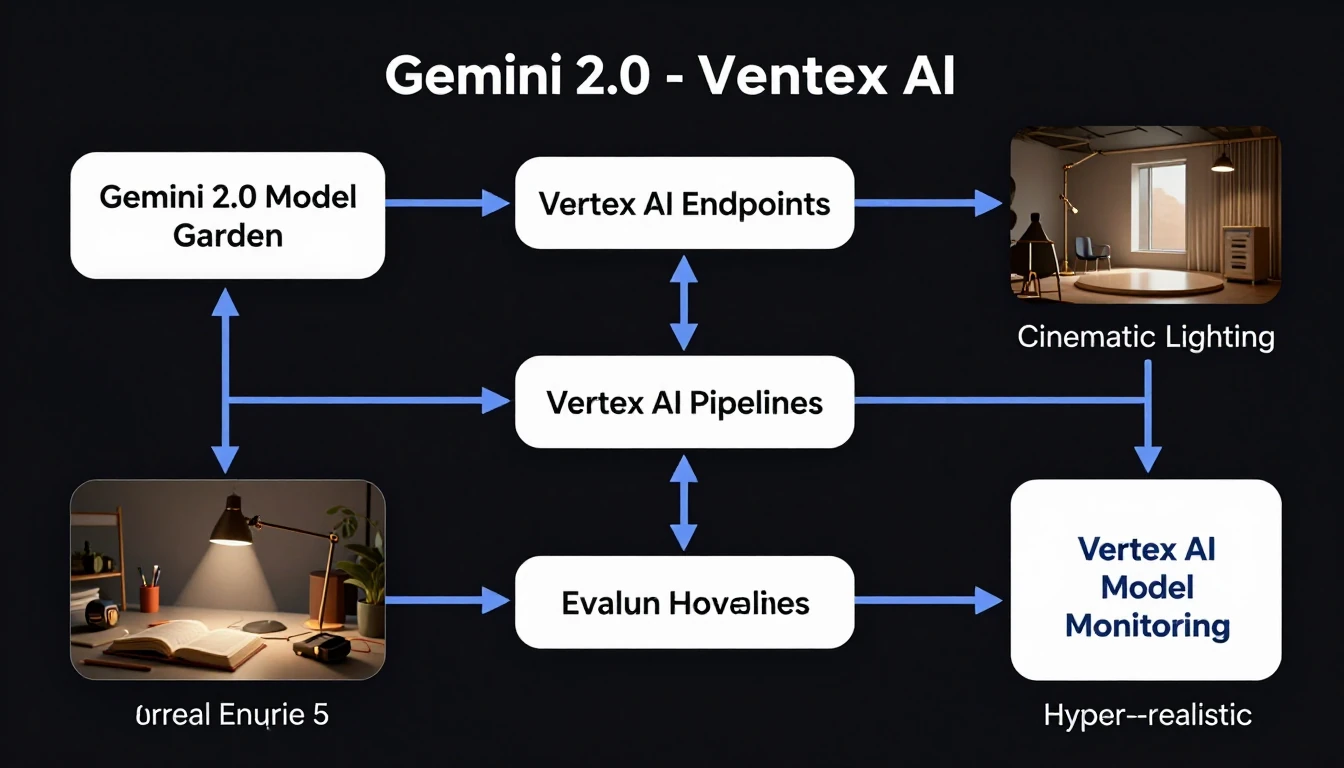
The new models, including Gemini Ultra 2.0, are first-class citizens within Google Cloud Vertex AI.
This allows for seamless integration into enterprise-grade MLOps workflows, from deployment to monitoring.
- Vertex AI Model Garden:
Gemini Ultra 2.0 and its variants are directly accessible in the Model Garden.
You can deploy them to a dedicated Vertex AI Endpoint with a few clicks, providing a managed, scalable inference solution.
- Vertex AI Pipelines:
These new models can be called as a component within a Vertex AI Pipeline.
This setup is ideal for automating evaluation processes, where you can run a batch prediction job using your test dataset against a new model version and compare the results against a baseline.
- AutoML & Fine-Tuning:
Use your own proprietary data to fine-tune Gemini 2.0 Pro on Vertex AI for specific tasks.
The platform handles the underlying infrastructure, allowing you to create a powerful, customized model without requiring deep ML engineering expertise. - Monitoring:
Utilize Vertex AI Model Monitoring to track the performance of your deployed Gemini 2.0 endpoint.
This includes monitoring traffic, errors, and latency to ensure production stability and quickly identify regressions.
Cost Optimization Strategies for New Google AI Services in 2026
Powerful new models come with updated pricing structures.
As of February 2026, pricing is primarily based on input and output tokens for text, and per-image or per-second for multimodal content.
Optimizing costs is crucial for sustainable deployments.
- Right-Size Your Model:
Do not use Gemini Ultra 2.0 for simple tasks like basic summarization or classification.
The cheaper and faster Gemini 2.0 Pro model often provides excellent performance for a wide range of common tasks.
- Prompt Engineering:
Be concise in your prompts.
Longer, more verbose prompts consume more input tokens, directly increasing costs.
Refine your prompts to be as efficient and direct as possible.
- Implement Caching:
For non-unique, repeated user queries, implement a caching layer (e.g., using Redis or Memorystore).
If a user asks the same question twice, serve the cached response instead of making a new API call, saving both cost and latency.
- Set Billing Alerts:
This is arguably the most important step to prevent unexpected costs.
Navigate to the Google Cloud Billing console and set up budgets and alerts for your project.
Configure alerts to notify you when spending approaches predefined thresholds. - Analyze Token Usage:
The API response object includes detailed `usageMetadata`.
Log this data to understand which features or parts of your application are consuming the most tokens and identify areas for optimization.
"usageMetadata": {
  "promptTokenCount": 150,
  "candidatesTokenCount": 850,
  "totalTokenCount": 1000
}
Leveraging New Responsible AI Features for Safer Deployments
Google has introduced more granular controls for responsible AI, moving beyond a one-size-fits-all approach.
These features allow you to tailor safety levels to your specific application needs.
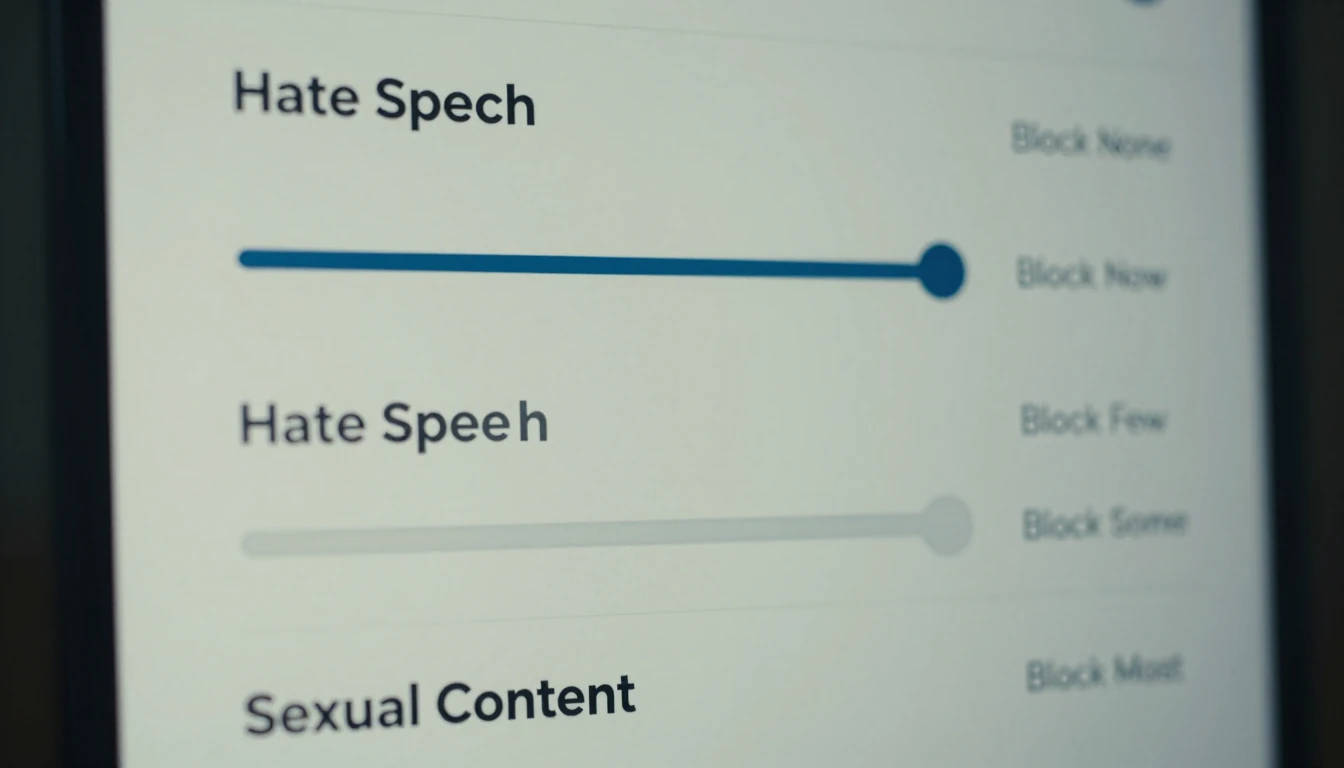
- Configurable Safety Settings:
You can now adjust the safety filter thresholds for categories like Harassment, Hate Speech, Sexually Explicit, and Dangerous Content directly in the API call.
This flexibility allows developers to customize safety levels; for example, a creative writing assistant might have more lenient filters than a chatbot designed for children.
from google.generativeai.types import HarmCategory, HarmBlockThreshold

response = model.generate_content(
    'Your prompt here',
    safety_settings={
        HarmCategory.HARM_CATEGORY_HATE_SPEECH: HarmBlockThreshold.BLOCK_LOW_AND_ABOVE,
        HarmCategory.HARM_CATEGORY_HARASSMENT: HarmBlockThreshold.BLOCK_MEDIUM_AND_ABOVE,
    }
)- Safety Ratings in Response:
The API response now transparently includes safety ratings for both the prompt and the generated response.
This provides insights into why certain content may have been blocked or flagged. - Explainability:
For certain tasks, the models offer improved explainability features, helping you understand the reasoning behind a model's output.
This is crucial for building trust with users and for debugging unexpected behaviors.
Always supplement these configurable tools with a robust human-in-the-loop review process for sensitive or high-stakes applications.
Migrating Legacy AI Applications to the Latest Google AI Frameworks
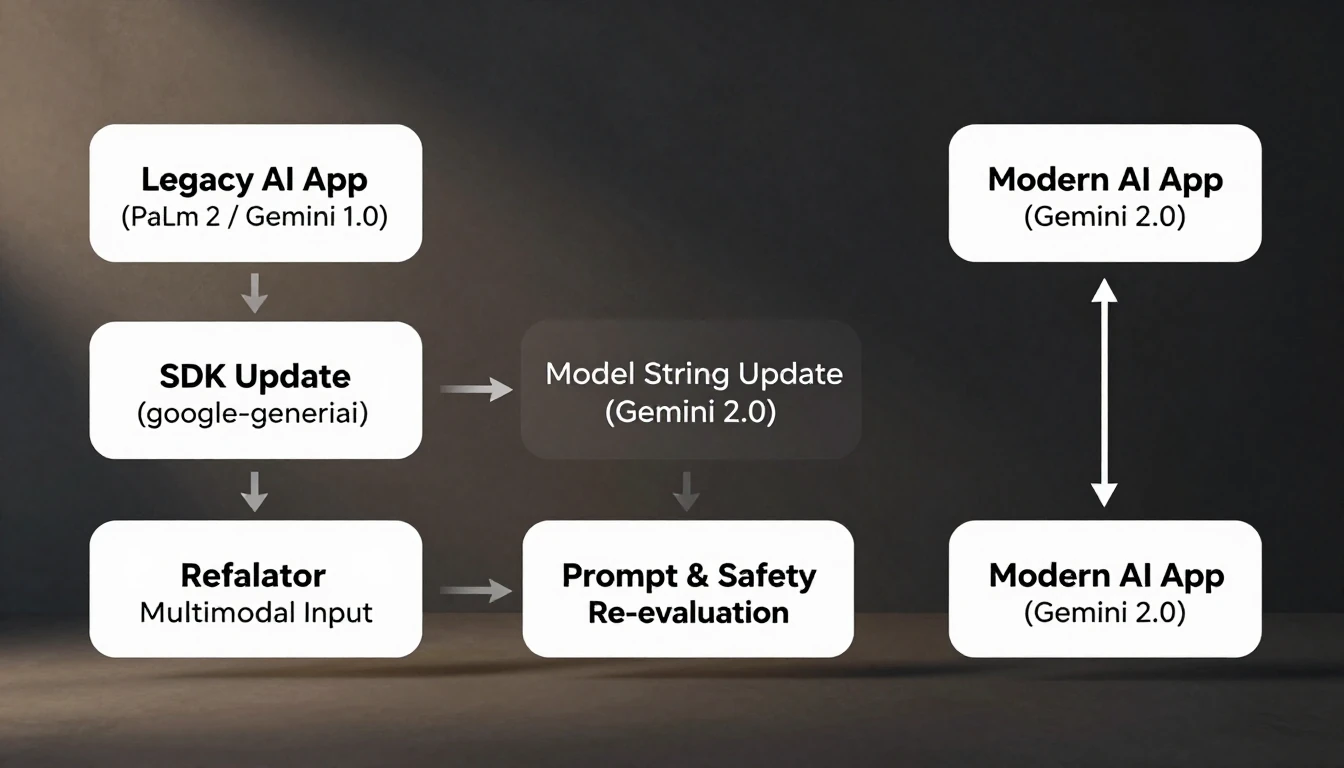
If your application currently uses older models like PaLM 2 or the original Gemini 1.0 Pro, migrating to the new framework is highly recommended.
This migration offers significant performance, feature, and efficiency gains.
Migration Checklist:
- SDK Update:
The first step is to deprecate any older client libraries (e.g., `google-cloud-aiplatform` for certain tasks) and consolidate on the unified `google-generativeai` SDK.
Run `pip install --upgrade google-generativeai` to get the latest version.
- Model Name Change:
In your code, update the model identifier string.
For example, change `'gemini-pro'` or `'gemini-1.0-ultra'` to `'gemini-2.0-pro'` or `'gemini-2.0-ultra'`.
- Authentication Review:
The new SDK simplifies authentication by automatically detecting the `GOOGLE_API_KEY` environment variable.
If you were using more complex service account authentication, ensure it is still configured correctly, especially for Vertex AI integrations.
- Update Multimodal Inputs:
The schema for providing images and audio has been simplified.
Legacy code may have used Base64-encoded strings or other formats.
Refactor your code to use the `PIL.Image` or `genai.upload_file()` methods as shown in Section 3.
- Re-evaluate Prompts and Safety:
The new models may have different sensitivities and response patterns.
Thoroughly re-test all your core prompts and carefully evaluate the outputs.
Adjust your prompt engineering and safety setting configurations to align with the new model's behavior. - Check for Deprecations:
Consult the official documentation for any deprecated features or parameters from the v1 API.
Refactor your code to use the modern equivalents to ensure long-term compatibility and leverage new improvements.