- Cloud vs. Local: Notion is a cloud-native platform prioritizing collaboration, while Obsidian is a local-first application emphasizing data ownership and privacy.
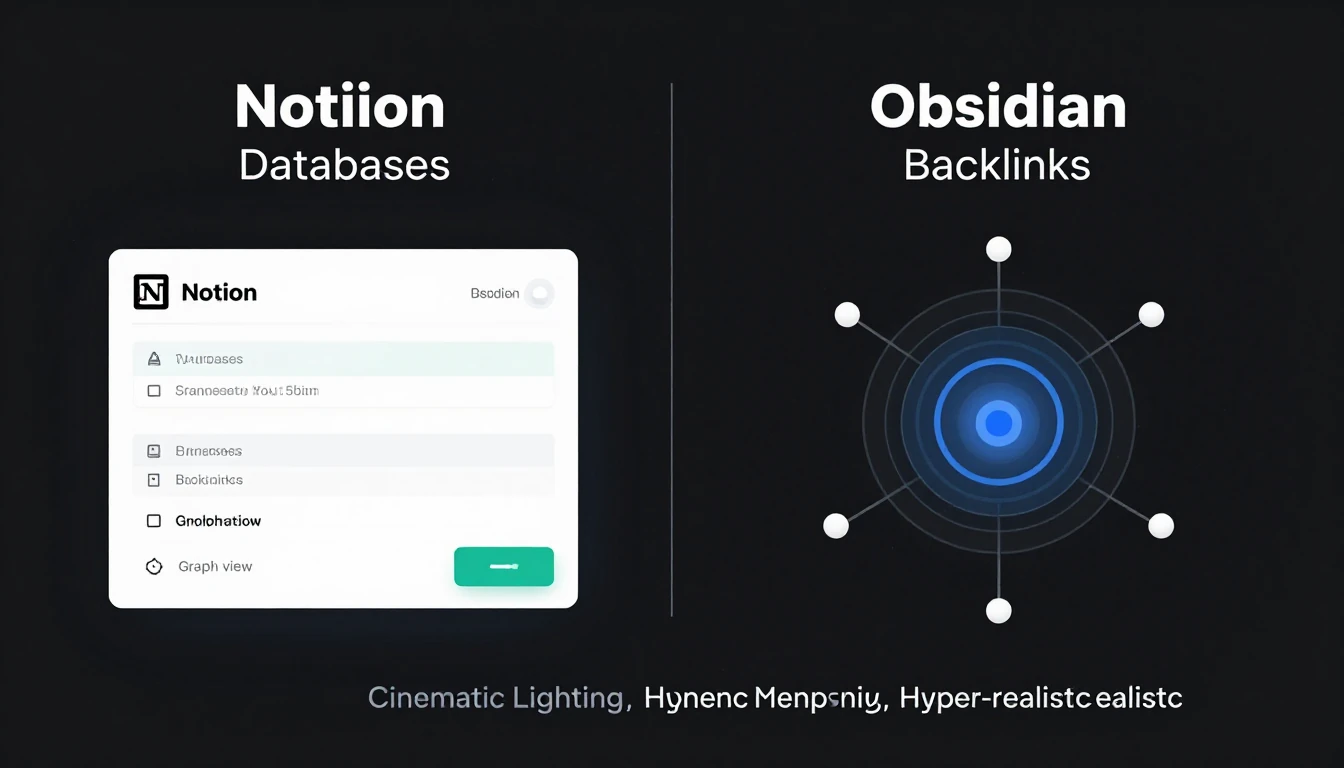
- Collaboration & Databases: Notion excels with real-time team collaboration and powerful, user-friendly native databases for structured information.
- Personal Knowledge Management (PKM): Obsidian shines for individual PKM, offering deep linking, a graph view, and extensive customization via community plugins.
- Performance & Ownership: Obsidian provides superior offline capabilities, speed, and absolute data ownership with plain Markdown files, ensuring future-proofing.
- The Verdict: Choose Notion for teams and structured projects; opt for Obsidian for a personal, highly customizable, and future-proof knowledge base.
Notion vs. Obsidian: Your Definitive Guide for 2026
As of January 2026, the discussion around Notion and Obsidian for effective note-taking and robust knowledge management is more pertinent than ever.
Both platforms have evolved considerably, yet they continue to serve distinct user needs and workflows.
This guide provides an in-depth comparison to help you choose the ideal tool for your specific requirements.
1. The Foundational Philosophy: Cloud vs. Local
Understanding the core philosophy of each tool is essential, as it dictates the entire user experience.
Notion (Cloud-Native)
Notion operates as a web-first, Software as a Service (SaaS) application.
All your data is stored on Notion's servers, accessible through any browser or dedicated client applications.
Its structure is built around 'blocks', where every content element—be it a paragraph, an image, or a database entry—is a distinct block.
This design facilitates flexible page layouts and powerful database functionalities.
The main benefits include effortless, real-time collaboration and accessibility from any internet-connected device.

Obsidian (Local-First)
Obsidian functions primarily as an application on your local machine.
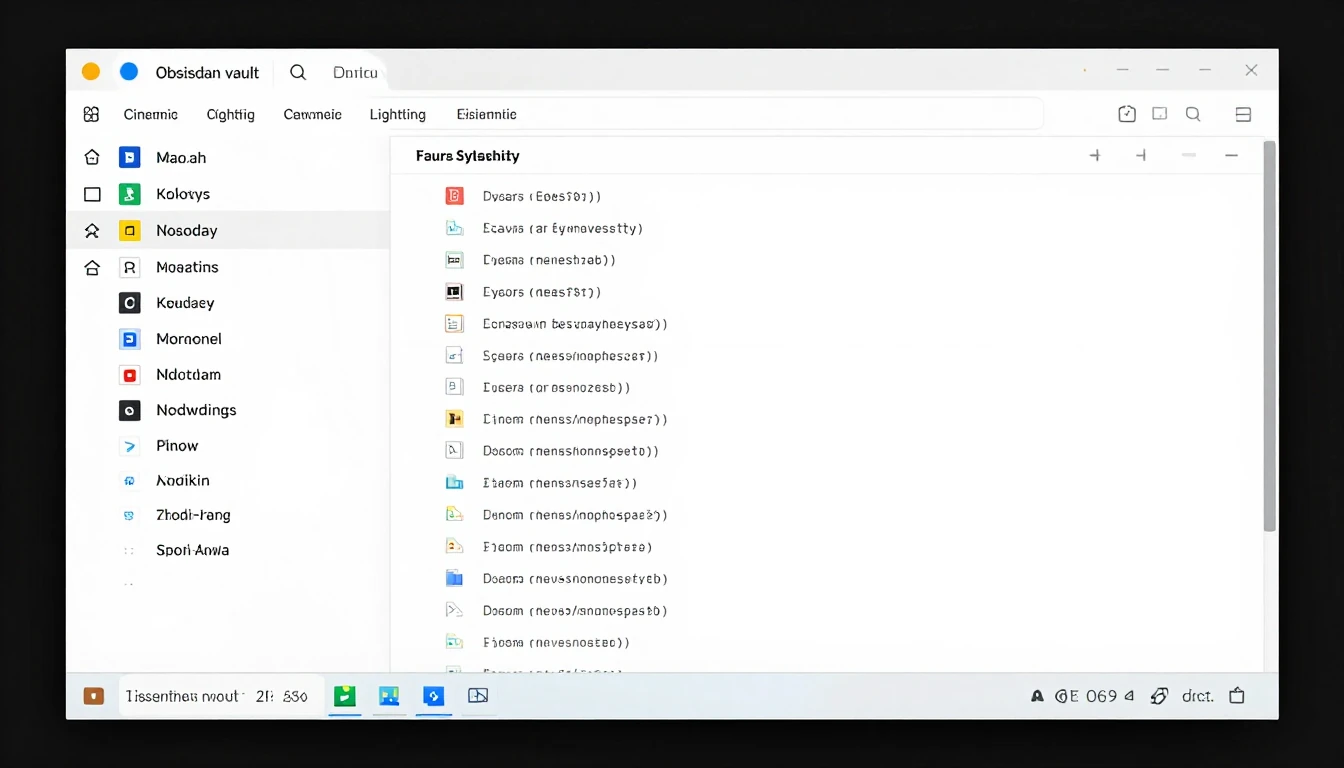
Your data consists of plain Markdown (`.md`) files stored within a designated folder, known as a 'vault', on your computer's hard drive.
This approach grants you complete ownership and control over your data, prioritizing privacy, long-term accessibility, and speed.
While synchronization across devices is possible using services like Obsidian Sync or iCloud, your local file system always remains the primary source of truth.
2. Feature Face-Off: A Side-by-Side Comparison
To provide a clearer picture, here’s how Notion and Obsidian compare on key features as of early 2026.
| Feature | Notion | Obsidian | Winner (Use Case Dependent) |
|---|---|---|---|
| Databases | Native, powerful, and central to the experience. Offers multiple views (table, Kanban, calendar, etc.). |
Achieved via powerful community plugins like Dataview. Requires learning a query language. Highly flexible. |
Notion (for ease of use) |
| Backlinks | Fully supported, displayed at the bottom of pages. Functional and clear. |
A core, first-class feature. Includes an unlinked mentions pane. Essential to the PKM workflow. |
Obsidian (for PKM depth) |
| Graph View | Not available natively. Some third-party tools offer limited visualization. |
A defining, native feature. Provides a powerful visual map of interconnected notes. |
Obsidian (by a landslide) |
| Collaboration | Best-in-class. Real-time multi-user editing, commenting, page sharing, and granular permissions. |
Limited. Achieved through version control (Git) or Obsidian Sync's version history. No native real-time collaboration. |
Notion (by a landslide) |
| Multimedia Embedding | Seamless. Drag-and-drop support for images, videos, files, and rich web embeds (e.g., Figma, Miro). |
Supports images, audio, and PDFs via Markdown syntax. Less seamless for complex web embeds. |
Notion (for rich media) |
| Offline Capabilities | Offers an improved, but still sync-dependent, offline mode. Can be slow and may not have full functionality. |
Offline-first by design. The app is fully functional without an internet connection. |
Obsidian (for reliability) |
3. Pricing & Value: Decoding Free Tiers and Paid Plans
Both applications offer distinct value propositions as of early 2026.
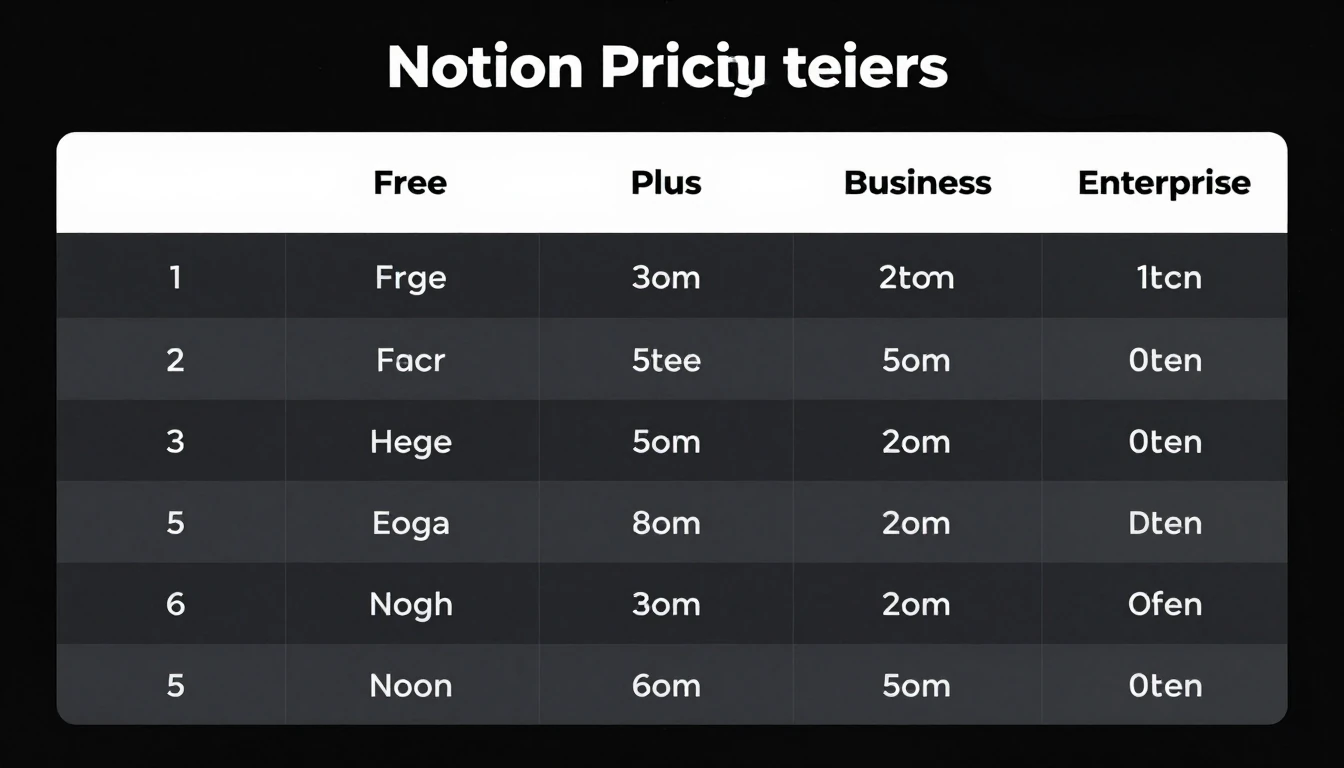
Notion
- Free Tier:
This tier is quite generous for individual users, though it has limitations on block storage for teams and the maximum file upload size.
Guest access is also restricted.
- Paid Plans (Plus, Business, Enterprise):
These plans are crucial for teams.
They unlock unlimited blocks, access to version history, advanced permissions, SAML SSO, and increased API access.
The Notion AI features continue to be a popular paid add-on. - Value:
Notion’s value lies in its integrated, collaborative ecosystem.
You pay for the comprehensive service, convenience, and advanced team features.
Obsidian
- Core App:
The core Obsidian application is 100% free for personal use.
A commercial license is required if you use it for work-related purposes. - Paid Services (Optional):
- Obsidian Sync:
This service provides end-to-end encrypted synchronization of your vaults across all your devices for a monthly fee.
It is highly valued for its privacy and convenience. - Obsidian Publish:
This feature allows you to selectively publish notes from your vault to the web.
- Obsidian Sync:
- Value:
The core Obsidian software is free.
You pay for optional, privacy-focused services that enhance your experience.
The total cost of ownership can be zero if you do not require sync or publish capabilities.
4. User Experience & Learning Curve Assessment
The initial experience and the path to mastery differ significantly between the two tools.
Notion
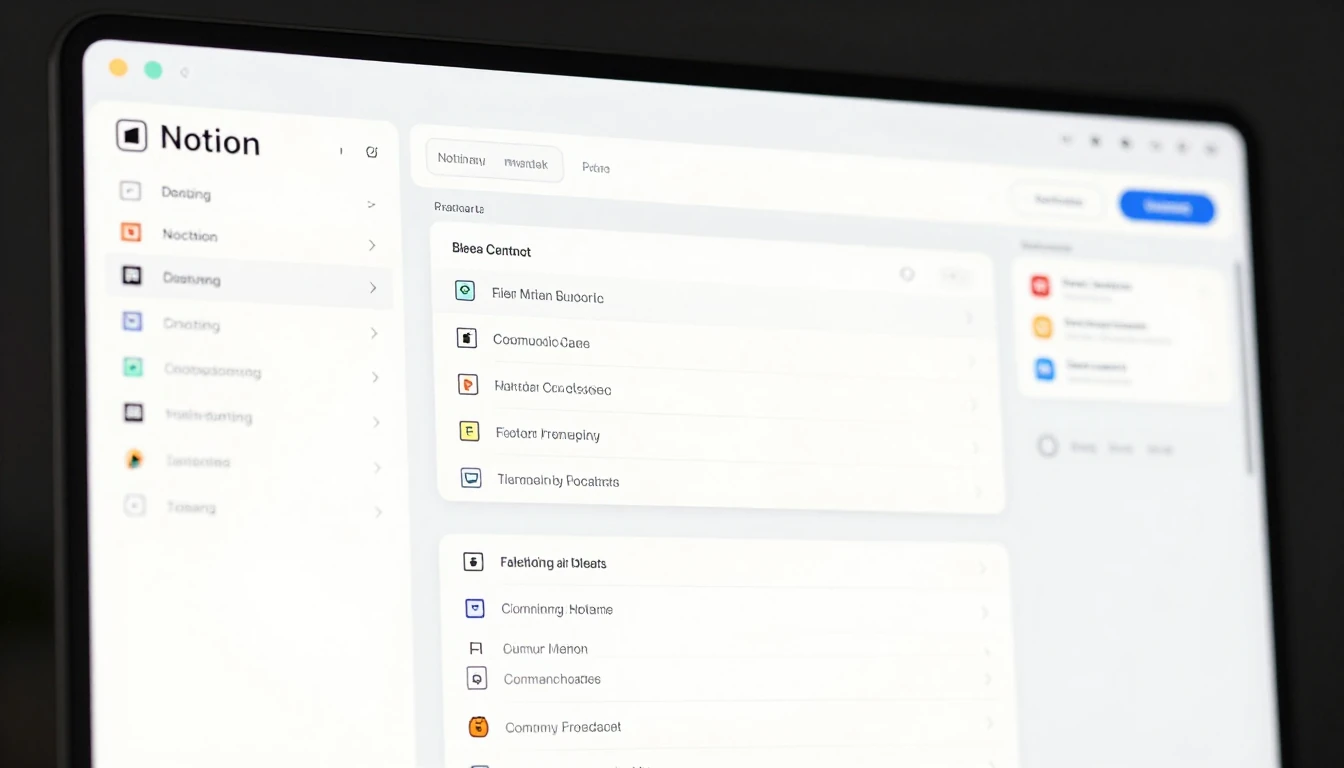
Notion presents a polished, intuitive user interface that is generally easy for newcomers to grasp.
If you are comfortable using a word processor, you will likely find Notion straightforward to navigate initially.
The learning curve becomes steeper when you begin to master advanced features such as relational databases, formulas, and complex page layouts.
Obsidian
Obsidian has a steeper initial learning curve.
It starts as a largely blank canvas, requiring users to understand fundamental concepts like Markdown syntax, vaults, and the command palette.
Achieving true mastery involves exploring and configuring the vast array of community plugins, which can initially feel overwhelming but ultimately offers unparalleled customization and flexibility.

5. Data Ownership, Portability & Future-Proofing
Considering the long-term implications for your data is a critical aspect of choosing a knowledge management tool.
Notion
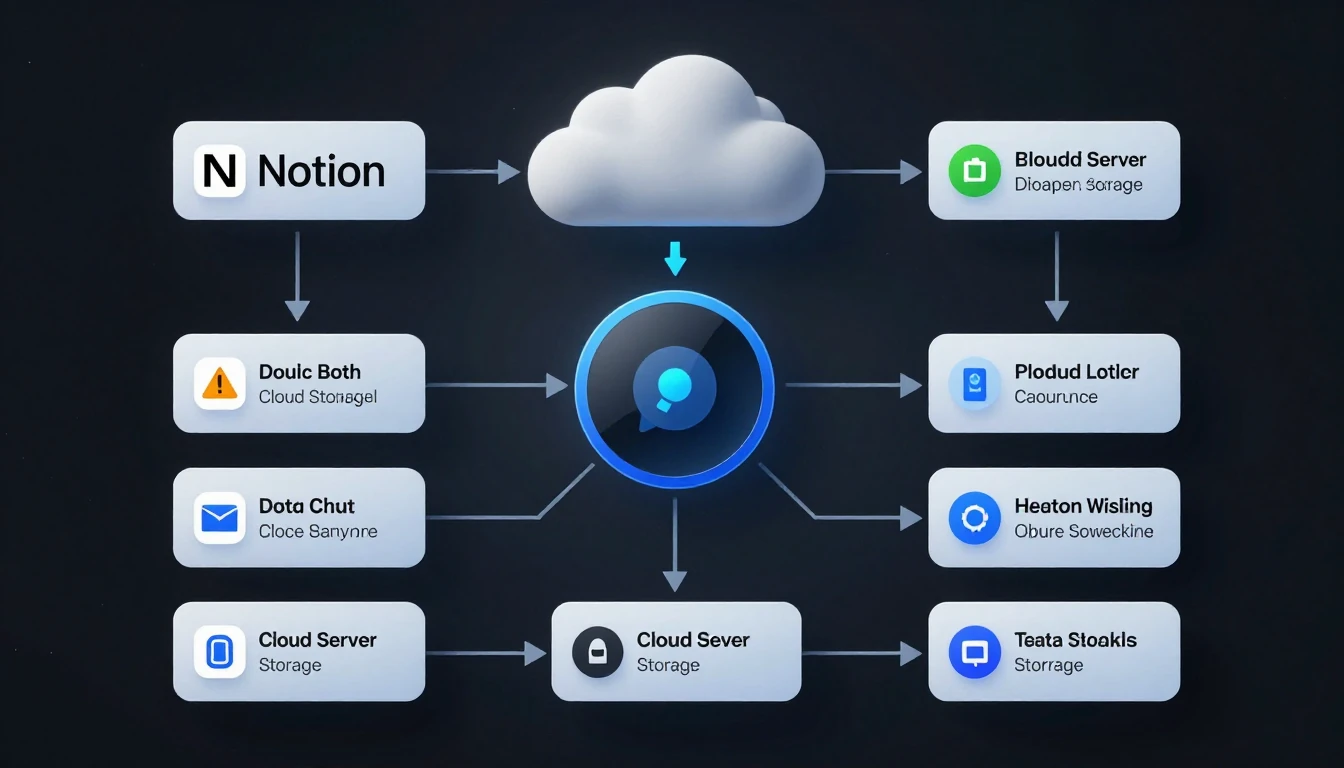
Your data in Notion resides on Notion's servers.
While Notion provides an export function for Markdown and CSV files, it can sometimes struggle with complex databases, potentially breaking relations between tables during export.
This aspect introduces a degree of vendor lock-in.
In a hypothetical scenario where Notion ceases operations, retrieving your data in a perfectly usable and relational state is not guaranteed.
Obsidian
With Obsidian, you retain 100% ownership of your data.
Your notes are plain text Markdown files, stored in a folder structure that you control on your local machine.
This format is considered highly future-proof, as plain text files can be opened and edited by hundreds of other applications now and in the future.
Data portability is straightforward, often as simple as copying your vault folder.
There is effectively zero vendor lock-in.
6. Best Suited For: Individual PKM, Teams, or Project Management?
The ideal tool depends heavily on your primary use case.
Choose Notion if:
- You are part of a team requiring real-time collaboration on documents and projects.
- You need to establish a centralized company wiki or comprehensive knowledge base.
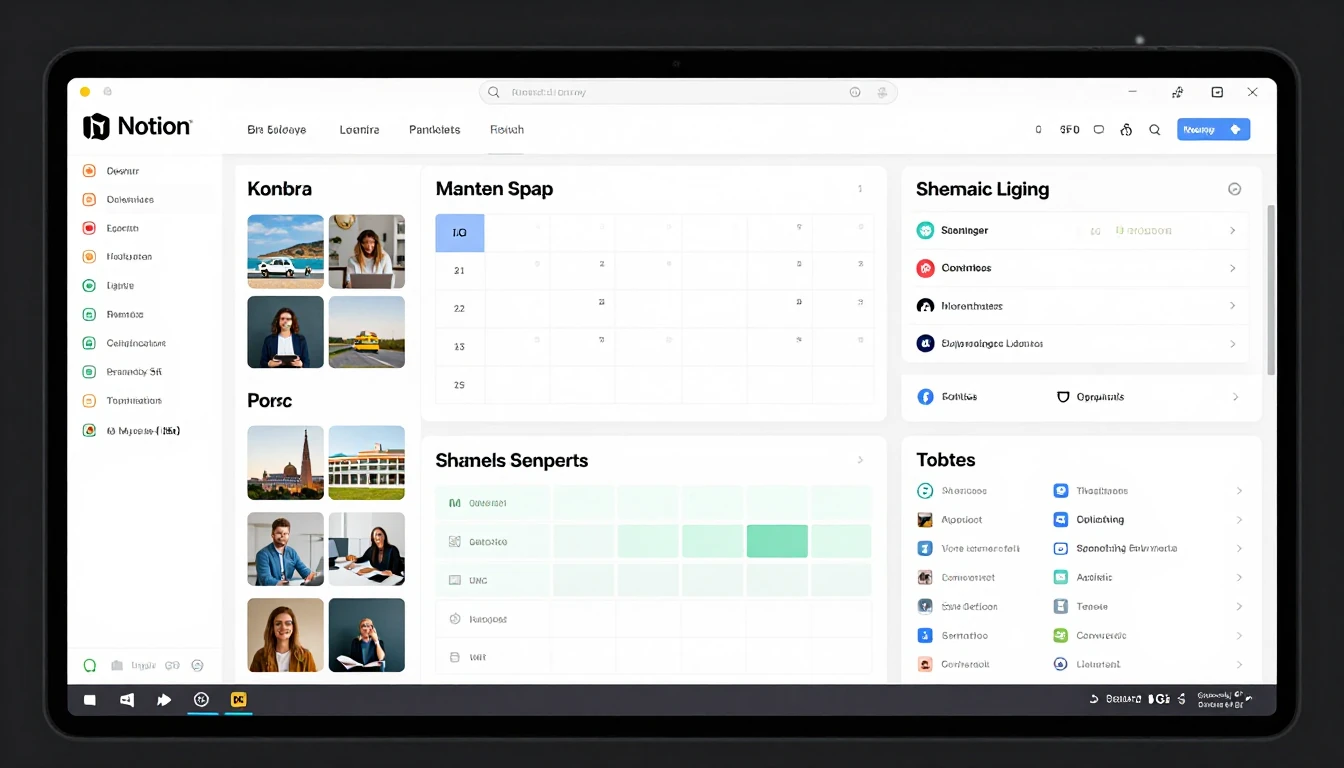
- You manage structured projects effectively using Kanban boards, calendars, and timelines.
- You prefer a visually appealing, all-in-one workspace and a polished, out-of-the-box experience.
Choose Obsidian if:
- You are developing a Personal Knowledge Management (PKM) system or a 'second brain'.
- You are a researcher, writer, or student needing to deeply connect and explore ideas.
- You prioritize absolute data ownership, privacy, and long-term access to your notes.
- You value superior speed, reliable offline functionality, and extensive customization options.

7. Extensibility & Ecosystem: Plugins vs. Integrations
Both platforms offer ways to extend their functionality, but through different mechanisms.
Notion's Ecosystem
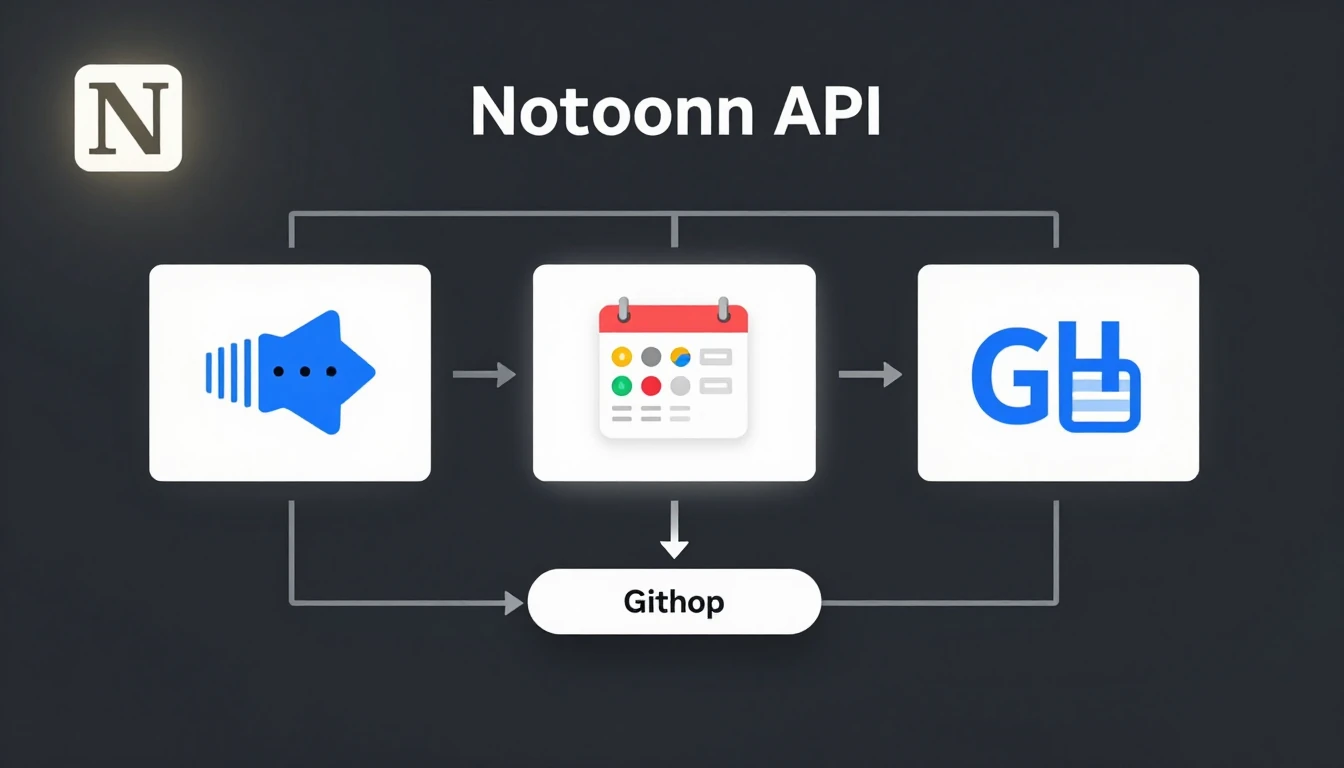
Notion extends its capabilities primarily through a robust API and official integrations with various other SaaS platforms, such as Slack, Jira, and GitHub.
The community actively shares and creates complex templates that pre-configure workspaces for specific needs, leveraging Notion's flexible block system.
Obsidian's Ecosystem
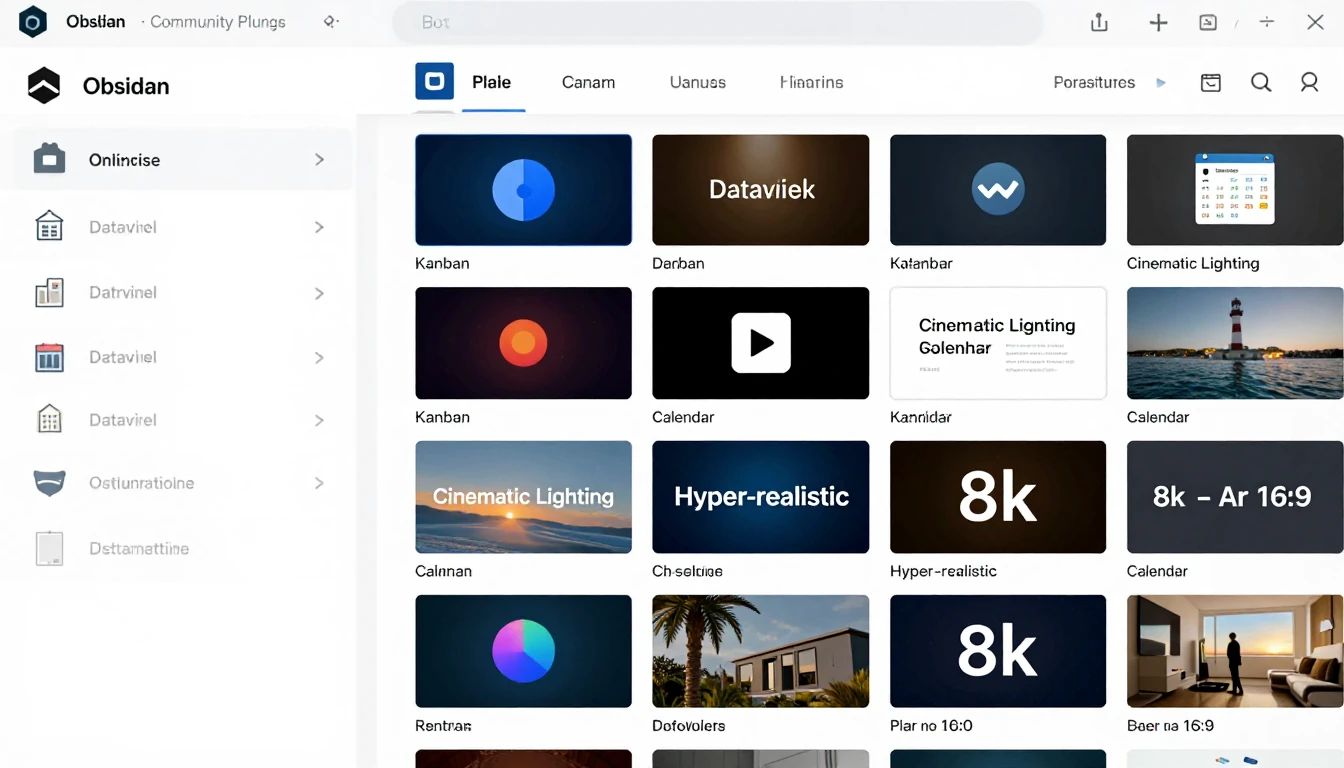
The true power of Obsidian comes from its vast library of community-built plugins.
These are not mere add-ons; they can fundamentally transform the application, introducing features like Kanban boards, calendar views, diagramming tools, and advanced database-like queries (e.g., Dataview).
This modular approach allows you to precisely build Obsidian to your exact specifications.
8. Real-World Performance: Speed, Reliability, and Resource Usage
Practical performance can significantly impact daily usage.
Notion
As a web-based application, Notion's performance is intrinsically linked to your internet connection speed and the overall complexity of your pages.
Workspaces containing tens of thousands of pages or very large databases can experience noticeable lag during page loading and search operations.
Its client applications are essentially web wrappers and can sometimes be resource-intensive on your device.
Obsidian
Being a local-first application, Obsidian is exceptionally fast.
It can comfortably manage vaults containing over 50,000 notes with nearly instantaneous search results and seamless navigation.
Its resource consumption is generally low, making it efficient for most systems.
When using the official Obsidian Sync service, sync reliability is also excellent.

9. The Final Verdict: Our Top Recommendation for January 2026
After years of continuous development, the choice between Notion and Obsidian has become clearer, often distilling down to a single question: Are you building for yourself or for a team?
Our recommendation is clear:
- For teams, collaborative projects, and structured information management, Notion remains the undisputed champion.
Its blend of real-time collaboration, user-friendly databases, and a polished all-in-one workspace is unrivaled for shared knowledge environments. - For individuals building a lasting personal knowledge base, including researchers and writers who prioritize speed, privacy, and full data ownership, Obsidian is the superior choice.
Its local-first philosophy and powerful plugin ecosystem enable you to construct a truly personal and future-proof 'second brain'.
Ultimately, the 'best' tool is the one that aligns precisely with your fundamental needs for data handling, collaboration capabilities, and workflow.
As of 2026, both applications excel at their respective core purposes—they simply cater to very different requirements.


