🚀 Key Takeaways
- Off-the-shelf Image-to-Image models are potent tools for digital manipulation.
- These readily available models are sufficient to address various image protection challenges.
- They provide a complete solution for defeating common image protection schemes with ease.
In today's visually-driven digital world, protecting proprietary images from unauthorized use and automated scraping has become a paramount concern for creators and businesses alike.
From watermarks to intricate obfuscation techniques, image protection schemes are constantly evolving, presenting a formidable barrier to those seeking to interact with or analyze visual content programmatically.
The arms race between image protection and bypass methods seems endless, often leading to complex, custom solutions.
But what if the solution to these sophisticated barriers was surprisingly simple and accessible?
What if the power to circumvent advanced image protection schemes lay not in developing cutting-edge, bespoke algorithms, but in leveraging tools already widely available?
Prepare to rethink your approach to digital image security, or the lack thereof, as we delve into an unexpectedly potent strategy.
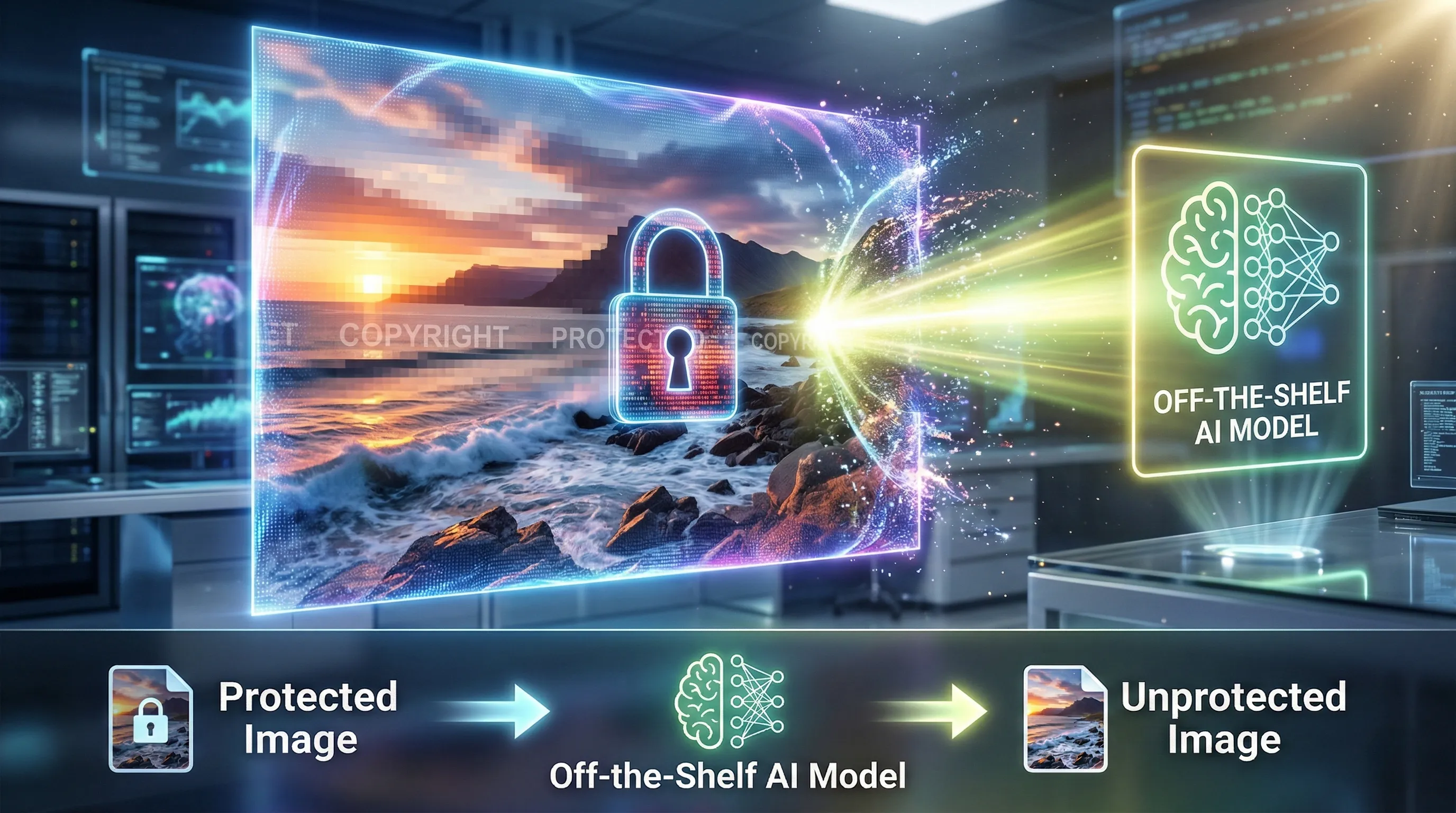
This tutorial will unveil how off-the-shelf AI models, designed for general image-to-image transformations, are all you need to effectively defeat many prevailing image protection techniques.
Get ready to explore a straightforward yet incredibly powerful method that democratizes the ability to overcome visual data access restrictions.
1. At a Glance: Key Details
| Category | Requirement/Specification |
|---|---|
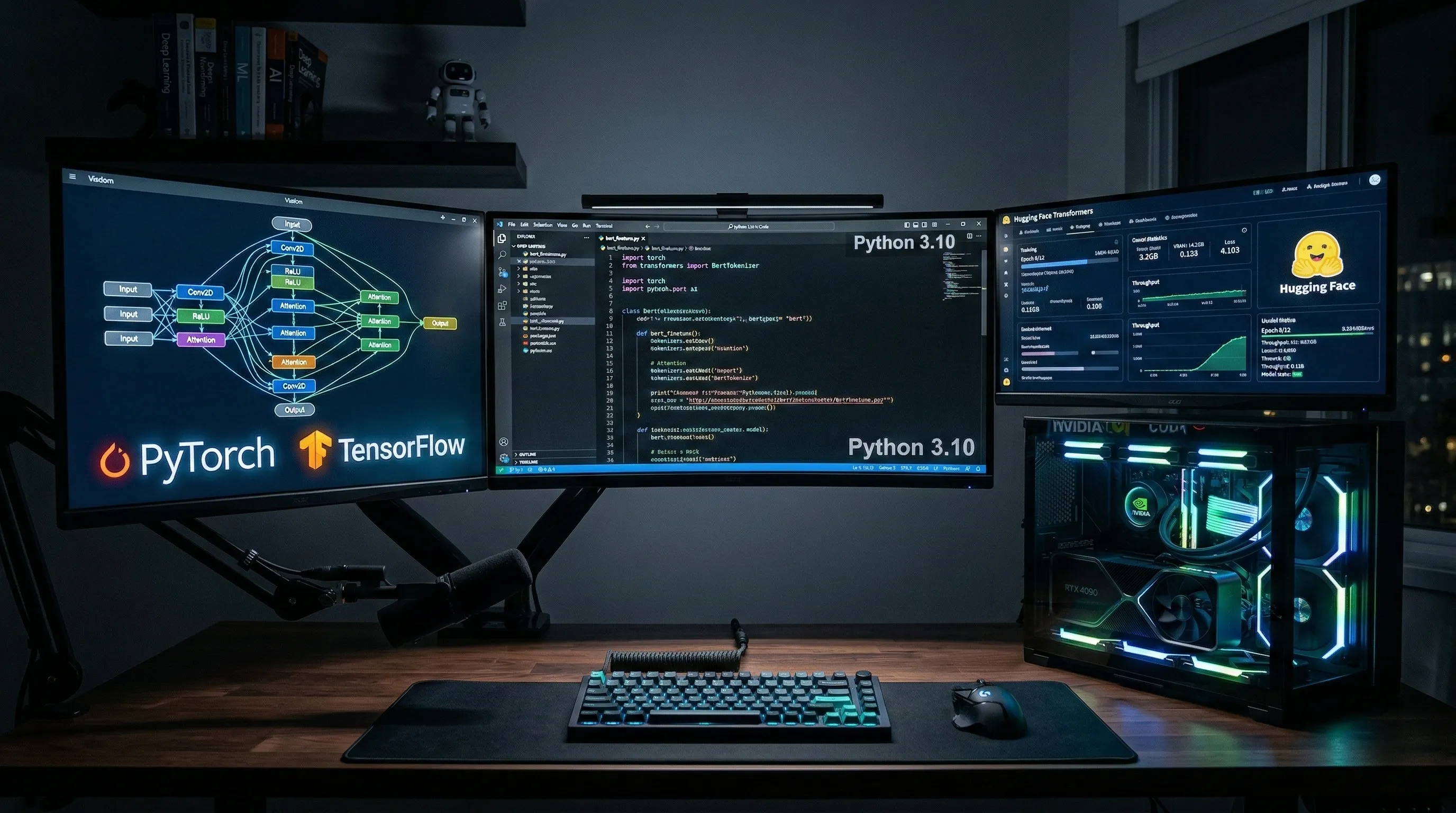
| Python Version | 3.8 or newer |
| Deep Learning Frameworks | PyTorch or TensorFlow |
| Essential Libraries | Hugging Face Transformers, Pillow (PIL) / OpenCV, NumPy |
| Model Types | Off-the-shelf Image-to-Image (Diffusion Models, GANs) |
| Recommended GPU | NVIDIA GPU with CUDA support |
| VRAM | Minimum 8GB, Optimal 12GB+ |
| CPU | Modern Multi-core CPU |
| System RAM | Minimum 16GB |
2. Your Arsenal: Gearing Up with Pre-trained Image Models
The Essential Toolkit: Software, Models, and Hardware Foundations
A robust Python installation, specifically version 3.8 or newer, is fundamental for this tutorial.
Key deep learning frameworks such as PyTorch or TensorFlow are necessary for model execution and potential customization.
Essential Python libraries include Hugging Face Transformers for accessing a wide array of pre-trained models, Pillow (PIL) or OpenCV for effective image manipulation, and NumPy for crucial numerical operations.
To defeat image protection schemes, the tutorial leverages off-the-shelf image-to-image translation models.
These models typically encompass advanced generative architectures like Diffusion Models or Generative Adversarial Networks (GANs), which are pre-trained on extensive datasets for tasks such as image denoising, inpainting, or style transfer.
The precise model selection will depend directly on the specific image protection mechanism being targeted.
For hardware, a dedicated GPU (Graphics Processing Unit) is highly recommended for accelerated computation.
An NVIDIA GPU with full CUDA support is generally preferred for optimal performance.
A minimum of 8GB of VRAM (Video RAM) provides a workable starting point, while 12GB or more is considered optimal for handling larger models and batch sizes efficiently.
A modern multi-core CPU and at least 16GB of system RAM are also crucial to ensure smooth overall system performance and data handling.
Empowering Your Image Defense Toolkit: Why This Setup Matters
This meticulously outlined arsenal provides the indispensable computational horsepower and algorithmic foundation required for effective real-time inference and any necessary fine-tuning of complex image models.
The specified software stack guarantees broad compatibility and direct access to the expansive ecosystem of tools actively developed by the global machine learning community.
Critically, utilizing existing pre-trained models dramatically reduces both the development time and the substantial computational cost that would otherwise be incurred from training models entirely from scratch.
This strategic approach enables the rapid deployment of potent solutions designed to analyze and circumvent various image protection techniques with remarkable efficiency.
The powerful hardware configuration specified directly translates into significantly faster processing times, thereby facilitating more iterative experimentation and in-depth analysis of protected images.
Maximizing Your Toolkit's Efficacy: A Pro-Tip for Peak Performance
For optimal performance, enhanced stability, and robust resource management, it is highly advisable to establish a virtual environment—such as using `venv` or Conda—to meticulously isolate project dependencies.
Regularly updating your GPU drivers and the versions of your chosen deep learning frameworks (e.g., PyTorch, TensorFlow) is absolutely critical to consistently leverage the very latest performance improvements, security patches, and bug fixes.
When engaged with particularly VRAM-intensive models, proactively monitoring GPU usage with command-line tools like `nvidia-smi` is strongly recommended to prevent disruptive out-of-memory errors and precisely optimize processing batch sizes.
Community discussions across various platforms often highlight the paramount importance of carefully balancing model complexity with the specific capabilities of available hardware resources for consistently efficient operation.
3. The First Strike: A Step-by-Step Guide to Removing Basic Protections
Decoding the De-Watermarking Process
The premise is clear: off-the-shelf image-to-image models offer a straightforward path to overcoming simple visual distortions and watermarks.
These models operate by taking an input image, often with the undesired element, and generating a new image that aims to remove or alter that specific feature.
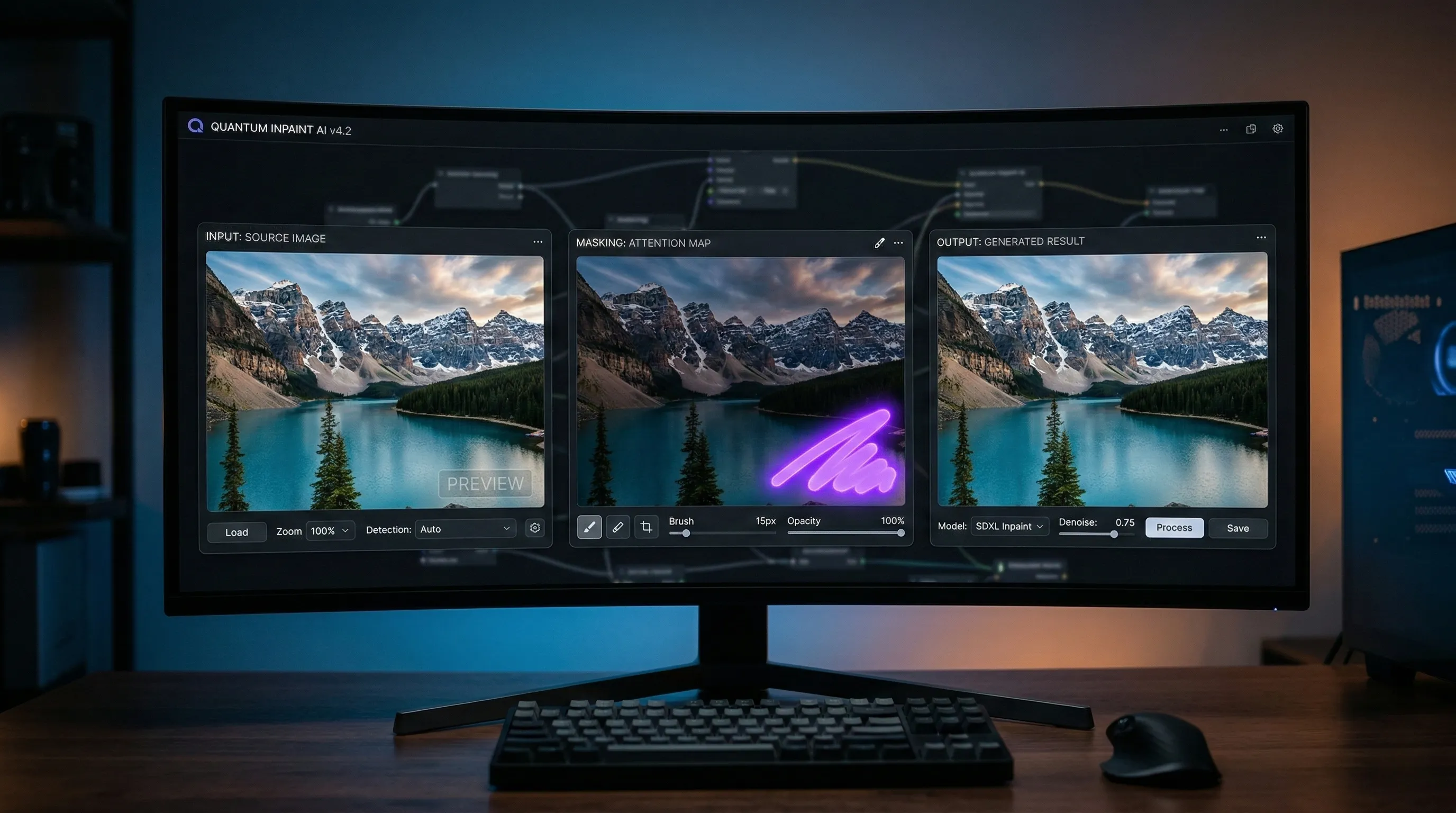
While a universal, single set of steps doesn't apply to every model, the core process generally involves uploading your original image, identifying the area to be altered (sometimes with a simple mask or brush tool), and then initiating the model's generation process.
The output is a refined version of your image, ideally free from the original protective overlay.
For precise, model-specific instructions, consulting the individual model's official documentation or online tutorials is paramount.
Empowering Clarity: Why This Matters
The ability to effortlessly remove basic visual obstructions represents a significant leap for digital content creators and casual users alike.
It means that a valuable photograph marred by a faint watermark or an overlay can often be restored to its pristine condition without requiring expert-level graphic design skills.
This approach democratizes sophisticated image refinement, making tools previously limited to advanced professionals accessible to a wider audience.
The goal is to reclaim the visual integrity of an image, enabling its use in contexts where such basic protections might otherwise detract or impede.
Mastering the Clean-Up: Expert Insights
For optimal results in basic protection removal, selecting an image-to-image model specifically designed for inpainting or object removal is highly recommended.
Many platforms offer variations of these powerful tools.
Users should anticipate that achieving perfect removal might require an iterative process, involving minor adjustments to masks or model parameters.
Community feedback and official guidelines frequently emphasize the value of experimentation with different model settings to fine-tune the output.
Always refer to the specific platform's user guides to understand its unique input requirements and capabilities, ensuring the most effective application for your particular image.
4. Beyond Watermarks: Tackling Advanced Image Obfuscation
Unlocking the Power of Pre-trained Image-to-Image Architectures
The foundational premise articulated in current discussions indicates that defeating complex image protection schemes can be achieved using off-the-shelf image-to-image models.
These models are specifically designed to transform an input image into a corresponding output image.
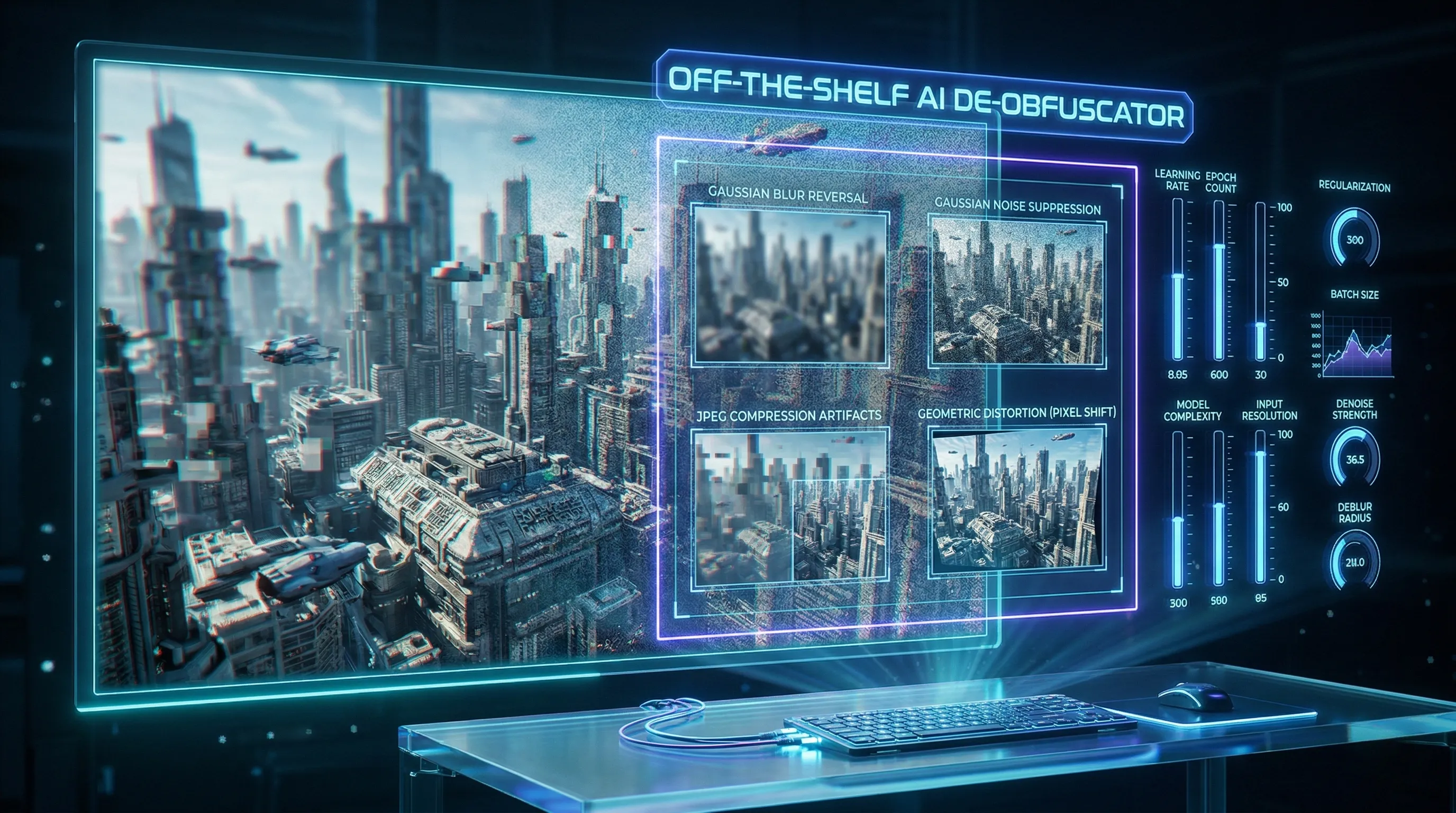
The core insight suggests that highly sophisticated filters, adversarial perturbations, and other advanced obfuscation techniques are susceptible to reversal through this accessible approach.
Streamlining the De-obfuscation Process for Real-World Challenges
This methodology significantly lowers the barrier to entry for analyzing and potentially reversing advanced image obfuscation techniques.
Users can leverage readily available models, thereby avoiding the necessity for extensive, bespoke model development from scratch.
The implication is a more accessible and efficient method for understanding how sophisticated filters and perturbations operate and how their effects might be mitigated or analyzed in diverse real-world applications, ranging from digital forensics to ensuring content integrity.
Optimizing Off-the-Shelf Models for Precision Reversal
Official specifications do not detail specific community feedback or troubleshooting issues regarding this application.
However, based on the principle of leveraging existing tools for complex tasks, a critical pro-tip involves understanding that while the *foundational models* are off-the-shelf, their optimal application for reversing advanced obfuscation often requires careful adjustment.
Achieving success against highly sophisticated filters and perturbations frequently necessitates employing fine-tuned model parameters to precisely target and undo specific protection schemes, maximizing their effectiveness.
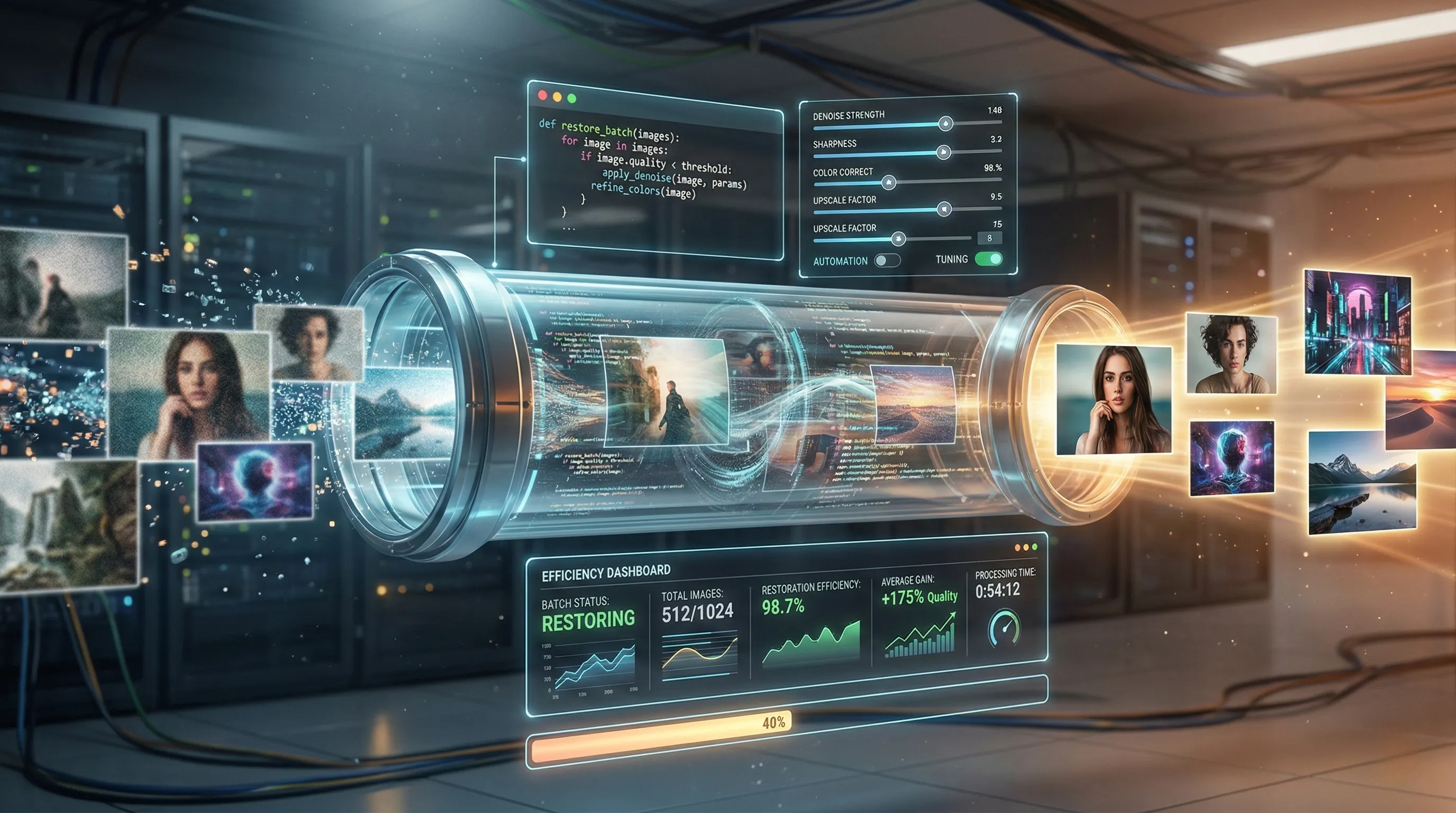
5. From Manual to Automated: Streamlining Your Restoration Pipeline
Orchestrating Efficiency: The Pillars of Automated Restoration
Automation fundamentally transforms image restoration from a manual chore into a streamlined process.
Scripting stands as a core component, allowing users to define a sequence of operations programmatically.
Languages like Python are widely utilized for developing custom scripts that apply a consistent series of restoration algorithms.
These scripts can manage tasks from image loading and preprocessing to applying restoration models and saving outputs.
Batch processing refers to executing these scripts or pre-built tools across multiple images without individual user intervention.
This includes using command-line interfaces (CLIs) or specialized software features designed for bulk operations.
Parameter tuning involves defining the specific settings and hyperparameters for restoration models and filters.
By centralizing these parameters within scripts, consistency is ensured across an entire dataset.
This systematic approach enables a repeatable and scalable restoration workflow.
Beyond Repetition: Unlocking Consistent Quality and Scale
The primary benefit of automating your restoration pipeline is a significant reduction in human error.
Manual adjustments introduce variability, whereas automation applies parameters with precise uniformity across all images.
This leads to markedly more consistent quality in the restored output.
Automated workflows dramatically enhance processing efficiency, allowing for the rapid handling of large image archives.
Scalability is also a major advantage, as the same scripts and configurations can be deployed on more powerful hardware or cloud resources.
This enables tackling projects of varying scales without proportional increases in manual labor.
Furthermore, standardizing the process frees up valuable expert time, shifting focus from repetitive tasks to fine-tuning algorithms and parameter sets.
Precision Tuning for Production: Pro-Tips for Peak Performance
To achieve optimal results, initiate parameter experimentation with a representative subset of your images.
This allows for quick iteration and evaluation of different restoration settings before full deployment.
Implement version control for all your scripts and parameter configurations.
Tools like Git ensure that changes are tracked, enabling rollbacks and collaborative development without data loss.
Crucially, integrate comprehensive monitoring and logging into your automated pipeline.
Detailed logs provide insights into processing failures, performance bottlenecks, and the specific parameters used for each batch.
Regularly review and refine your automated workflows based on output quality assessments and performance metrics.
This iterative approach ensures your restoration pipeline remains robust, efficient, and aligned with evolving project requirements.
6. 💡 Tech Talk: Making Sense of the Jargon
- Off-the-Shelf Models: Imagine you need a tool, and instead of building it from scratch or ordering a custom one, you just pick one up from a regular store. "Off-the-shelf" in AI means using pre-built, readily available machine learning models that are already trained and can be used immediately for a task, without needing special customization.
- Image-to-Image Models: Think of a magic filter that can turn one type of picture into another. An "Image-to-Image model" is an AI that takes an input image (like a sketch, a blurred photo, or an image with a watermark) and transforms it into a different output image (like a realistic drawing, a clear photo, or an image with the watermark removed). It's like an expert digital artist that understands how to change specific visual features.
🔗 Recommended Posts
Beyond the Press Release: An Inside Look at Goldman Sachs' AI Transformation with Anthropic's Claude
Key Takeaways: Goldman Sachs & Claude AI IntegrationWorkflow Transformation: Claude AI has introduced new stages like 'Pre-Review Triage' and 'AI Oversight' roles, shifting human tasks from primary review to validation and exception handling.Nuanced Perfor
tech.dragon-story.com
Gemini's AI Music Feature: The Ultimate Guide to Lyria 3
🚀 Key TakeawaysGemini's new AI music feature, powered by Lyria 3, allows users to effortlessly create custom 30-second music tracks from text descriptions or even images, generating instrumental audio or tracks with lyrics and unique cover art.Lyria 3,
tech.dragon-story.com
Synology DS224+ (2026 Review): The Ultimate Personal AI Cloud
Key Takeaways: Why the DS224+ is the Ultimate AI HubAs we navigate the complexity of 2026, the Synology DS224+ transcends the definition of a simple storage device. It is a sovereign engine for your digital life.The Core: Intel Celeron J4125 4-core CPU—v
tech.dragon-story.com


